Descrição
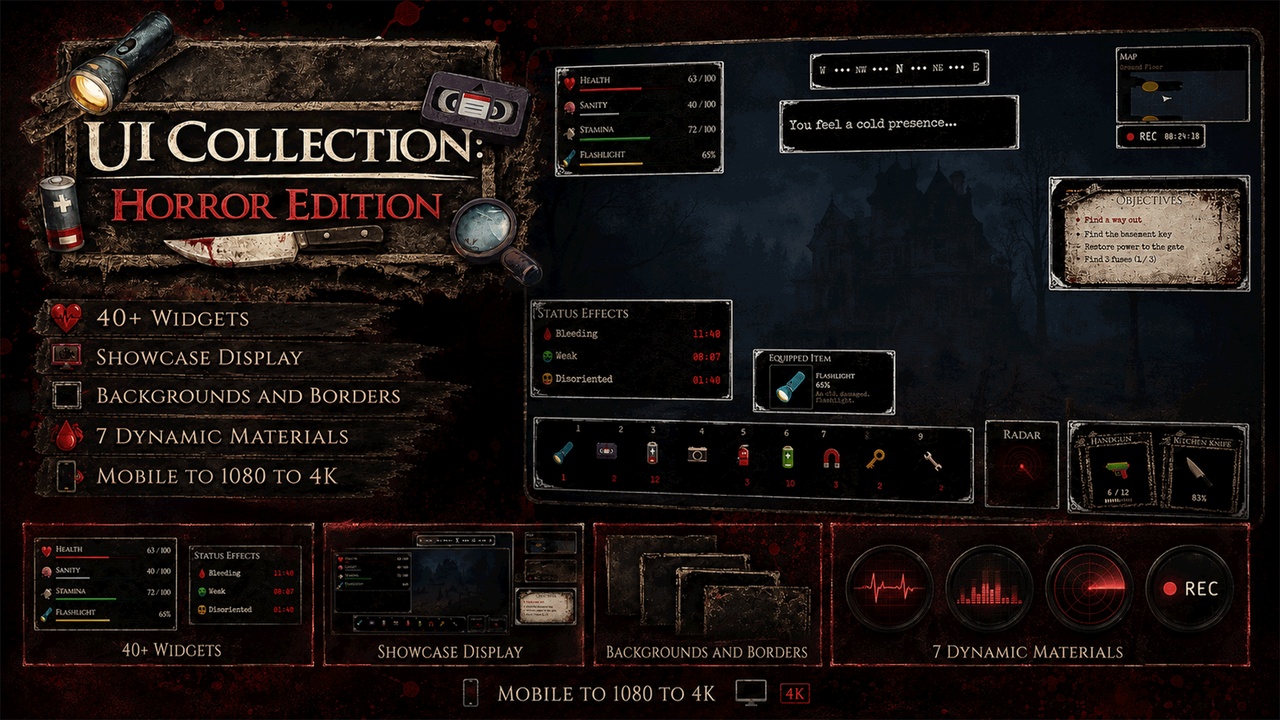
Bring to life your creepy Horror/Horror survival game with this UI HUD Collection of Scalable Widgets. Everything you need to make the First Person or Third Person HUD UI of your horror game alive from Mobile to glorious 4K. Designed for Horror and Survival Horror style gameplay. Some elements have a 'live' feel to them. Please note that these are just Visual and do not include Gameplay code behind them.
Video Preview to show the UI Elements in action: https://youtu.be/TJITv27CMJM
Features:
- Vitals: Such as your Health, Stamina, and so forth.
- Status Effects: Such as Bleeding or disorientation.
- Heart Rate: EKG style beating heart, great for those near death/scare moments.
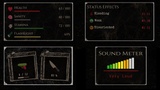
- Sound Meter: Meter that ranges the sound level you're making. Great to enforce the player step quietly to avoid detection!
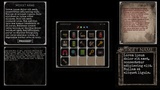
- Inventory: Example of an Inventory and child widgets that make it up.
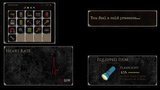
- Equipped Weapons: Showcase the Primary and Secondary equipped weapons, such as a gun and knife.
- Equipped Item: Remind the player of the Equipped Item, such as a Flashlight.
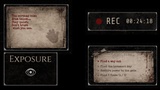
- Record Time: For those truly interactive/invested moments you want to show the UI as being a live recording of the player's journey. With the blinking red dot!
- Radar: Standard rotation radar which can be used to show nearby objectives/enemies.
- Minimap: Standard Minimap.
- Message: Deliver haunting messages to the player.
- Exposure: Visibility indicator, so stay out of the light... or perhaps stay in the light?
- Navigation: Show the direction actively. Visual only.
- Notes: Good for showing information discovered, such as hints and clues to the location of an objective.
- Objectives: Listing of the Objectives.
- Hotbar/Quickslots - Standard hotbar/quickslots. Unlike Inventory this has no blueprint code behind it, so it's fully one widget with no children. Again, visual purpose.
- MainMenu: Standard Main Menu look and feel.
- ADDITIONAL: There's also some empty Panel templates that can be used to create your own widgets.
Additional Notes:
Optimized for responsiveness across a variety of resolutions, including mobile, 1080, and 4K. Absolutely NO Canvas Panel's were used. [Except the demo of it]
Each widget includes a background widget that handles the image scalability so that the border stays tight and even if you scale it up. Great for multiple resolutions. This includes Settings to set the tiling, tint color, and swap backgrounds and change the border color.
The quickslot/hotbar is the only one that includes the background directly inside it to show how it can be used that way as well.
Each widget's inner portion is wrapped with a border that you can change the color alpha on to 1 to display, to really pop out or separate the content. By default they are all disabled. Just there as an option.
Each widget's background can be removed or replaced, so that they can be used on a full Screen based Menu system rather than on a HUD.
Included is a color code sampling so you can stick to the same with additional widget creations.
This product is a collection of HUD and UI Elements created for a Horror Videogame in 2020 but never quite got finished. Artwork is custom, however Icon's are simply replaced with Emoji's. What is included are just UI Widgets and mostly non-functional, with a few exceptions for purpose of Showcasing and noted below. This is the first of a series of HUD UI Elements for different game genre's.