설명
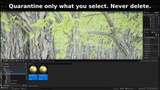
"Which foliage is this?" — answered in one click.
Unreal can't tell you which Foliage Type a painted instance belongs to. Editor FixPack can.
Foliage Picker
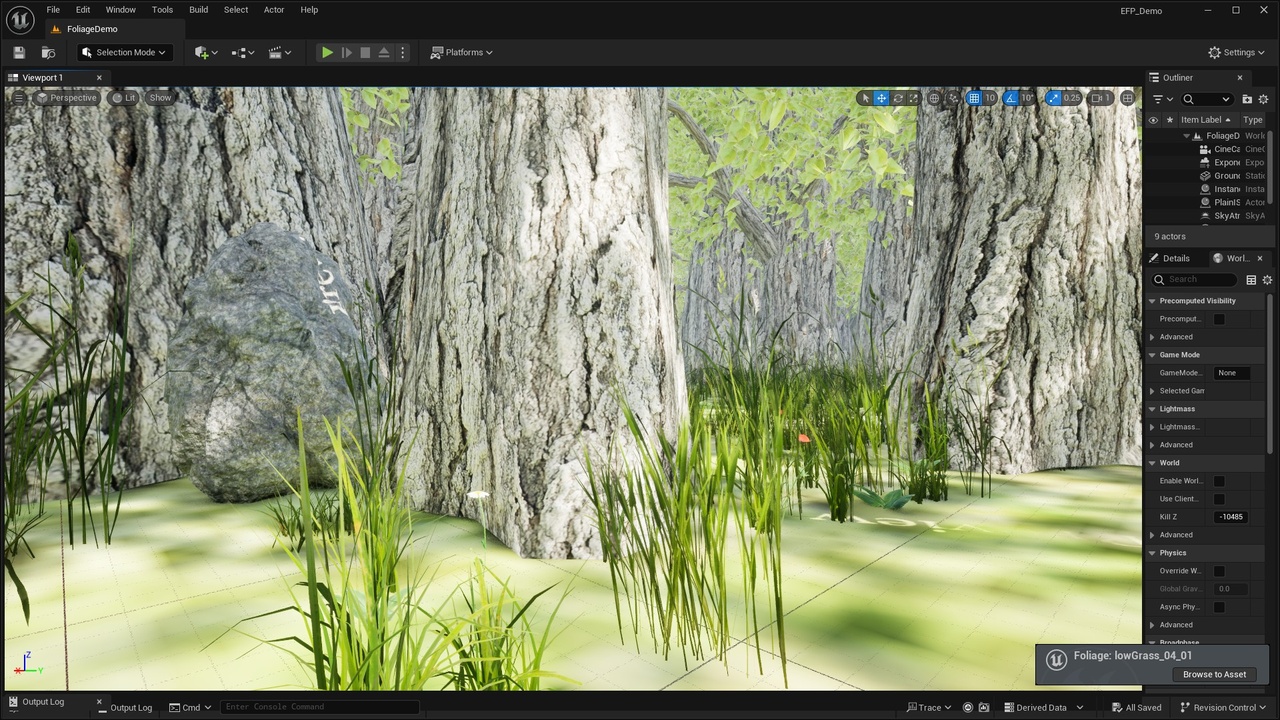
- Alt+Click a painted foliage instance in the viewport to see its Foliage Type and mesh.
- Jump to the Foliage Type in the Content Browser with one click ("Browse to Asset").
- Works only on painted Foliage Types (trees, grass, flowers, ground cover, rocks, etc.). Regular Instanced Static Meshes are left alone.
- Doesn't interfere with selection, painting, or Alt+drag camera orbit.
Safe Asset Audit
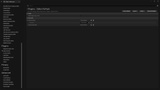
- Finds assets nothing references, starting from your maps, Primary Assets, default maps/GameMode, Maps to Cook, always-cook directories and Editor Utility assets.
- Treats /Game/... paths hard-coded in your C++ source, Config .ini files and project plugins as used.
- Soft references count as used, so you get fewer false positives.
- Asks you to save all changes before scanning (no save, no scan), so unsaved references are never missed.
- Choose which folders to scan with Audit Scan Roots (one or more /Game roots, merged; quarantine always excluded), exclude folders, and export a CSV report.
- List first. Nothing moves until you select it. Only the assets you check are moved to /Game/_Quarantine.
- Never deletes. You review, test, and decide.
Editor-only. Zero runtime cost, nothing ships in your game.
Technical details
- Code modules: EditorFixPack (Editor)
- Supported engine versions: UE 5.4–5.8
- Development platform: Win64
- Documentation: https://github.com/chanjc03-jpg/EditorFixPack-Docs
- Support: [email protected]
- Install: after installing, enable Editor FixPack per project in Edit > Plugins, then restart the editor.
- Publisher: Haishan
Foliage assets shown in media are not included. Media uses temperate Vegetation: Foliage Collection by Project Nature and HighPoly Tree Model, available separately on Fab.