
Opis
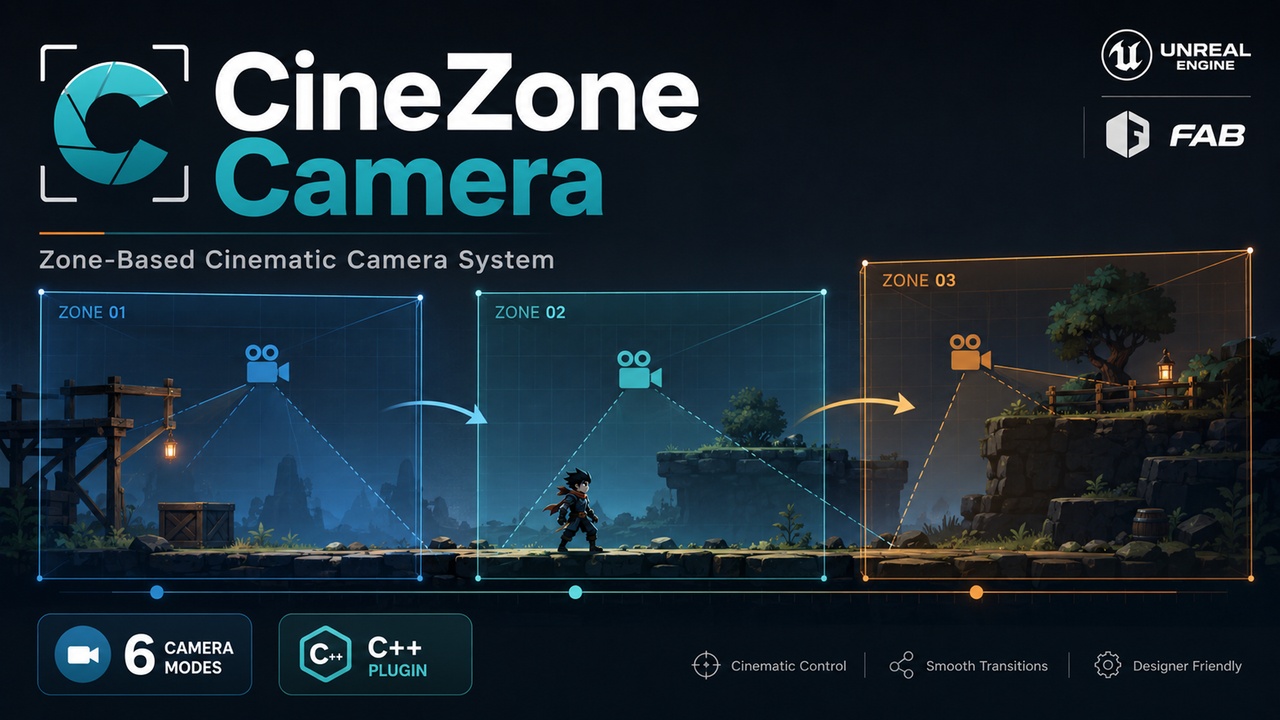
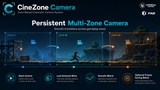
CineZone Camera is a native C++ camera-zone system for Unreal Engine, designed for 2.5D side-scrollers, platformers, puzzle games, cinematic experiences, and horror games.
Place Camera Zone actors in your level, resize their activation volumes, author each view directly through its embedded CineCamera, and create smooth transitions between gameplay areas without building custom Blueprint camera logic.
OFFICIAL VIDEO SHOWCASE
See CineZone Camera in action:
https://www.youtube.com/watch?v=HyMu3uQPA5E
KEY FEATURES
• Native C++ runtime and Editor modules
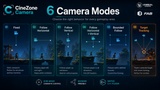
• Six camera modes:
- Fixed
- Follow Horizontal
- Follow Vertical
- Follow Horizontal and Vertical
- Bounded Follow
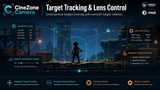
- Target Tracking
• Smooth camera transitions using SetViewTargetWithBlend
• Persistent camera state when moving between zones
• Last Entered Wins and Highest Priority selection policies
• Start Active and initial activation priority
• Optional player freeze during camera transitions
• Configurable horizontal and vertical tracking
• Camera Bounds Box, Activation Box, external bounds, and manual bounds
• Lock Camera Depth During Follow
• Target Tracking with yaw and pitch limits
• CineCamera lens, filmback, focus, aperture, FOV, and post-process support
• Reusable Camera Preset Data Assets
• Local per-zone overrides
• Transition volumes and runtime override support
• Native Blueprint API for advanced integration
• Editor Details customization, visualizers, validation, and debugging tools
• Included demo map and example presets
• Full C++ source code included
• Quick Start and user documentation included
EASY WORKFLOW
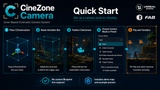
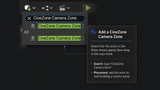
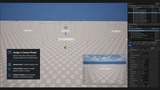
1. Place a CineZone Camera Zone in your level.
2. Resize its Activation Box.
3. Position and rotate its CineCamera.
4. Select a Camera Mode or assign a preset.
5. Enter the zone during gameplay.
Basic camera operation does not require a custom GameMode, Character, PlayerController, PlayerCameraManager, Enhanced Input setup, or Blueprint Tick logic.
INCLUDED EXAMPLE PRESETS
• Default Classic
• Fixed
• Follow Horizontal
• Follow Vertical
• Follow Horizontal and Vertical
• Bounded Follow
• Target Tracking
CURRENT COMPATIBILITY
• Unreal Engine 5.7
• Unreal Engine 5.8
• Windows development and shipping targets validated
DOCUMENTATION
The complete PDF user guide is included inside the plugin’s Documentation folder:
Engine/Plugins/Marketplace/CineZoneCamera/Documentation