Descrizione
Global Event System for Unreal Engine (EventDispatcher)
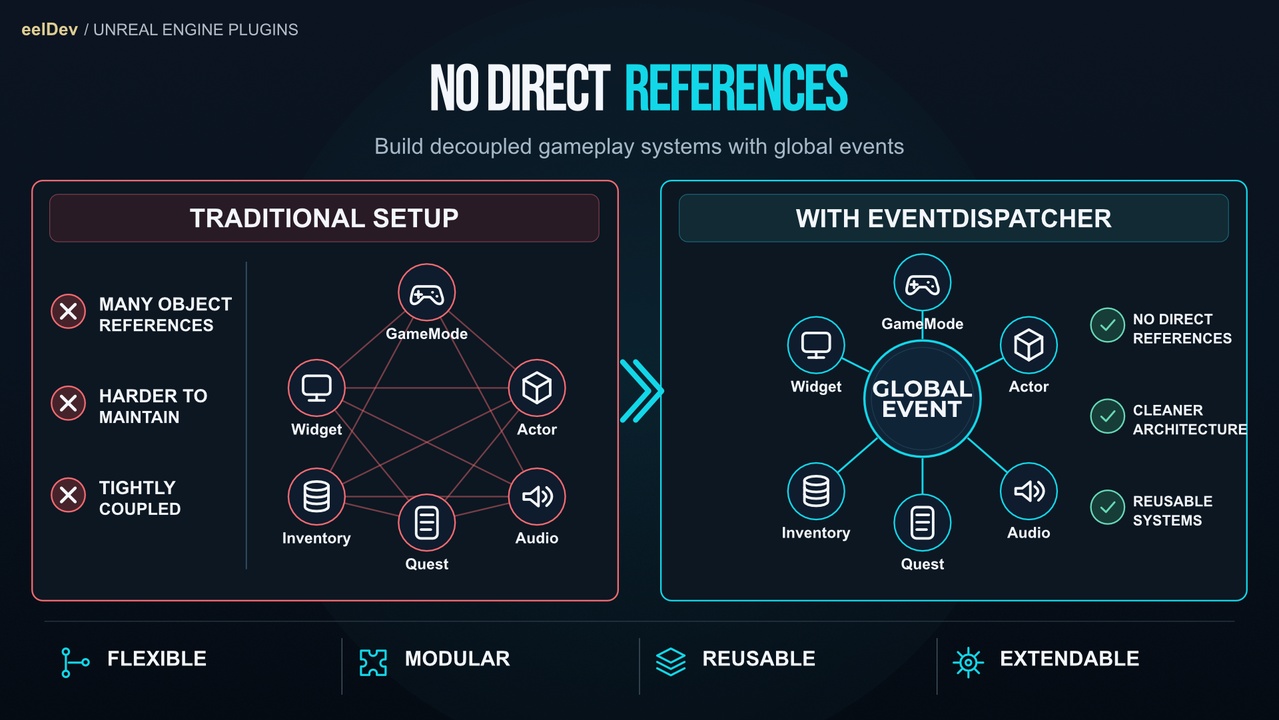
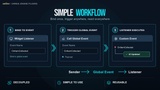
EventDispatcher is a lightweight global event system for Unreal Engine that lets Blueprints and C++ classes communicate through events without direct references between objects.
Register a listener in one part of your project and invoke the event from anywhere else, including GameMode, GameInstance, Level Blueprints, Actors, Components and UMG Widgets.
This makes it easier to build decoupled, modular and maintainable gameplay systems, especially when different parts of your game need to communicate without tightly referencing each other.
New in 2.0: Gameplay Tag Events
Gameplay Tags as Event Identifiers
Use the Gameplay Tags you already have, no extra assets neededAny Struct as Payload
Send any Blueprint or C++ struct with an event, holding as many values as you needListener Handles
Register Event returns a handle that unregisters exactly that listenerWait For Event
Async Blueprint node that waits for an event directly in your graphUnregister All Events For Object
Remove every listener an object registered with one node
Key Features
Global Event Communication
Invoke events from anywhere in your projectBlueprint and C++
Every node is also available as a static C++ functionNo Direct References Required
Communicate between unrelated Actors, Widgets and systemsMany Event Types
Gameplay Tag events with struct payload, plus Simple, Object Payload, String, Int, Float, Bool (and more)Event Identifiers or Names
Use Gameplay Tags, Event Identifier assets or plain string namesOptional Target
Send an event to one specific listener instead of all of themPredictable Order
Events are delivered in the order they were invokedQueued or Immediate Dispatch
Run callbacks on the next frame or directly inside the Invoke callAutomatic Cleanup
Listeners on destroyed objects are removed automaticallySafe Payloads
Payload objects are kept alive until every listener has received themDebugging
Verbose logging and a Debug Event Manager node that lists every registered listener
Common Use Cases
• UI and HUD updates
• Quest and inventory changes
• Gameplay and player events
• Game state changes
• Global notifications
• Menu communication
• Level events
• System-to-system communication
Requirements
• Unreal Engine 5.1 or newer for version 2.0
• Unreal Engine 4.27 – 5.0 use version 1.6.8, which does not include Gameplay Tag events
Documentation & Examples
• https://eventdispatcher.eeldev.com/
• Feature Demonstration: https://youtu.be/uWZn_4Hz1n4
• Tutorial Guide: https://youtu.be/7FfA-v4aLLg
More from eelDev
• Explore More Products: https://www.fab.com/sellers/eelDev
• Join the Developer Community: https://discord.gg/3Yu7pEy