Descrição
Windows Demo Available Now (v1.2.0)
OmniViz in 60 Seconds (v1.0.4)
Documentation
OmniViz is a professional archviz presentation framework for Unreal Engine 5. Built for architects, urban planners, real estate developers, and visualization studios, it combines real-time navigation, precision measurement, dynamic sectioning, and cinematic path routing in a single modular system. No coding. No friction. Just your design, presented the way it deserves to be seen.
While rooted in architectural precision, OmniViz's modular architecture makes it a universal solution for any industry requiring professional real-time 3D visualization and interactive walkthrough presentations in Unreal Engine 5.
Core Framework: The Mastermind Logic
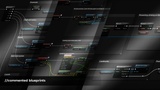
Centralized Intelligence: The BP_OmniViz Mastermind serves as the single point of control for all system variables and global logic, ensuring absolute stability across complex scenes.
Rapid Deployment: Transition from a static 3D model to a high end interactive presentation in minutes through a streamlined setup workflow.
Navigation - Three Ways to Move Through Your Project
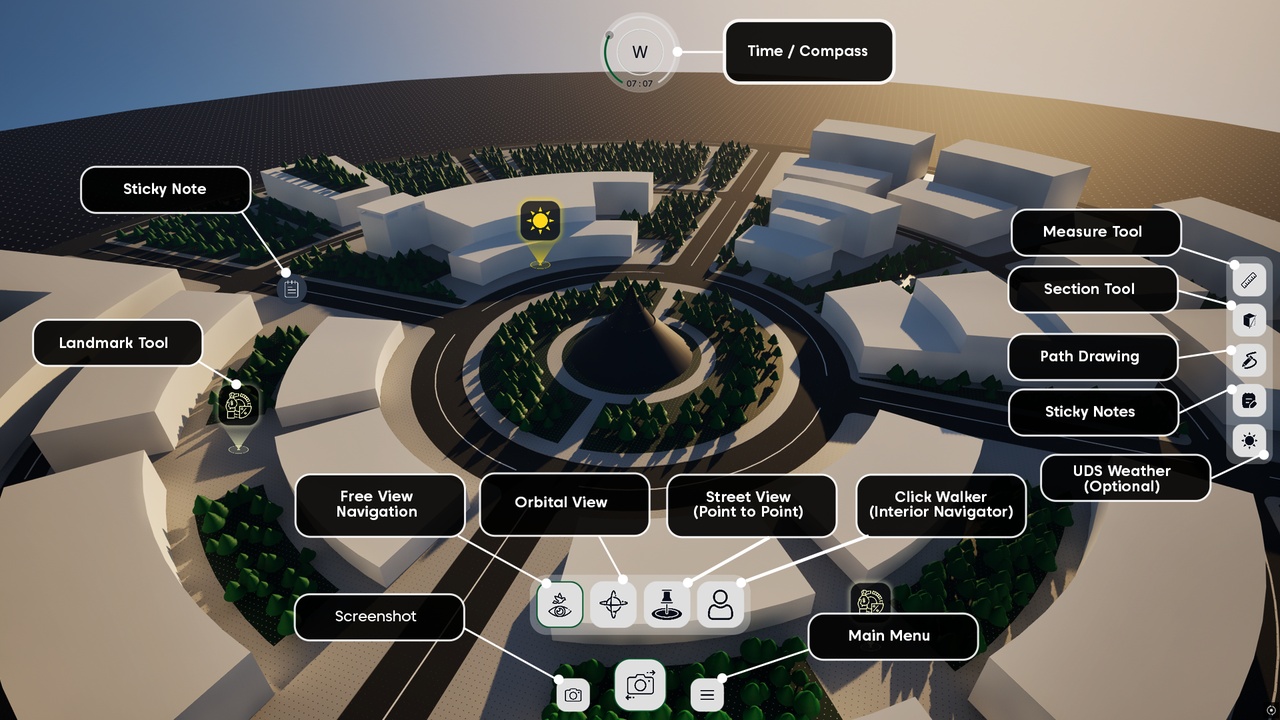
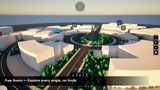
Free View: Fly freely through your scene from any angle, with configurable movement boundaries to keep presentations on track.
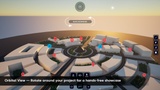
Orbital View: Lock onto any point of interest and rotate around it — perfect for showcasing individual buildings or assets in 360°.
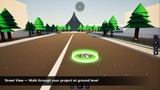
Street View(Point to Point): Drop into pedestrian level and walk between any two points. Ideal for urban street presentations and interior walkthroughs.
ClickWalker (Interior Walkthrough): Navigate interior spaces naturally by clicking anywhere on the floor. The pawn dynamically steers around obstacles using NavMesh pathfinding, leaving you free to look around during transit.
Presentation & Analysis Tools
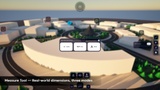
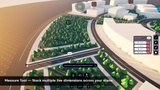
Measurement Tool: Take precise real-world dimensions directly in your scene — point-to-point, eyeline, or radial. No guesswork in client meetings.
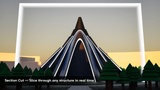
Section Cut Tool: Slice through any part of your model in real time to reveal internal layouts, floor plans, and structural details.
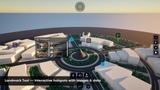
Landmark Markers: Place interactive hotspots anywhere in the scene, loaded with images, metadata, and custom descriptions for stakeholder briefings.
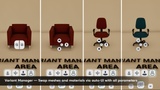
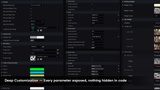
Variant Manager: Smoothly swap between different 3D meshes and materials via a dynamically generated UI. Simply configure the arrays, adjust the collision range, and let the tool handle the presentation heavy-lifting.
Sticky Notes (Save compatible): Drop persistent annotations directly into the 3D environment. Notes survive project packaging and reload automatically next session.
Path Drawer Tool (Save compatible): Design and save custom presentation paths. Direct your client’s gaze through key milestones using a pre-defined navigation loop that ensures your vision is seen exactly as intended.
Ultra Dynamic Sky Bridge (Requires UltraDynamicSky on Fab): Bridge OmniViz with Ultra Dynamic Sky and Ultra Dynamic Weather through a Blueprint-only interface setup. Control complete 24-hour sky cycles and switch between UDS weather presets directly from OmniViz’s environmental controls. No C++ required.
Customization & Output
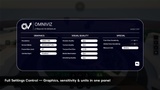
Full Rebranding in One Click: Swap your project's colors, typography, and logo globally through the Mastermind controller — no digging into individual blueprints.
Live Environment Controls: Adjust time of day, sun direction, and post-process effects in real time during your presentation.
One-Click High-Res Render: Capture production-quality marketing images directly from your live scene, ready for print or social media.
Technical Support & Community
Support & Community
Discord (primary): https://discord.gg/Gu8vGQ73c8 — bug reports, feature requests, and live community support
Email: [email protected] — direct developer contact
Website: https://archisofts.com/ — for licensing or private inquiries
ChangeLog: click here