Descrizione
Ever wanted to just drop a mountain into your landscape and have it morph the landscape itself ... then drag it around and stretch it until it looks right?
Video Demo: https://www.youtube.com/watch?v=-6zJKc0LhMg
The Landscape Stamp Tool is your quick and easy way to morph your World Partition landscapes into unique and interesting landscape shapes in a completely non-destructive way!
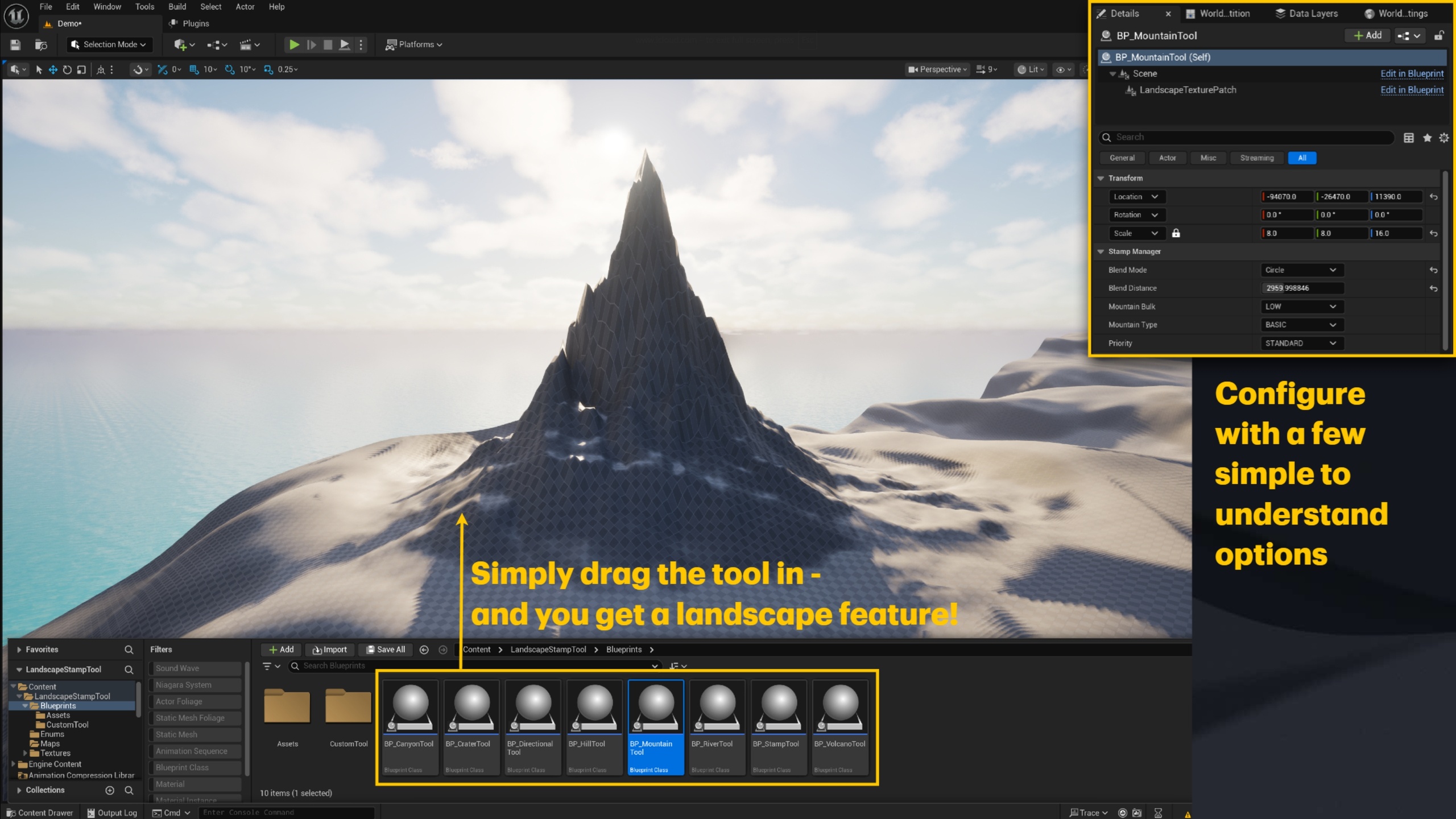
Delivered as a Drop-In Blueprint you can simply add one of the landscape tools to your landscape and it will dynamically morph it into the desired shape:
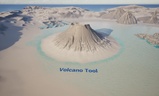
Volcano - 8 variations
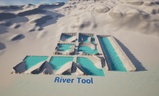
River - 8 variations
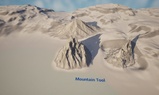
Mountain 15 variations
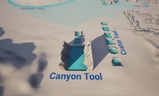
Canyon - 5 variations
Crater - 10 variations
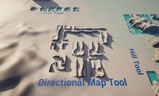
Directional path - 9 variations
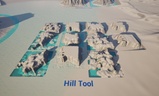
Hill - 11 variations
These are only the building blocks - all of the landscape tools can blend together, be stretched and scaled to create an infinite amount of possibilities!
Each tool has a few configurable options, e.g., you can control the bulk of the mountain or the blending of the surrounding area. You can also choose which instance of each tool takes priority when merging them together. They are stretchable because they are not meshes, they are part of the landscape.
It's Compatible With Your Existing Auto Material - because we aren't drawing meshes we are morphing landscapes, whatever landscape material you have on your level will style the feature.
If you delete an instance of the Landscape Stamp from your map, your map will revert to its default shape - completely non-destructive.
It works really well with water bodies! - Because we are deforming the landscape, any water bodies will naturally flow into it giving the feature a realistic look and feel.
How Does it Work?
The Landscape Stamp Tool is built around the Landscape Patch plugin by Epic. It allows us to dynamically and non-destructively morph world partition landscapes into unique shapes. We provide those unique shapes and a convenient tool to work with them.
We provide you with 7 drop-in blueprints for each of the landscape features described above. Each has configurable options to control the shape and size of the feature, you simply drop it into your world and build unique features.
Craft Your Own!
If you're familiar with landscape generation tools like Gaea, you can generate your own landscape features and bring the exported textures into the program. Simply include the textures in the data asset stored in /Game/LandscapeStampTool/Blueprints/CustomTool and you can drop the associated blueprint tool into your level.
Technical Requirements
This technique only works on world partition landscapes that can be morphed;
The Landscape Patch plugin must be enabled (official Epic Plugin);
Water Plugin only required for the included demo map;
Nanite is enabled for the demo map and project but is not required;
The experimental 'Water' plugin is enabled for the demo map - this is not required for your own project and used only for demonstration purposes;