



설명
| Documentation
| Feature Overview
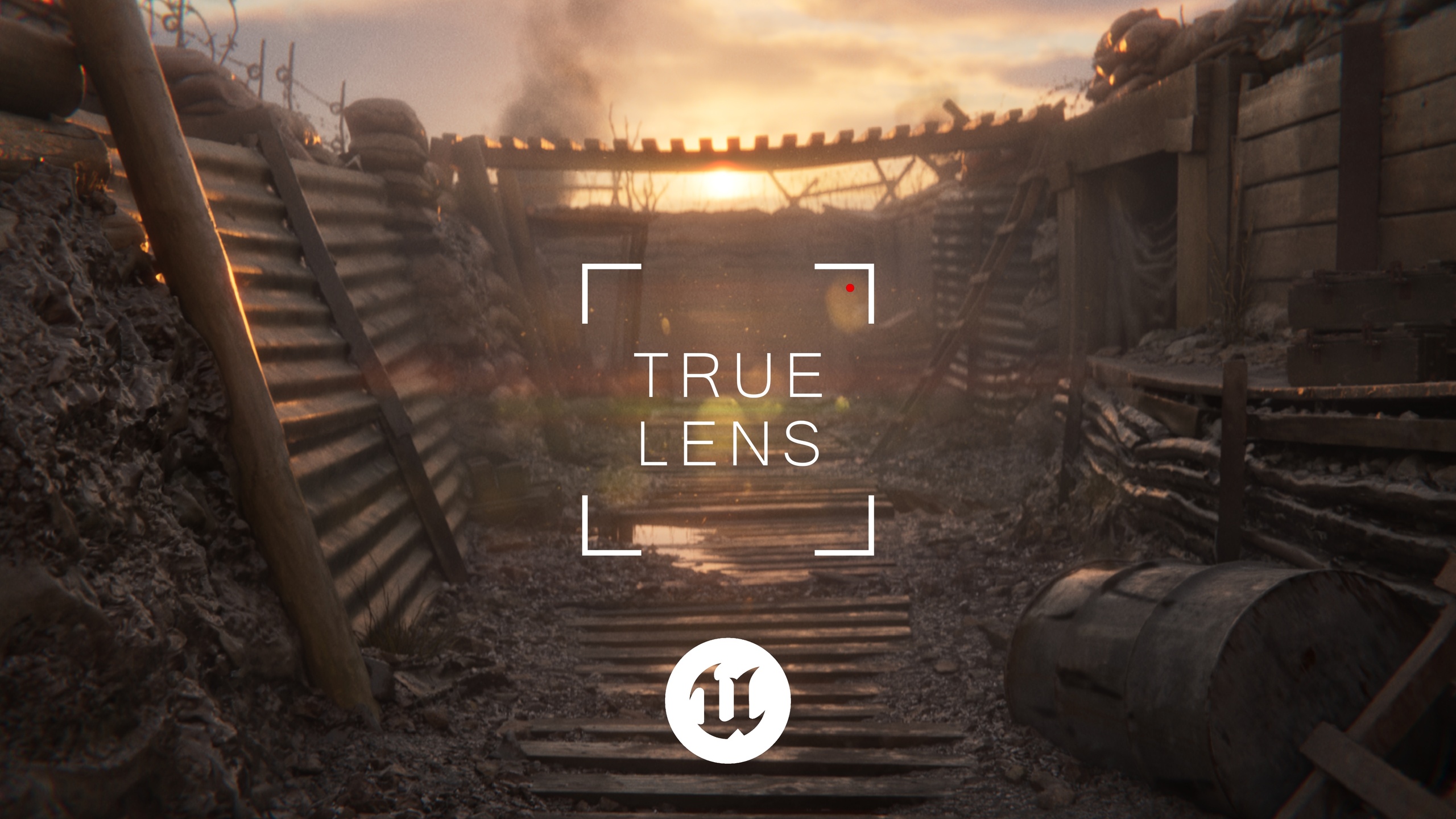
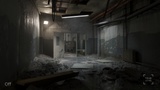
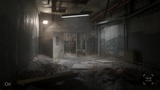
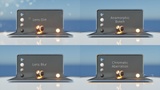
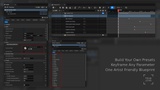
True Lens is a cinematic lens and film treatment tool for Unreal Engine, bringing a wide range of photographic effects into a single, artist-friendly Blueprint.
Develop your lens treatment directly alongside your camera and lighting, experiment with the look of your shot in real time and carry those settings through to your final render. With full Sequencer keyframing and Path Tracer support, True Lens is designed to fit naturally into your cinematic Unreal workflow.
Includes:
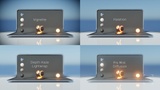
Anamorphic Bokeh
Pro-Mist Diffusion
Halation
Depth Haze / Lightwrap
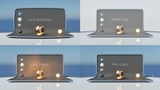
Film Grain
Chromatic Aberration
Lens Distortion
Lens Dirt
Lens Flares
Gate Weave
Film Breath
Vignetting
Blur / Softening
Z-Depth Fog
Rendering Notes
Overscan is Recommended
Some True Lens effects sample pixels outside the visible frame. Without additional image data around the edges, this can result in artefacts or unwanted behaviour at the edge of the image when rendering. For cinematic rendering, using ~10% overscan will give these effects more image data to work with and help produce more stable results. Overscan can be set in the Camera tab/node in Movie Render Queue / Graph.
Match Your Screen Percentage to Your Final Output
For the most consistent results, keep your Screen Percentage in the editor matched, or as close as possible, to the resolution you are outputting at. Some effects are resolution dependent, so a significant difference between your preview and final render can change how certain effects appear. For example, r.ScreenPercentage=50 and r.ScreenPercentage=100 will produce different results.
IMPORTANT INFORMATION
The 16mm and 35mm film grain .mp4 files included in the "Additional Files" must be added to your Unreal Engine project as Media Source files inside a Content > Movies folder.
If the .mp4 files are not placed inside the project's Content > Movies folder, the film grain media will not play back when Use Media is enabled in the Film Grain tab in the Blueprint and will instead darken your image incorrectly.
Alternatively, you can add your own film grain plates here and use them with True Lens.