





Description
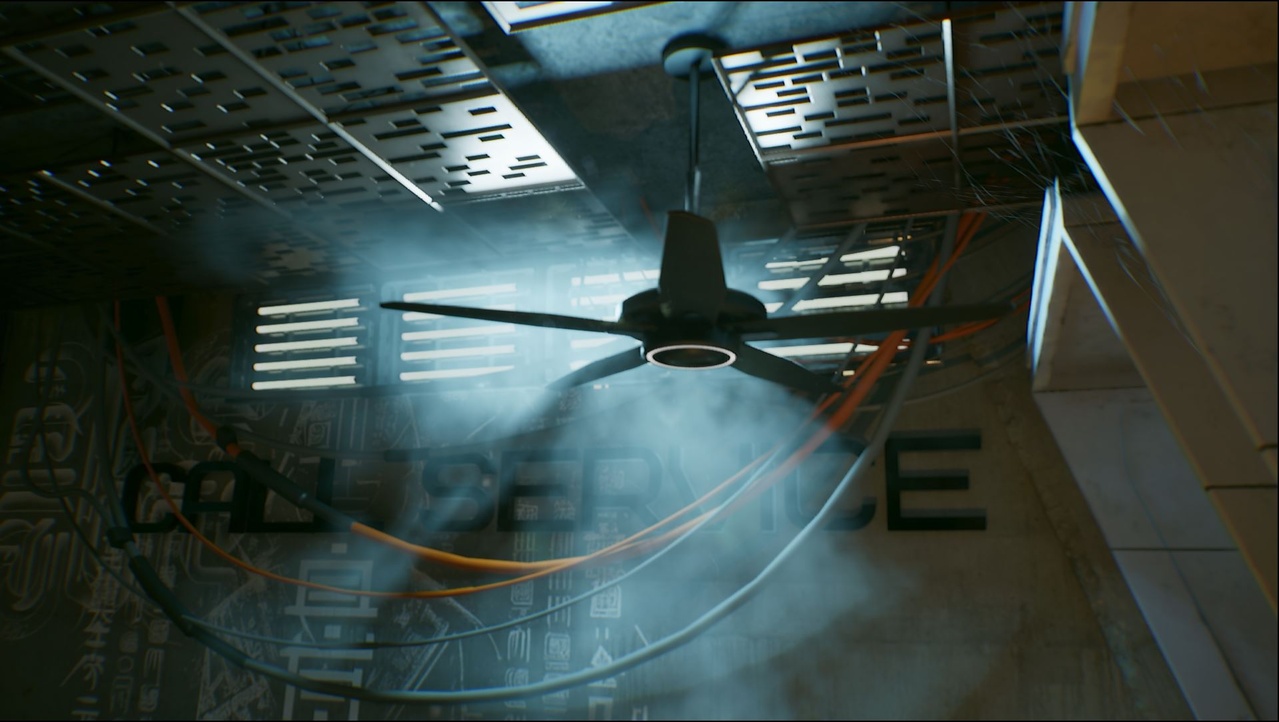
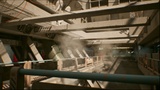
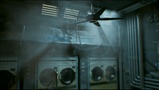
A high quality pack of Steam Seamless Looping VDBs, simulated by a Senior Hollywood VFX artist in Houdini.
Demo Video with FX Element Showcase and Material Instance example:
Add atmosphere and drama to any scene or level with 13 Movie quality seamless looping heterogeneous volume elements.
Help Documentation: https://docs.google.com/document/d/e/2PACX-1vRvohEOLPTJRWUea9-pyRpH7c3CSqC_jzmOJxbj8eu2YfgVyE2Ui1pYrxrlwPn5wtpxvxvBtsz4U7Ys/pub
Instantly enhance your scene. Minimal setup required. Plug and play with ease.
13 Separate Movie Quality FX VDBs with 2 LOD, for a total of 26 separate vdbs (saved as SVT in Unreal).
Optimized 8 bit unorm VDB caches
Seamless Looping over 200 or 250 frames.
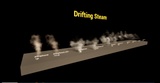
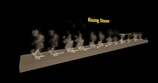
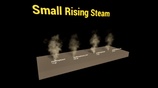
Demo Levels for each class of element. Drifting Steam, Rising Steam, and Small Rising Steam.
Master Material with a Material Instance for each VDB element
2 LOD
Density Multiplier
Volume Color
Emission Multiplier
Emission Color
Cinematic or Real-Time use
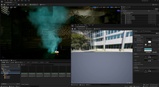
Heterogeneous Volume Setup with assigned Material Instances
Organised and Project Ready
Asset Used for Demo Images: https://www.fab.com/listings/972eb176-7b40-4a4b-948f-e7fec081c59b
Cinematic Rendering
For Cinematic Rendering, on the Heterogeneous Actors turn "Issue Blocking Requests" to on, and Under Lighting change "Lighting Downsample Factor" to 1.
and use:
r.HeterogeneousVolumes.OrthoGrid 1
r.HeterogeneousVolumes.OrthoGrid.MaxBottomLevelMemoryInMegabytes 512 (default 128)
r.HeterogeneousVolumes.OrthoGrid.ShadingRate 1 (default 4)
Path Tracer
To render heterogeneous volumes with the path tracer, enable the following:
Project Settings
Set the Default RHI to DirectX 12.
Enable Support Hardware Ray Tracing.
Enable Path Tracing
and use the console variable:
r.PathTracing.HeterogeneousVolumes 1