
Descrição
Important Notice:
This asset has been merged into the CorePlus Plugin and will no longer be supported after Unreal Engine 5.5.
To access future updates and the latest version, please use the CorePlus Plugin: 🔗 CorePlus Plugin
More Details About Product: Link
Demo Video: Link
Tutorial Video: Link
Documentation: Link
Discord Server: Link
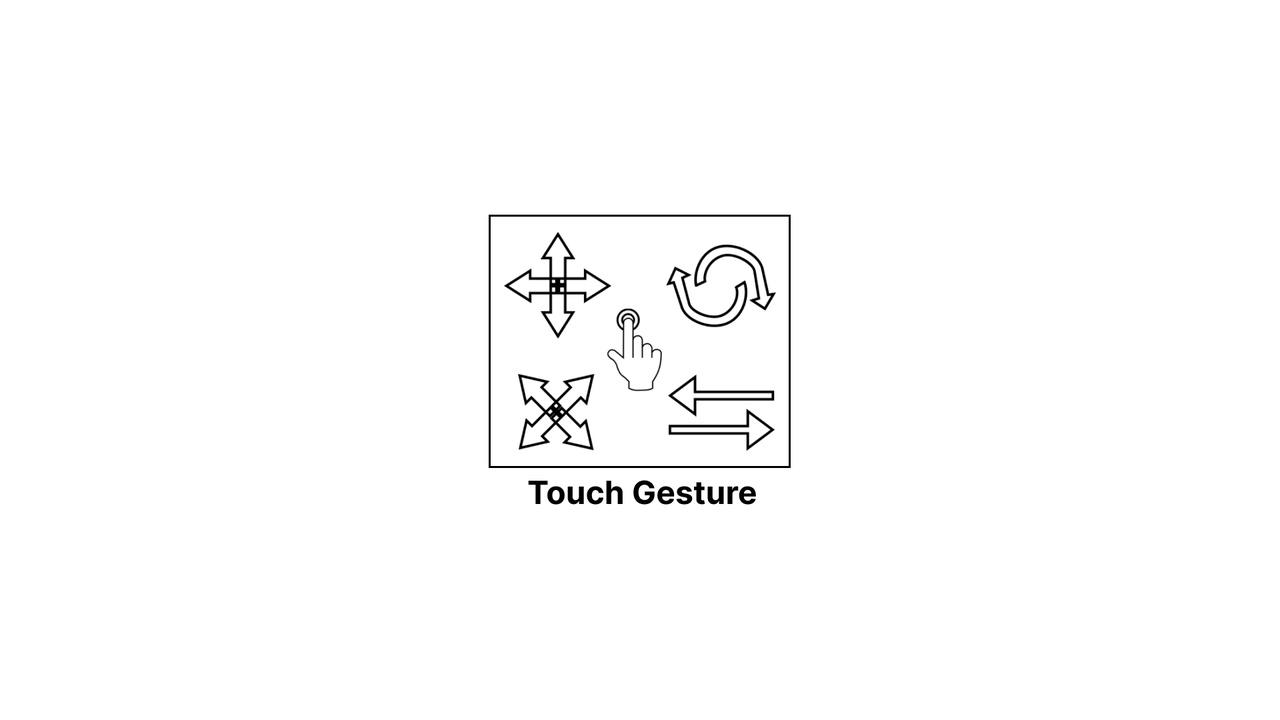
"Touch Gesture" offers developers an efficient and straightforward way to implement touch gestures in their projects. With a touch gesture component, developers can quickly set up and customize the transformation functionalities they need for actor movement, rotation, and scaling.
The product includes comprehensive transformation functionalities that allow developers to control the movement of actors along different axes such as X, Y, and Z, using one-finger or two-finger gestures. Similarly, rotation functionalities can be customized around different axes such as roll, pitch, and yaw. Scaling of actors can also be customized using one or two-finger gestures.
In addition to transformation functionalities, "Touch Gesture" also includes swipe gesture functionalities. Developers can set up swipe gestures for left, right, up, and down directions to achieve specific actions.
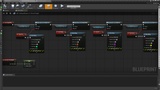
The product is 100% blueprint-based, making it easy to use and integrate into existing Unreal Engine projects. It includes 11 blueprints that developers can use to set up and customize touch and swipe gestures.
Input is defined in the documentation, and the product supports multiple platforms, including Windows, Mac, Android, and iOS. The ease of use and cross-platform compatibility make "Touch Gesture" an ideal solution for developers who want to add touch and swipe gestures to their projects efficiently and quickly.
Overall, "Touch Gesture" offers an easy-to-use and comprehensive solution for touch and swipe gesture implementation in Unreal Engine projects, making it a valuable tool for developers looking to enhance user interaction in their games and applications.
Touch Gesture provides the following functionalities.
All in one transformation
-> Location
-> Rotation
-> Scale
Location Changing.
-> One Finger Gesture
---> X
---> Y
---> Z
-> Two Finger Gesture
---> XY
---> XZ
---> YZ
Rotation Changing.
-> One Finger Gesture
---> Roll
---> Pitch
---> Yaw
-> Two Finger Gesture
---> YawAndPitch
---> YawAndRoll
---> PitchAndRoll
Scale Changing.
-> One Finger Gesture
---> XYZ
---> X
---> Y
---> Z
-> Two Finger Gesture
---> XY
---> XZ
---> YZ
Swipe Gesture
-> Left
-> Right
-> Up
-> Down