


Descripción
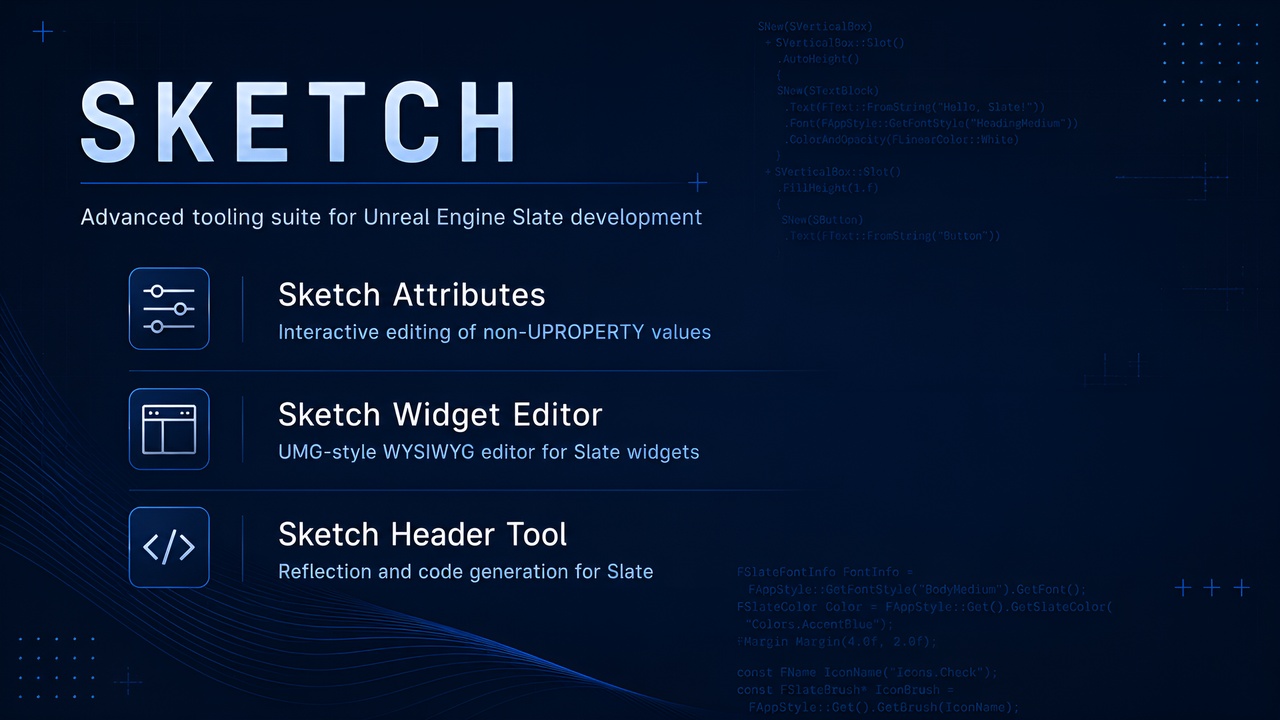
Sketch is an open-source, professional tooling suite that extends the native Unreal Engine Slate workflow with reflection, live editing, WYSIWYG tooling, and programmer productivity utilities. It is designed specifically for C++ developers, preserving full control over handwritten code while eliminating slow compile-verify loops.
Key Features
🛠️ Sketch Attributes
Live editing of runtime values and non-UPROPERTY data.
Instant Updates: Modify values at runtime instantly without any re-compilation.
Unified Picker: Quick visual selection for colors, Slate colors, fonts, and icons.
Direct Code Generation: Export tweaked values as C++ code to your clipboard or write them directly back into your source files.
Source Navigation: One-click jump directly to the attribute's C++ source code line.
📐 Sketch Widget Editor
A visual WYSIWYG editor designed specifically for Slate.
UMG-Style Viewport: Build and preview native Slate designs visually in real time.
Live Layout Hierarchy: Rebuilds, manipulates, and tests widget structures on the fly.
Dynamic Attachment: Attach the editor to existing, running Slate UI elements to tweak them live.
⚙️ Sketch Header Tool
A standalone reflection and code generation pipeline.
No Manual Boilerplate: Generates runtime reflection metadata for Slate widgets in seconds.
Effortless Code Generation: Zero complex setups—simply select your source directory inside the tool's dedicated editor window and get the generated code instantly.
Advanced Templates: Fully supports templated Slate widgets and custom override systems.
⚠️ Code Safety Notice
Sketch includes features that can write code directly back into your source files.
Always use Version Control (Git/Perforce) before using the automatic file overwrite functions.
Ensure you have no unsaved changes in your IDE to prevent accidental data loss during automatic code generation.
⚡ Quick Start
Get Sketch up and running in your project with these simple steps:
Add Dependency: Open your project's Module.Build.cs file and add the setup call:
Sketch.SetupFor(this, Target);
Include Header: Add #include "Sketch.h" to your target .cpp file.
Replace Constants: In this .cpp file, replace any constant you want to make editable with the Sketch function:
Sketch("VarName", %default_variable_value%)
Launch Tools: Run your code and open the Unreal Editor. Access the standalone tools via Tools -> Sketch -> SketchAttributes to start editing.
Pro-Tip: The Sketch Attributes window is also accessible globally via the shortcut Ctrl + Alt + Shift + W. You can customize this chord anytime in your Editor Settings.
ℹ️ Documentation and sources
Detailed usage guides and API documentation are integrated directly into the plugin's internal windows.
GitHub Repository also contains more previews and technical information.