














Description
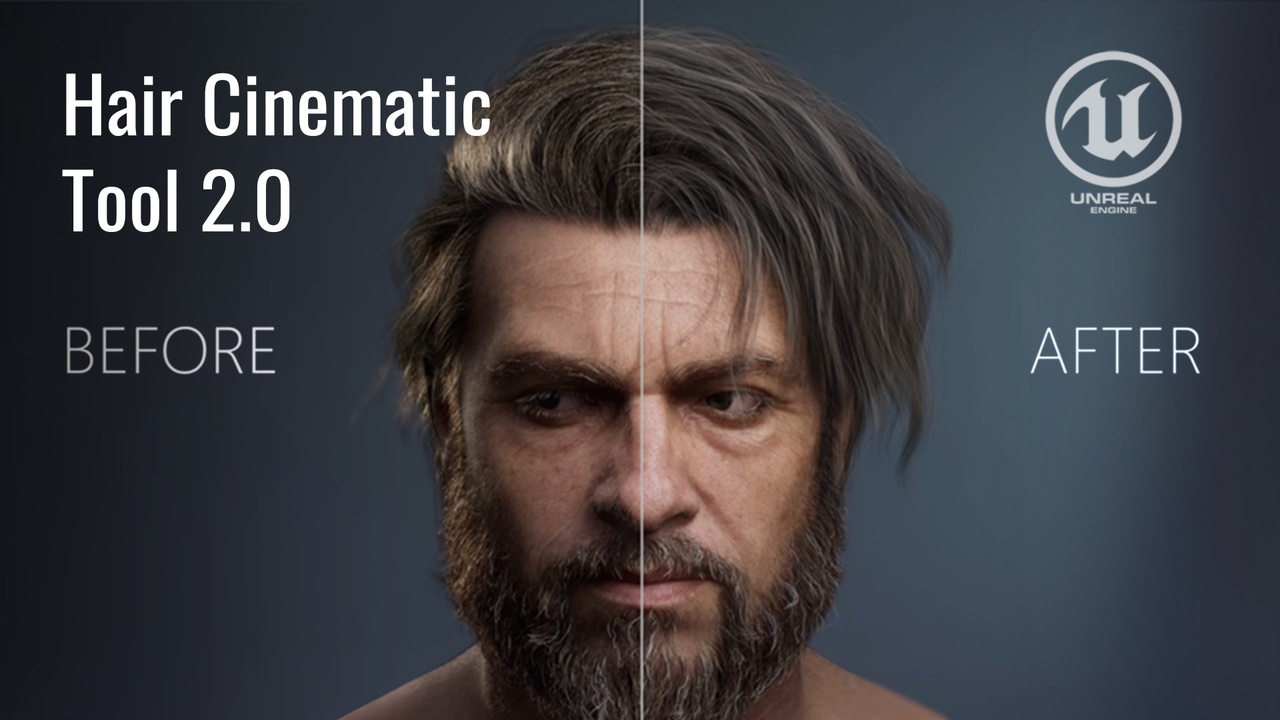
Achieve photorealistic hair strands rendering in Unreal Engine 5 with the Hair Cinematic Tool 2.0 by Argentum Studio. The ultimate solution for groom shading, CFX, and high-end character art pipelines.
Documentation & Video Guide
Check out our step-by-step guide and video breakdown before you start:
Video Guide: https://youtu.be/sAbOUWE-m4w
Official Documentation: https://artstation.com/blogs/argentum_studio/Z46gz
About the Tool
Over the course of our cinematic production work, we’ve come to understand that while Unreal Engine offers powerful capabilities for groom shading, the necessary tools are scattered across the engine and require deep technical knowledge.
We packaged best practices, complex material logic, and optimized lighting setups into one production-ready, user-friendly tool. The tool is the perfect solution for 3D artists and tech animators who want to achieve high-quality, realistic hair renders quickly and without unnecessary hassle.
Showcase & Industry Feedback
We are proud to feature stunning artworks created using our tool. A huge thank you to these amazing artists:
Anna Radionova: https://artstation.com/artwork/5WV90O
Piotr Zielinski: https://artstation.com/artwork/98raLy
Aleksander Stepanov: https://artstation.com/artwork/nJPDa4
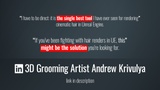
🌟 "This tool finally fixed my hair renders" — Andrew Krivulya (ArtOfCharly). Read full feedback on LinkedIn
Technical Details
Engine Compatibility: Fully optimized for Lumen workflows in Unreal Engine 5.5+
Current Version: 2.0.2
Required Default Plugins:
AjaMedia, AppleARKit, AppleARKitFaceSupport, AppleProResMedia, BlackmagicMedia, Composure, DMXProtocol, HAPMedia, HDRIBackdrop, LiveLink, MediaFrameworkUtilities, MediaIOFramework, MovieRenderPipeline, nDisplay, OpenXR, PixelStreaming, PythonScriptPlugin, RemoteControl, SequencerScripting, SunPosition, Takes, VariantManager, VirtualCamera, VirtualProductionUtilities, VirtualScouting.