

Description
Showcase Video - See the startup flow in action
Quick Start Video - Setup overview
README - Setup notes and product details
Minor Update v1.1 - Added UE 5.4–5.7 support, optional separate Main Menu level routing, updated example maps, and small stability/polish improvements.
Startup Sequence System is a startup sequence asset focused on the beginning flow of a game that includes a Publisher screen, Studio screen,
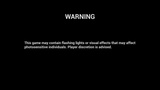
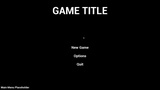
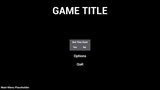
Warning screen, and a Press Any Key / Press Start screen. It also includes a placeholder Main Menu along with a New Game button transition into a gameplay level and a Quit button.
Important Note: The included Main Menu is a placeholder Widget Blueprint meant to demonstrate the startup to menu flow, and users can replace it with their own menu or expand it for production use.
Required Setup: The placeholder Main Menu uses Common UI. If using this menu, enable the Common UI plugin and set Game Viewport Client Class to CommonGameViewportClient in Project Settings.
Features
Publisher screen
Studio screen
Warning screen
Press Any Key / Press Start screen
Skip support from the Studio screen to the Warning screen
Input-aware prompt switching based on keyboard/mouse or controller input
Placeholder Main Menu
Example New Game transition into a gameplay level
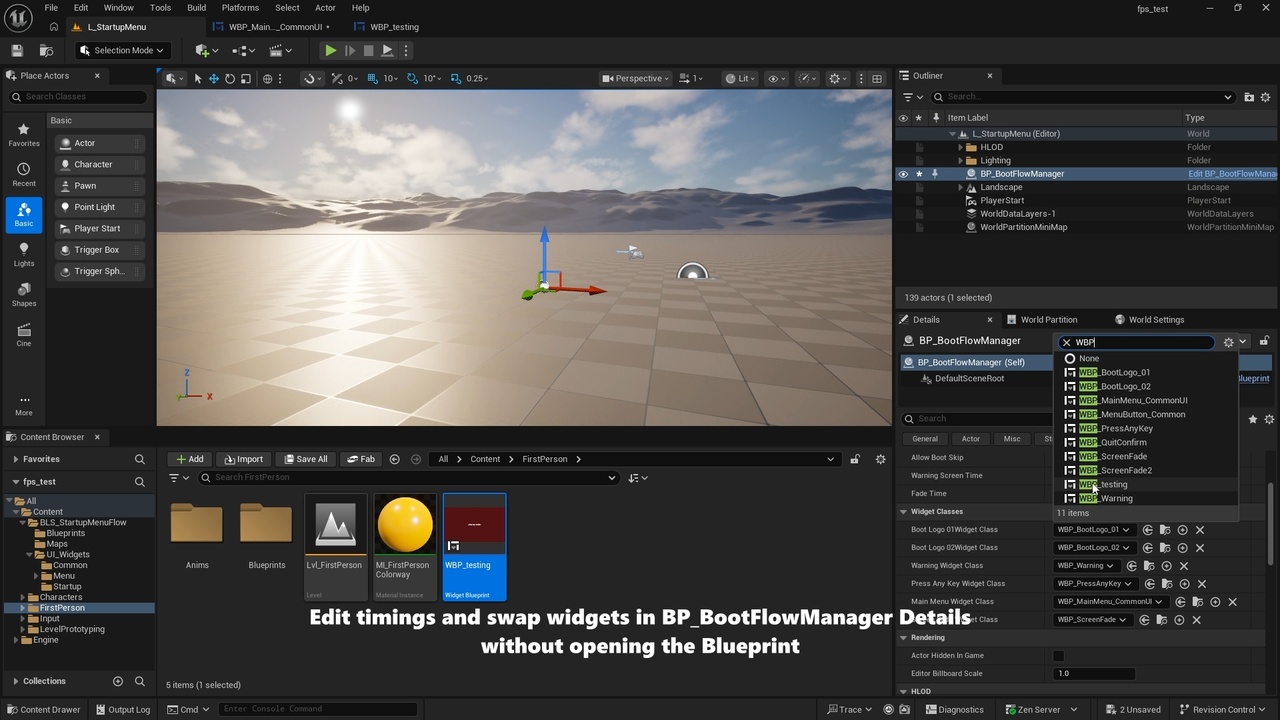
Exposed widget class variables for easier widget swapping in the Blueprint class details panel
Mouse/keyboard and controller support for skip, Press Any Key / Press Start, and the placeholder menu
Map Setup
Includes a startup level and an example gameplay level
Users can also create their own startup/front-end map and place the Blueprint class in that level