설명
📄 Documentation:[中文] | [English]
🎮 DEMO:[DEMO]
🎬 Videos:[Trailer] | [Custom Bow Tutorial] | [Bilibili]
💬 Community:[Discord] | [QQ: 793132509]
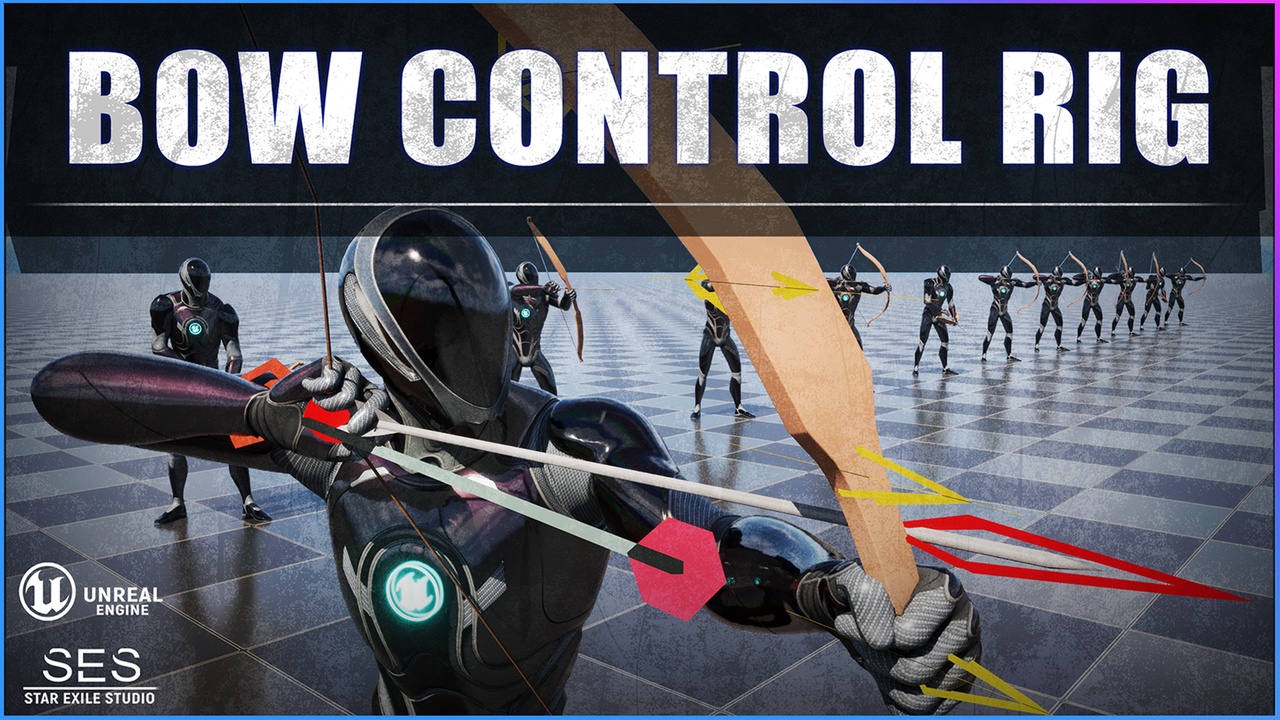
Bow Control Rig is a ControlRig tool designed specifically for creating bow-only animations. If your character already has aim, charge, and shooting animations but your bow model has no matching animations, this tool allows you to quickly create synchronized bow animations with minimal effort.
This tool is included in the Ultimate Bow System. If you only need to create custom bow animations and do not require a full bow-and-arrow gameplay system, you do not need to purchase the Ultimate Bow System.
✨ Features
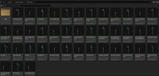
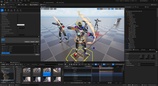
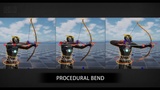
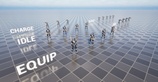
🎞️ 20 Upper-Body Character + Bow Animations
Packed with example animations to help you quickly understand the workflow and final results.
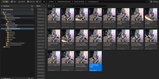
🎬 20 LevelSequence Examples
Provides complete reference sequences for learning and speeding up your ControlRig workflow.
🎯 Fast Matching to Existing Character Animations
If your character already has aim, charge, or shooting animations, simply import your bow model and generate synced bow animations in minutes—saving significant animation production time.
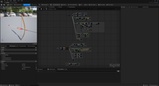
🎨 ControlRig Workflow
Efficiently edit bow animation components through ControlRig:
Bowstring
Bow body
Arrow
Shooting keyframes
Tip: When adjusting arrow direction, edit the ControlRig on a plane rather than directly manipulating vector directions to avoid jitter.
🛠️ Model Customization Support
Fully supports custom bow models.
For best results, the bowstring should be topologically split at the center to achieve natural bending and stretching.
(Topology reference images will be shown on the store page.)