Açıklama
An Unreal Engine plugin for hit detection using editor-defined collision shapes.
Features
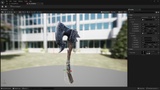
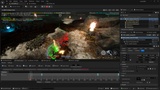
Custom asset editor - define and preview Sphere, Capsule, and Box shapes directly on a mesh
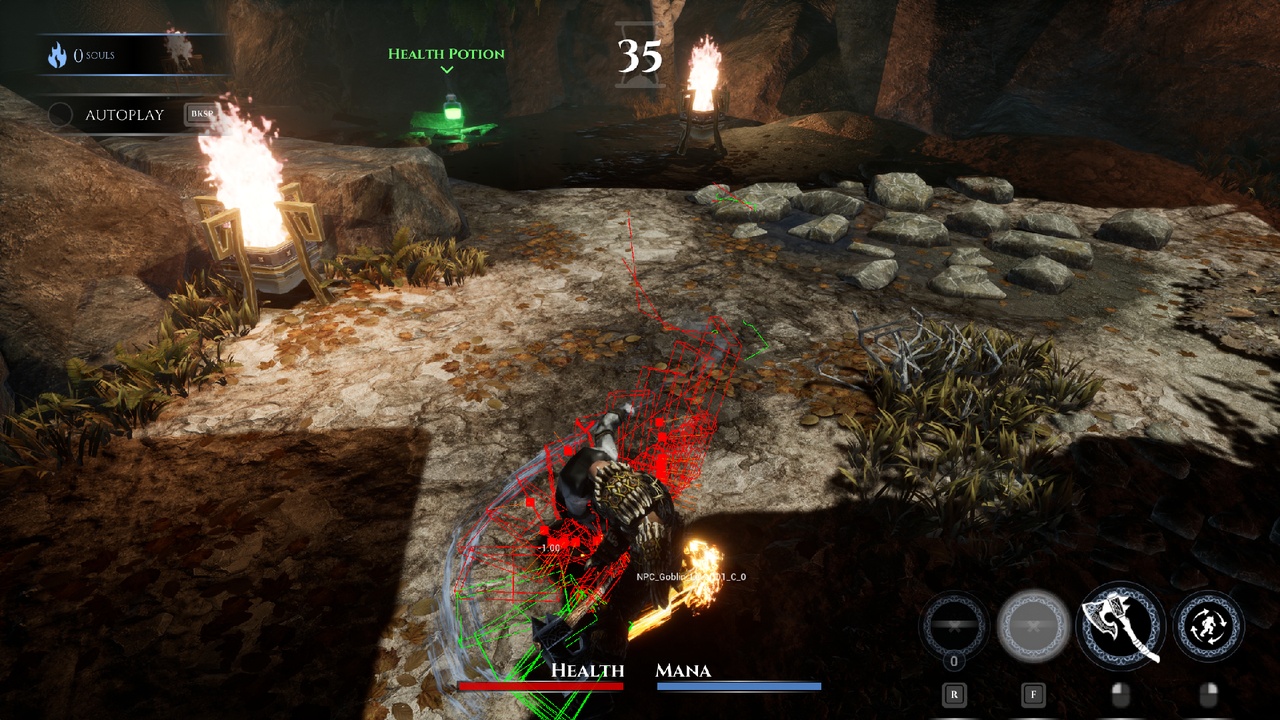
Component visualizer - shapes preview as color-coded wireframes in the Blueprint and level editor viewports when the component is selected
Multi-shape support - stack any number of shapes per weapon, each bound to its own bone or socket
Skeletal and Static mesh - works on any UPrimitiveComponent, including separate weapon actors
Extended hit result - every OnHit includes the full UE FHitResult, attack tag, and shape index
Adaptive sub-stepping - sweep count scales automatically with travel distance and shape size, preventing trace gaps at any framerate
Multiplayer support - StartTrace is authority-only, ensuring hit detection and damage application run exclusively on the server
Debug tools - configurable draw CVars and a Gameplay Debugger category for live inspection
Usage
Add UPlexComponent to your Weapon or Character Actor.
Set Shape Data to a PlexShapeData asset (Add → Gameplay → Plex Shape Data).
Set Trace Channel and optionally Max Hits Per Swing.
Assign Mesh Component via the dropdown.
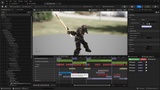
Call StartTrace/StopTrace from Blueprint or C++, or use AnimNotifyState_PlexTraceWindow in your attack Montage.
Bind to the OnHit delegate to react to hits.
Debug
Plex.DebugDraw 0 - Draw collision shapes each tick while a trace is active
Plex.DebugDrawDuration 1.0 - Lifetime in seconds for shapes drawn each tick. 0 = single frame
Plex.DebugDrawPath 0 - Accumulate per-tick path segments to show the full swing arc
Plex.DebugDrawPathDuration 10.0 - Lifetime in seconds for swing path segments
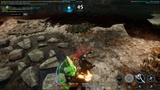
Shape colors:
Green - active, no hits
Red - hit registered
Gray - cap already full, sweep skipped