
설명
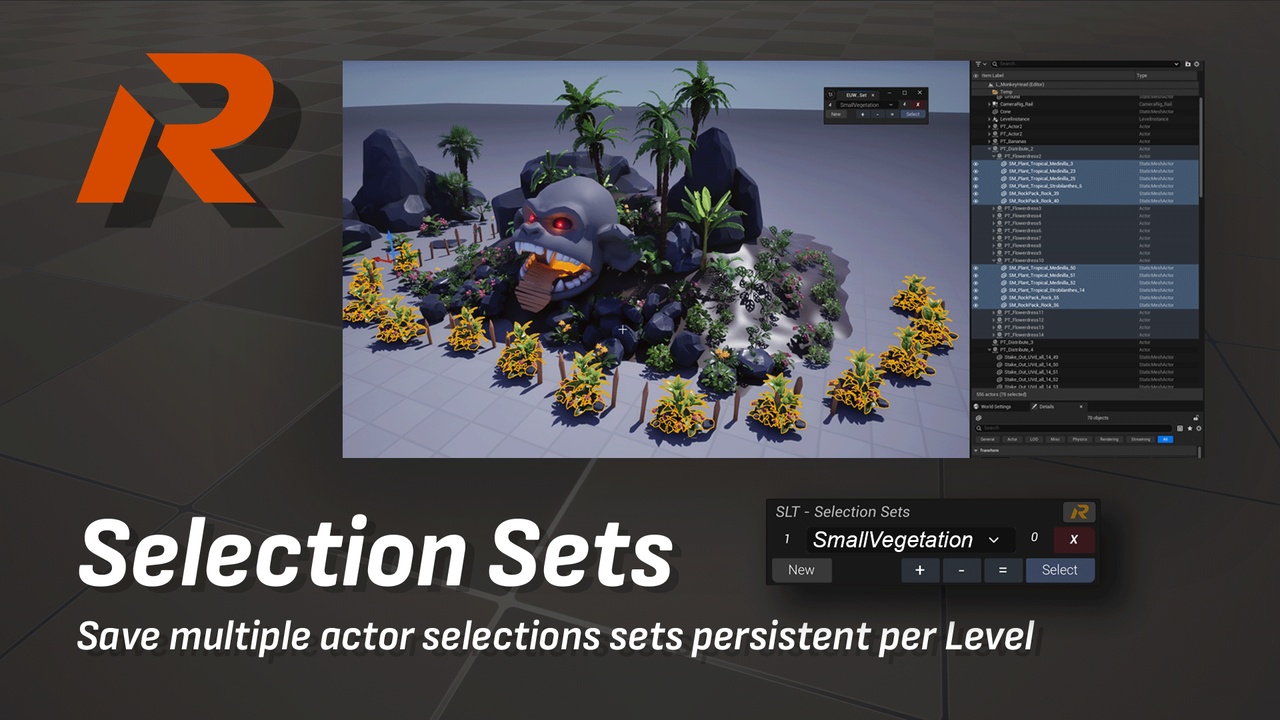
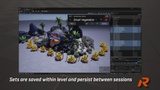
Store multiple actor selections with custom names and persistent per level.
This tool is part of Scene Layout Tools, a large set of tools designed to help organize and speed up your Environment Layout, Level Design or Scene Assembly.
Tool functionality:
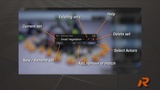
New - Create a selection set with the current selected actors.
Ctrl + New = Rename - Rename the current set.
Add (+) - Add the selected actors to the current set.
Remove (-) - Remove the selected actors from the current set.
Match (=) - Updates the current set with the current selected actors.
Select - Selects all the actors in the selected set.
Remove Set (X) - Deletes the current set.
Checkout the full Scene Layout Tools plugin:
Video Demo: https://reuletools.com/slt/documentation#selection-sets
After installing, to run go to Tools > SLT_SelectionSets or look for "EUW_ST_SelectionSet" > right-click / Run Editor Utility Widget
This free plugin uses Python Editor Script Plugin, so make sure you turn it on.