Description
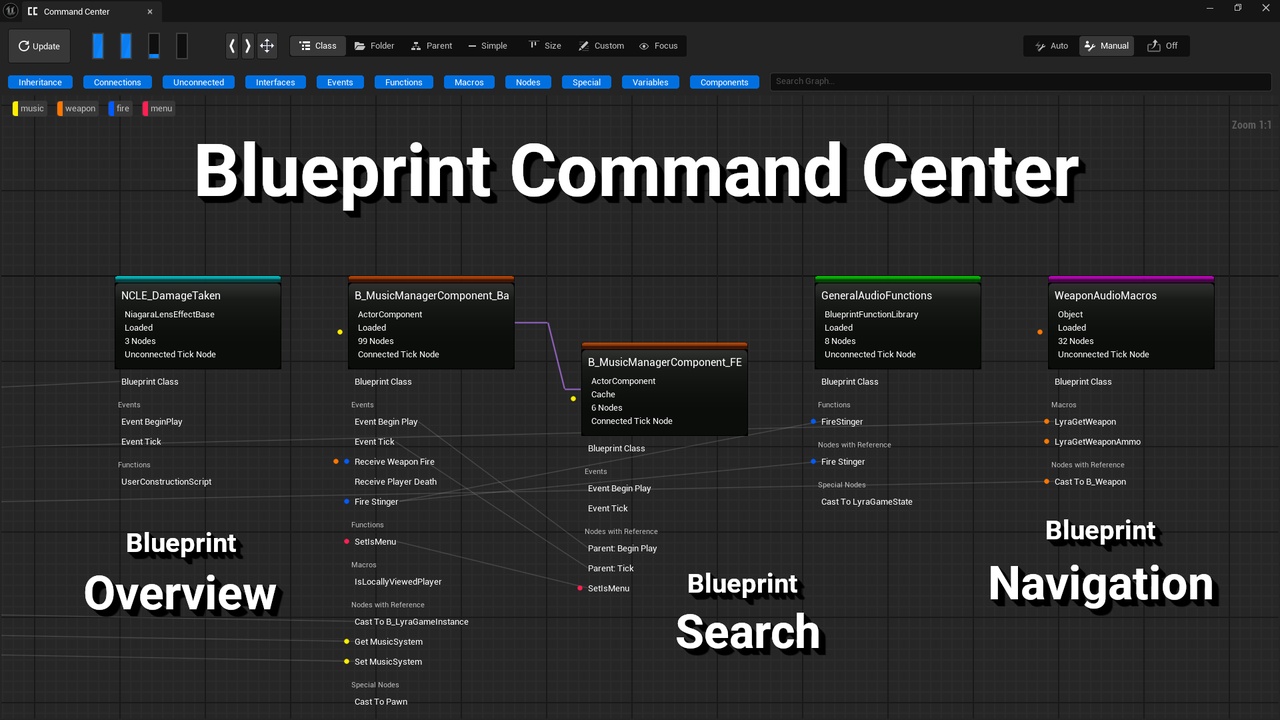
This plugin is a powerful yet easy to use tool for speeding up and improving blueprint development.
Demo Project - The demo is an Unreal Engine project with this plugin and the Arena Shooter Template by Epic Games. It requires Unreal Engine 5.6.
Blueprint Overview
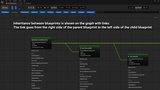
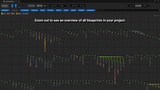
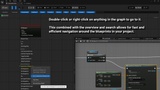
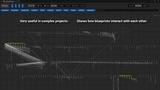
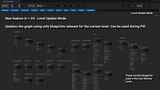
A customizable graph-based window allows you to quickly see and understand how a project is structured.
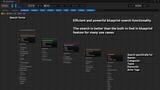
The Search Synergies With the Overview Allowing You to Visually Identify Search Finds
It enables queries and search visualization that are not possible using the built-in find in blueprints. For searches looking specifically for 1 blueprint node you should use the built-in find in blueprints, for any other kind of search in blueprints consider this tool as it is probably better and faster to use.
Save On Development Time
The combination of full overview, efficient search, and fast navigation allows you to save significant time developing whenever you are working with more than 1 blueprint. Not only will it save you time but it will allow you to keep your project better structured and clean.
Make Your Blueprints More Manageable
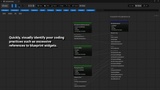
Complexity builds up over time and is hidden with current blueprint development practices as it often arises due to interactions between blueprints. This tool uncovers the hidden complexity between blueprints allowing you to develop blueprint code that is more efficient and modular and therefore more manageable.
Understand Game Templates Faster
The tool is also an excellent resource when diving into game templates and other complex blueprint projects for the first time. To understand these projects requires jumping back and forth between dozens or hundreds of blueprints. This tool makes this process much easier by putting much of the information needed to understand the project in one graph. The original idea for this plugin came when trying to understand a well-known game template on FAB that has over 200 blueprints and wanting a much faster way of understanding it.
Screenshots are taken when using the tool in the Lyra Starter Game project by Epic Games.
Support Email: [email protected]
Documentation is contained inside the tool in the form of detailed tooltips.
Quick-start Guide
Install plugin to Unreal Engine.
Enable plugin in project and restart editor if necessary.
Open tool from the Tools menu of the Unreal Editor.
Hover over the UI elements in the tool to show detailed tooltips explaining tool features.