










Beschreibung
🔧 CorePlus – Streamline Your Unreal Engine Workflow
CorePlus is a powerful Unreal Engine plugin designed to accelerate development by simplifying complex tasks and providing ready-to-use solutions, making it faster, easier, and more flexible. Whether you're a beginner or a seasoned developer, CorePlus helps you focus on building your game, not reinventing the wheel.
More Details...
Development Progression: Google Sheet
✨ Why CorePlus?
⚡ Reduce Development Time
CorePlus is built to save you hours of implementation work. With modular systems and ready-to-go tools, you can focus more on creating and less on setup.
🧠 Simplify Complex Functionalities
No more wrestling with complex logic. CorePlus wraps advanced systems into easy-to-use components, so you can integrate powerful features without digging into engine internals.
🧪 Use Example Templates
CorePlus includes clean, functional templates that demonstrate real-world use cases. These examples are perfect for learning and speeding up implementation.
🔄 Continuous Updates & Community Support
We're always improving! CorePlus is actively maintained with new modules, bug fixes, and refinements. Join the community and shape the future of the plugin.
📌 Track Our Progress
We’re transparent about our development journey. Track ongoing work, planned features, and upcoming modules directly on our Trello Board.
🧩 CorePlus Modules Overview
🧠 CorePlus AR Development
CorePlus AR helps you simplify and speed up the process of creating interactive AR experiences in Unreal Engine. With this framework, you can go from setup to a fully functional AR experience in just minutes — no deep technical setup required.
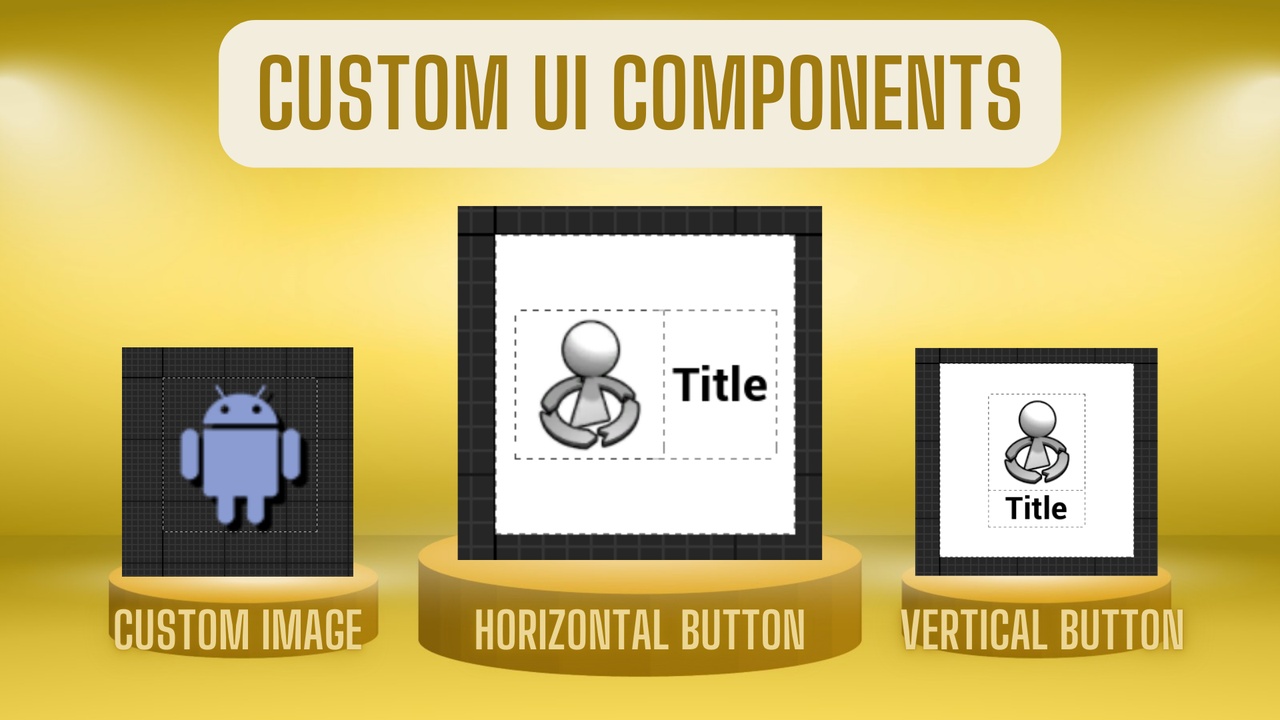
🧱 CorePlus Custom Components
Discover the full range of custom features available in the CorePlus plugin for Unreal Engine. This index page offers quick access to detailed information, helping you integrate powerful tools into your project with ease.
🌍 CorePlus Downloader
Learn how to integrate and use the CorePlus Downloader in Unreal Engine via Blueprints and C++. This guide covers setup, function access, and download execution with simple, clean examples.
🖧 CorePlus EOS
Learn how to integrate Epic Online Services (EOS) into your Unreal Engine project using CorePlus. This quick guide covers plugin setup, Blueprint and C++ access, and essential EOS function calls.
🗂️ CorePlus FileManager
An advanced file management module for Unreal Engine that extends beyond the engine’s built-in capabilities. It offers enhanced control and flexibility for handling files.
🎡 CorePlus Fortune Wheel
Add gamified, customizable spinning wheels (2–8 options) to your UI. Great for rewards, roulette-style games, or interactive elements.
🖼️ CorePlus Image Gallery
Learn how to create dynamic, scrollable image galleries in Unreal Engine using the CorePlus Image Gallery plugin. This quick guide covers setup, layout options, and how to load images from your game, device, or the internet—no coding required!
📤 CorePlus Importer
Learn how to use the CorePlus Importer in Blueprints and C++ to load external files at runtime using a simple and modular approach.
📦 CorePlus On Demand Content
Learn how to integrate CorePlus OnDemand Assets into your Unreal Engine project to dynamically stream and manage PAK files using Blueprints or C++. This guide walks you through setup, function access, and usage examples for efficient asset chunking.
💬 CorePlus Popup & Logs
Learn how to set up and use the CorePlus Popups and Logs system in Unreal Engine with step-by-step instructions for both Blueprints and C++. Display in-game logs, use log viewers in your UI, and enhance your debugging process effortlessly.
👆 CorePlus Touch Gesture
Learn how to integrate intuitive touch-based controls into your Unreal Engine projects using the CorePlus Touch Gesture system. This guide covers everything from setup to using swipe, rotate, scale, and transform gestures.
🔄 Continuous Updates & Community Support
CorePlus is actively maintained and frequently updated, with:
🛠️ Bug fixes
✨ New features
📚 Video tutorials & documentation
Each module comes with its own demo maps, widgets, and integration guides to help you hit the ground running.
📺 Check out the YouTube playlist to see each module in action.
📊 Track Development Progress on Trello
Follow our public Trello board to stay up-to-date with the latest features, bug fixes, and upcoming enhancements for CorePlus.
We believe in transparency and community-driven development — that’s why we’ve made our task board public. This way, you can see what’s in the pipeline, what we’re currently working on, and what’s already completed.
🔗 Visit the board: Trello Board.
Support:
Documentation (Each module has how to get started, access the content in blueprints and C++, and Function APIs in each module page)
Price Breakdown
Module Pricing:• Personal License: $25 per module• Professional License: $50 per module (includes extended commercial rights)
Total for 11 Modules (Personal Use): $275
Launch Discount: –$25
🎯 Final Price (Personal Use): $250
🎯 Professional Use (Full Package): $500(Includes all features with commercial and client project rights)