Description
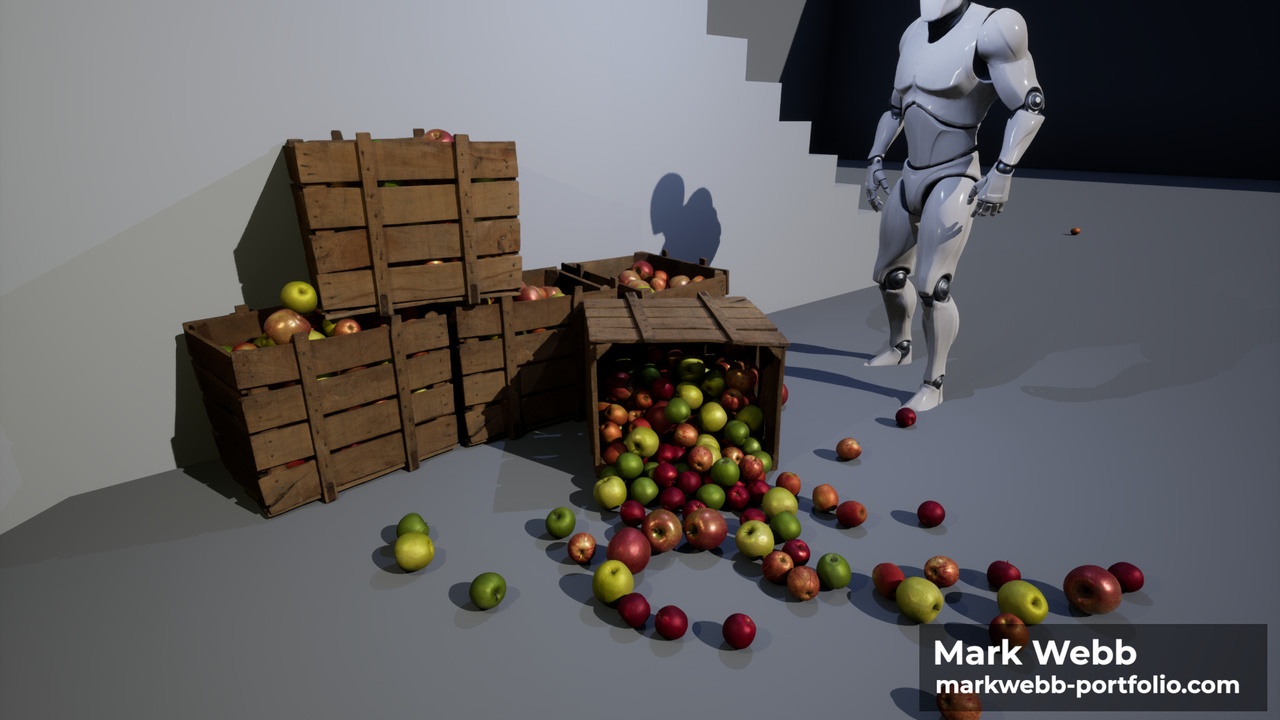
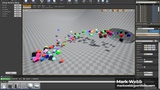
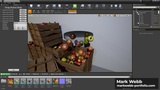
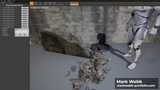
The Dropper Plugin is a new editor mode for scattering assets using Unreal’s built-
in rigid body physics simulation. This allows for an unprecedented level of realism
because objects will come to rest in natural locations. After opening the new
mode, the simulation will begin automatically. Simply drag and drop the assets
you want to scatter into the palette on the left. You can then paint down assets
dynamically and watch as they fall. The Dropper Plugin offers a complete suite of
controls that enable you to create exactly the look you desire quickly and
intuitively. When you’re finished dropping assets, just exit the Dropper Editor Mode
and your assets’ positions will be preserved.