

Beschreibung
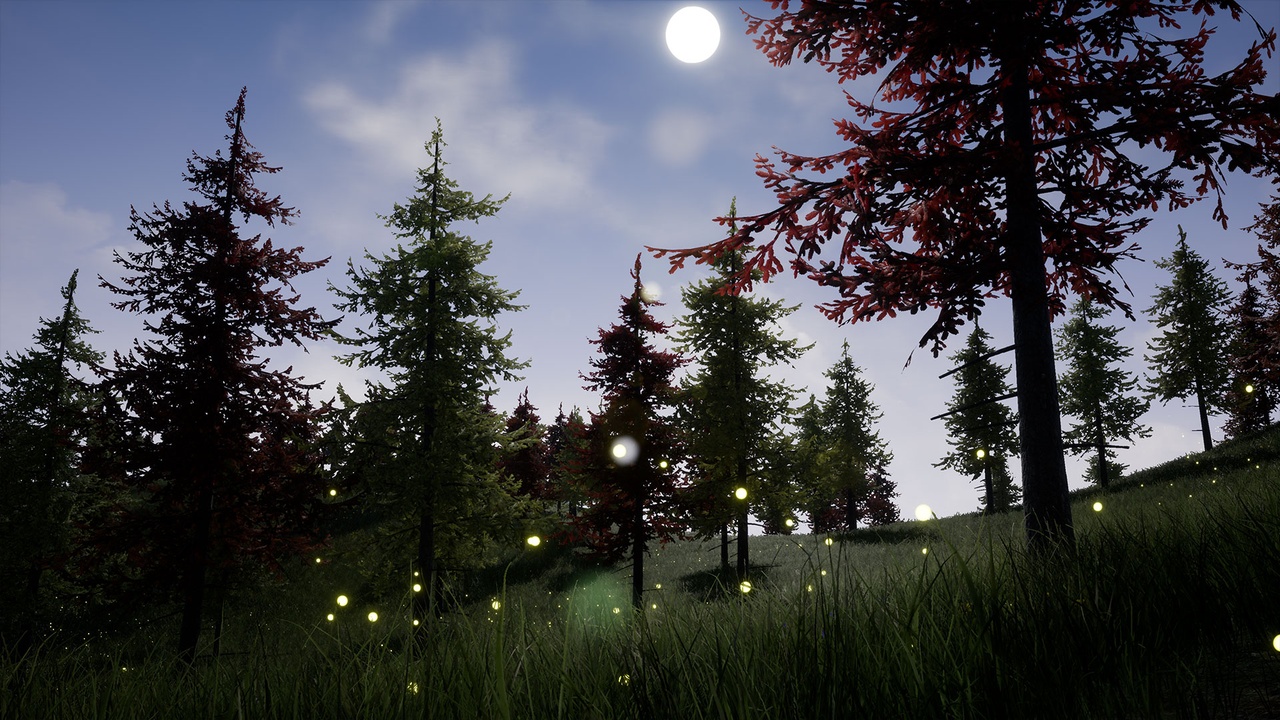
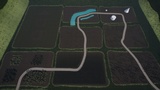
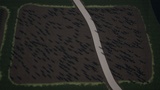
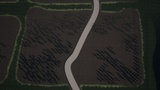
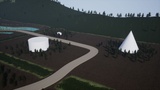
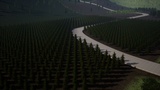
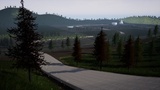
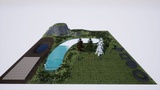
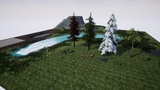
The Procedural Foliage Placement Tool lets you populate your scene with foliage in a matter of seconds. The tools allows for extensive configuration, including slope and height, obstacle avoidance, and 8 different spawning methods. Spawn 3 types of entities - meshes, instanced static meshes, and blueprint actor classes (any).
Spawning Methods:
Random Location - spawns foliage at random locations in the volume
Organic Clusters - spawns clusters of foliage, where each entity spawns near the previous entity with a random offset
Clusters around actor - spawns foliage around your specified actors
Along spline actors - spawns foliage along an actor's spline component
Random patches - Spawns foliage in a uniform patch pattern inside the volume
Grid Distribution - spawns foliage in a strict grid distribution inside the volume
Spawn on Spawn Zones - spawns foliage only inside the specified Spawn Zones (volumes assigned by the dev)
Hierarchical Clusters - spawns foliage in a hierarchy giving a more logical distribution
All methods above respect slope and height restrictions and have obstacle avoidance.
Bonus:
Advanced Landscape Auto Material - auto material that blends layers by height and slope. It also spawns foliage in all layers.
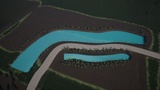
River Tool - Spline-based river tool.
Included Blueprints:
Procedural Foliage Placement Tool - main tool that allows you to spawn your foliage in your scene
Align Landscape - lets you flatten a specific area of your landscape quickly
River - Lets you carve out your landscape to create a river
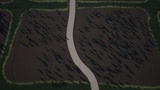
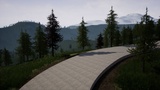
Simple Path - Creates a path in your landscape
Translucent Water - creates a lake or ocean plane in your scene (Epic)
Spawn Zone - volume that specifies where to spawn your foliage based on the spawn method
No Spawn Zone - lets you exclude an area from any foliage spawning
Toggle Entity Types - lets you switch between actors in your scene and Instanced Static Meshes
Changing Tree - sample actor blueprint that changes material color when the Player gets near
Show Widget - shows a generic message in the viewport
Teleport - teleports Player to a specified location
Actor Bounds - show the actor bounds easily
Height Helper - lets you visually check a specific height in your scene