Opis
Streamline your workflow with styled comment presets.
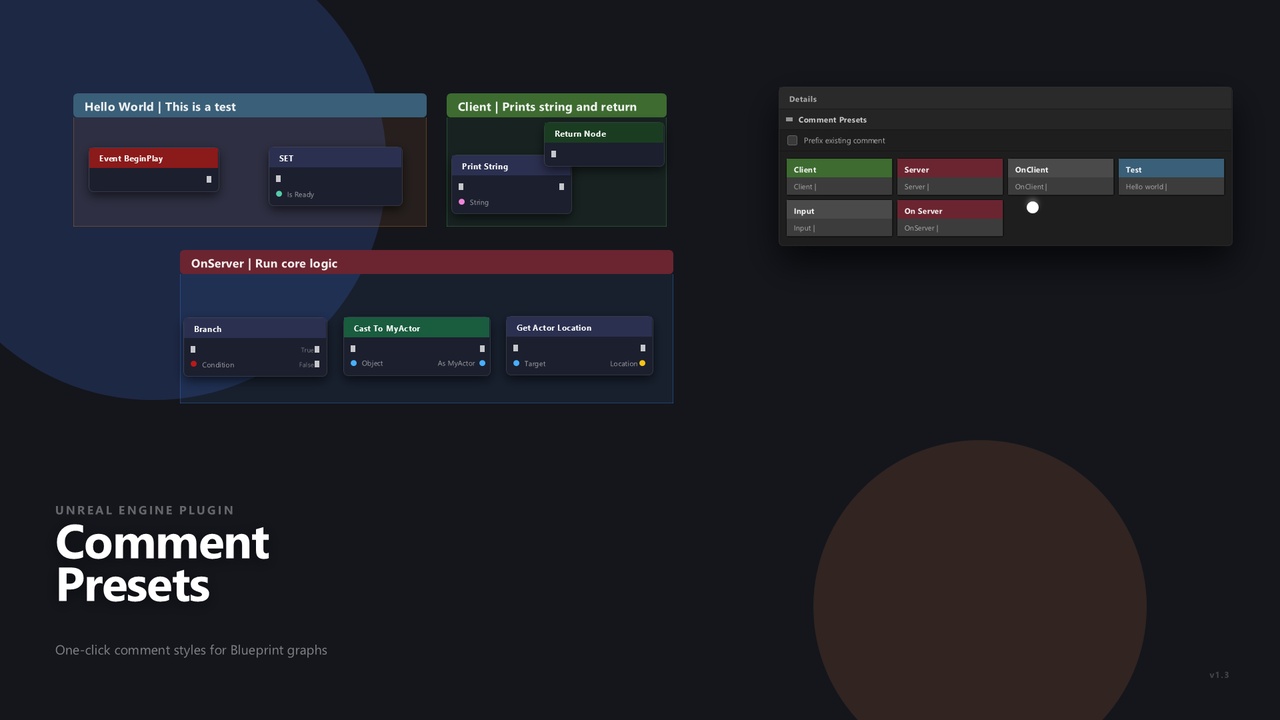
The Comment Presets plugin enhances the Unreal Engine editor by allowing you to quickly apply saved presets to comments. It introduces a new tab in the comment details panel where all your saved presets are displayed for easy access.
You can configure your presets in the Project Settings → Engine → Comment Presets tab by defining a name, comment color, and default text. Once set up, simply select a comment in the graph and click on a preset to instantly apply its style—color and text included. For example, clicking a "TODO" preset will change the comment’s background to blue and set its text to "TODO".
This plugin is ideal for maintaining consistency and readability across large Blueprint projects, helping you visually organize code, notes, and more with just one click.
The plugin settings are saved in the DefaultEditorPerProjectSettings.ini