









Opis
How to use
When this MetaHuman package is installed into your project, the MetaHuman character will be downloaded automatically.
You can further customize the MetaHuman to suit your specific creative needs.
To use the character:
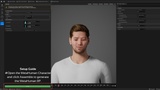
1.Open the MetaHuman character.
2.Navigate to the Assembly section.
3.Click Assemble
A MetaHuman Blueprint will then be generated in your MetaHuman folder, allowing the character to be used in games or cinematic projects.
TOKYO Metahuman
The TOKYO Metahuman Series is built around one core idea: creating characters with a friendly, approachable look.
Each model is meticulously crafted with realism as the top priority and delivered in a format optimized for both cinematic production and real-time games, making them easy to integrate into any creator’s workflow across a wide range of genres.
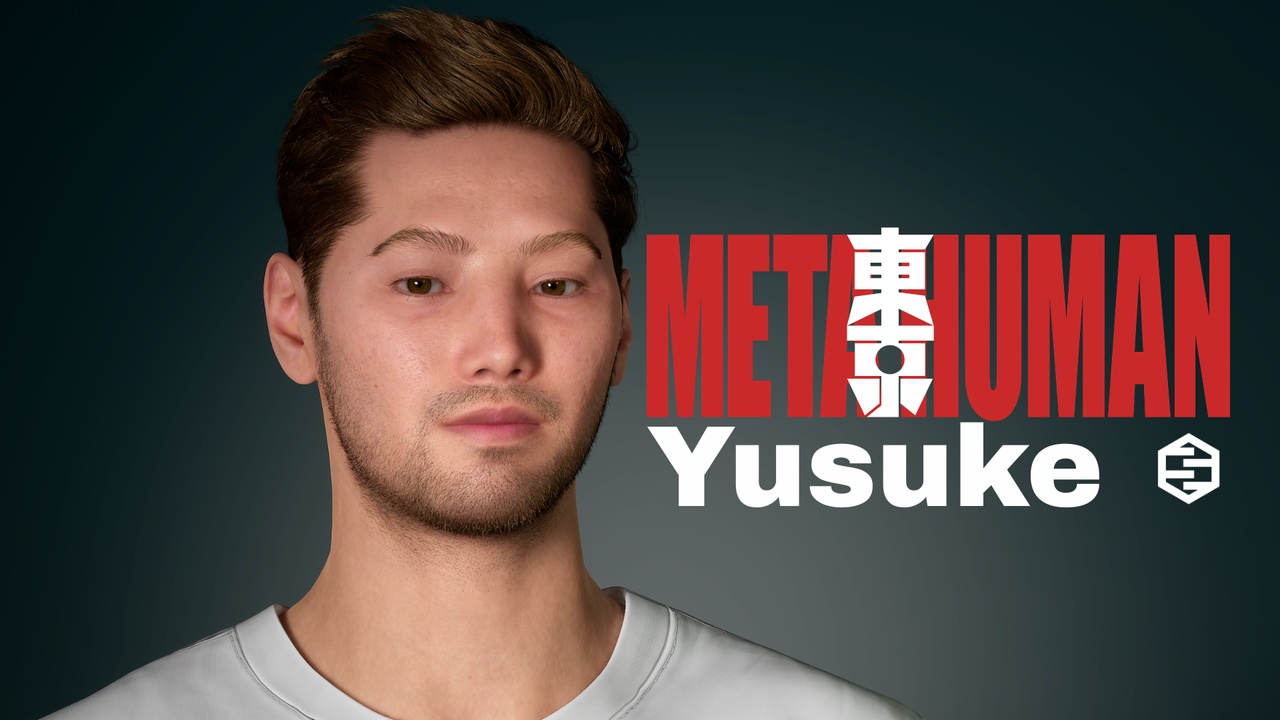
Yusuke
Yusuke was created with the image of a skilled and self-assured young man in mind. His confident nature is reflected in a slightly rebellious and cocky demeanor, giving him a strong and memorable presence.
=====================================================================
使用方法
このMetaHumanパッケージをプロジェクトにインストールすると、MetaHumanキャラクターがダウンロードされます。
Metahumanキャラクターでクリエイティブなニーズに合わせてMetaHumanをさらにカスタマイズできます。
キャラクターの使用方法:
1.MetaHumanキャラクターを開きます。
2.アセンブリセクションに移動します。
3.組み立てをクリックします。
MetaHumanフォルダ内にMetaHumanブループリントが生成され、ゲームやシネマティックプロジェクトでキャラクターを使用できるようになります。
東京メタヒューマン
東京メタヒューマンシリーズは、何よりも”人相の良さ”を最優先したメタヒューマンシリーズです。 各キャラクターはリアリズムを最優先に細部まで精巧に造形され、映画制作とリアルタイムゲームの両方に対応したフォーマットで提供されるため、あらゆるジャンルのクリエイターが容易に活用できます。
雄介
雄介は腕っぱしに自信があって、若干なめ腐った態度の男をイメージして制作しました。