Descrizione
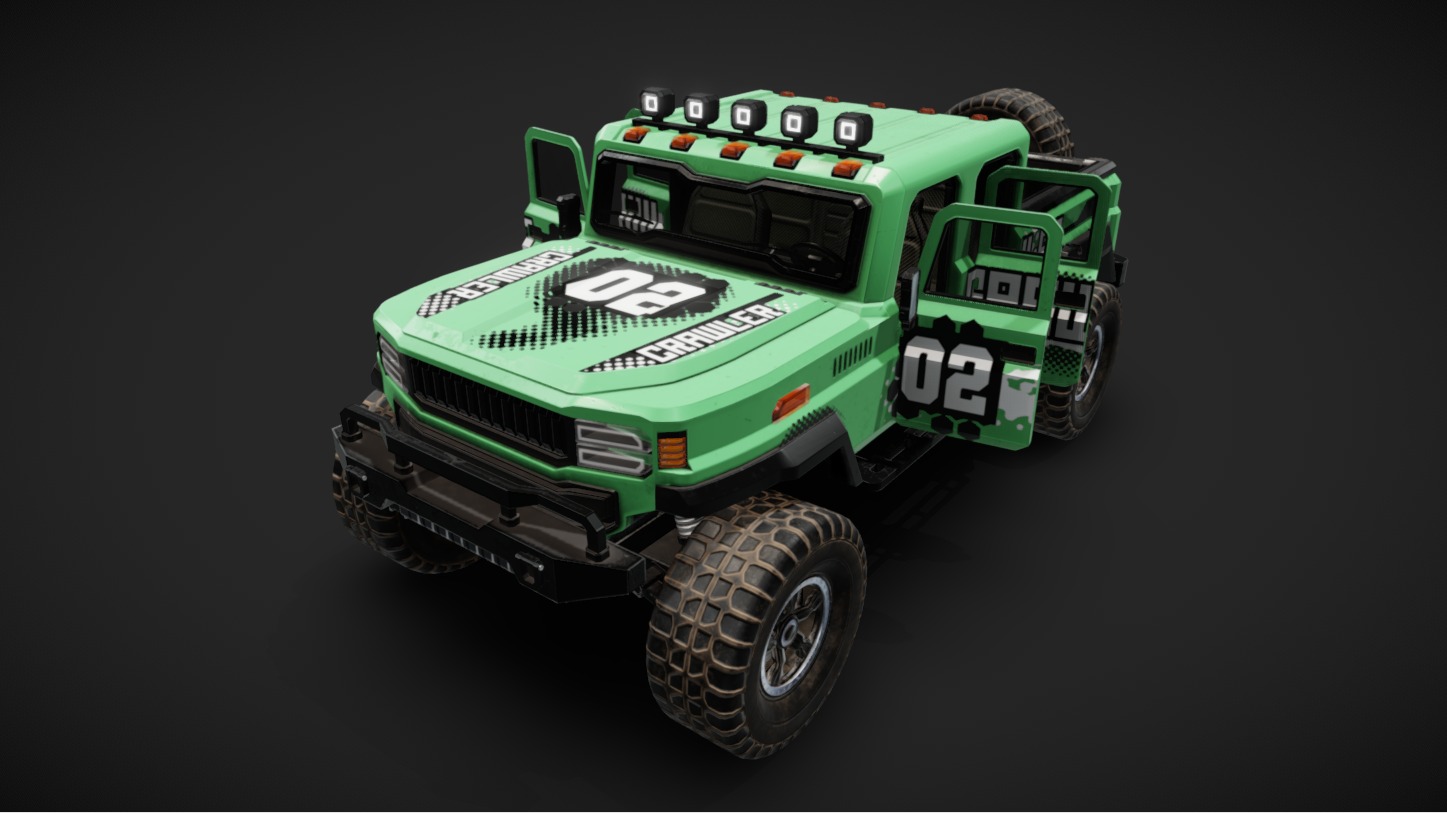
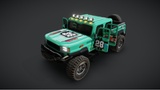
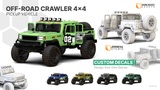
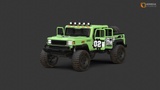
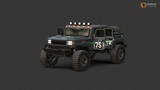
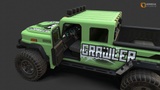
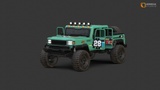
The Off-Road Crawler 4x4 Pickup Vehicle meticulously crafted, game-ready 3D vehicle asset is designed for maximum performance and visual fidelity in any modern game engine.
Whether you are building an open-world adventure game, an off-road racing simulator, or a military/tactical environment, this robust utility truck is an essential asset. The model boasts a contemporary design with a rugged, 4x4 capability aesthetic that players will love.
PBR Texture
The vehicle's body is intricately designed with a high-resolution PBR texture, making it visually stunning and true to detail. This texture highlights the robust design of modern off-road vehicle, enhancing the overall realism of the game asset. (All texture files including MetallicSmoothness map were available under the "Additional files" section)
Albedo/Base Color
Normal map
Metallic
Roughness
Metallic_smoothness
AO
Exterior : 4K
Glass : 2K
Interior : 2K
Wheel : 2K
int Display : 1k
Format : PNG
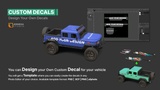
Custom Decals:
You can design your own custom Decals for your vehicle. Template where included where you can easily create the decals in any Photo Editor of your choice. Available decals template format: PSD | XCF | PNG | afphoto (All Template files were available under the "Additional files" section)
For Unreal Engine Project:
This vehicle asset is rigged, drivable, and compatible with the Chaos Vehicle Plugin. You can test drive the Vehicle by enable the ChaosVehiclePlugin.
🛠️Important Technical Requirement: Required Plugins for Unreal Engine
To ensure this vehicle functions and drives exactly as intended, you must have the Chaos Vehicles Plugin enabled in your Unreal Engine project.
How to enable:
Go to Edit > Plugins.
Search for Chaos Vehicles.
Check the box to enable it, and restart your engine.
Enhance Input System
KEYBOARD KEY | FUNCTION
--------------------------------------
Key W | Accelerate
Key A | Turn Left
Key D | Turn Right
Key S | Brake/Reverse
Space bar | Apply Handbrake
Key E | Open/Closed all doors
Key 1 | ON/OFF Headlight
Key 2 | ON/OFF Hazard Light
Key 3 | ON/OFF Fog Light
Key 4 | ON/OFF Roof Light
How to can change the vehicle you wanted to drive in Unreal Engine ?
1. Open "BP_CarMode" under the Blueprint Folder.
2. Select "BP_CarMode (Self)" under Components (Top left)
3. Under the Details Panel (right side), search for "Default Pawn Class" here you can select the vehicle you wanted to spawn (for example "BP_Vehicle_Striker"). The selected vehicle will be spawn in the Demo_level.
Blender File
All Blender files come with Pack Resources, so you won't encounter missing textures when you open the file in Blender. This means that every texture, image, or asset required for your project is conveniently bundled within the file itself.
Ready For Animation
This asset is designed for easy animation, with all parts detached and named accordingly.
Vehicle Colour Customization
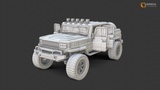
The vehicle car-paint color can be customized according to your need. The body paint uses a separate material from other components, allowing you to change the color without affecting the chassis, wheels etc. We provide a white albedo texture as a base.
Whether used as an off-road vehicle or for other gameplay purposes, the modern off-road vehicle is sure to enhance the overall gaming experience.
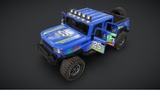
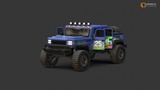
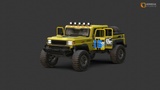
This vehicle pack includes 5 vehicle variations:
Off-Road Crawler 4x4: Crawler
Off-Road Crawler 4x4: Explorer
Off-Road Crawler 4x4: Shifter
Off-Road Crawler 4x4: Storm
Off-Road Crawler 4x4: Striker
Key Features & Technical Specifications
Game-Ready Optimization: Optimized low-poly mesh for smooth performance on PC, Console, and Mobile.
PBR Textures: Includes professional PBR texture maps (Albedo/Base Color, Normal, Metallic, Roughness, Metallic_smoothness, AO).
High-Quality Details: Features a detailed exterior and a clean interior that is suitable for first-person or third-person views.
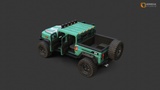
Separated Parts: The wheels, doors, and steering wheel are modeled as separate, pivot-ready objects, making it easy to rig and animate for driving mechanics.
Real-World Scale: Real-world dimensions for seamless integration into your existing game world.
*Note: While the model and textures are available across all formats, complete keyframe animation is solely preserved within the original Blender (.blend) file. If you require the animated version similar to the 3D preview, please use the Blender file.
PolyCount: Each vehicle - 43,446 tris
•Exterior : 22,846 tris
•Interior : 3430 tris
•Wheels : 17,170 tris
Support Team:
Every asset in this pack has been skillfully designed and modeled from scratch by our dedicated team of professional artists. If you need any help regarding or assets please reach out to us from our contact details below.
Contact: