설명
-- Preview --
⚡ Volume Editor Picker — Select Smarter, Work Faster
Selecting actors one by one slows you down. Volume Editor Picker changes that.
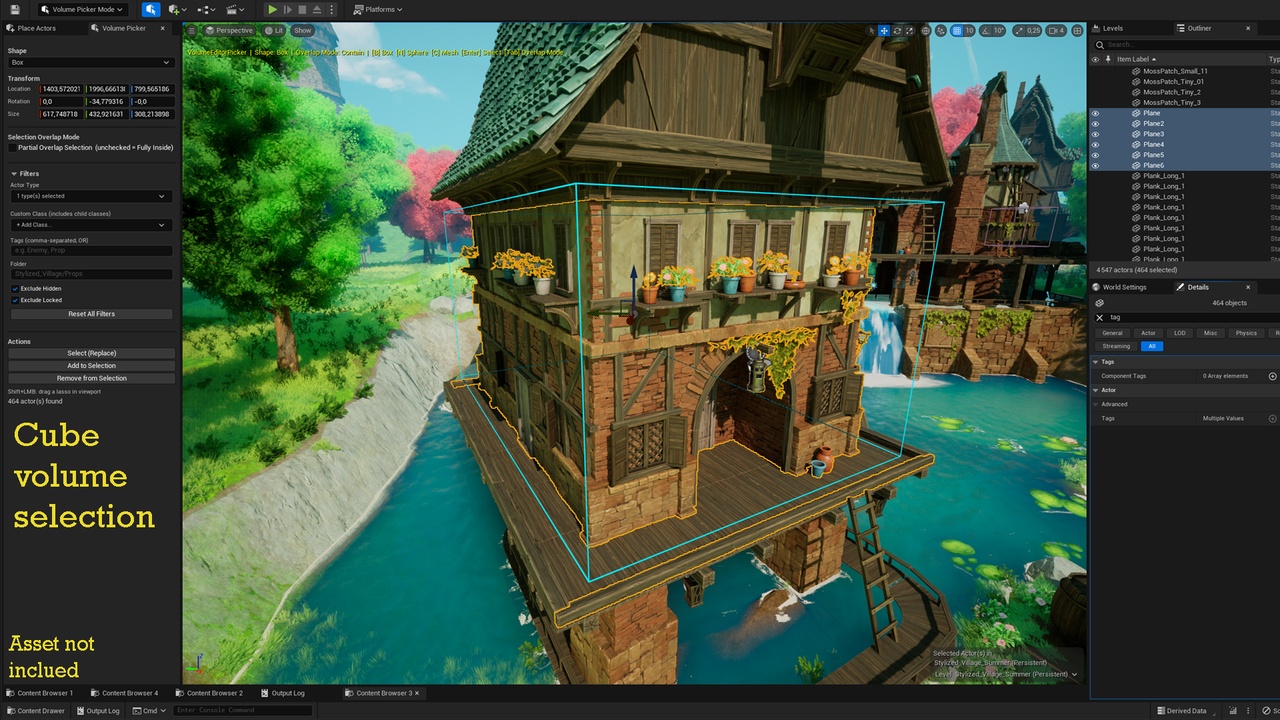
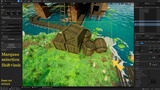
Place a Box, Sphere, or Custom Mesh volume anywhere in your scene and select every actor inside in a single click. Need faster? Switch to Marquee mode and drag your selection directly in the viewport — no shortcuts to memorize, no workflow interruptions.
Built as a native Unreal Engine Editor Mode, Volume Editor Picker integrates seamlessly into your existing Level Editor layout. The panel replaces the Place Actors window when active and disappears when you're done — zero clutter.
🔷 SELECTION SHAPES
Box — oriented bounding box with full 3D gizmo and numeric inputs
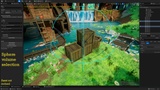
Sphere — radius-based selection with interactive handle
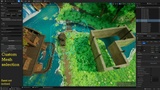
Custom Mesh — use any Static Mesh asset as your selection volume shape
2D Marquee — drag-and-drop rectangle selection directly in the viewport
🎯 SELECTION CONTROL
Contain mode — select only actors fully inside the volume
Intersect mode — select every actor that touches the volume
Replace, Add (Ctrl) or Remove (Alt) from existing selection
🔍 SMART FILTERING
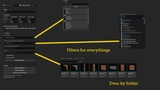
Filter by actor class (Static Mesh, Skeletal Mesh, Light, Sound, Camera, etc.)
Filter by Content Browser folder path
Filter by actor tags
Exclude hidden or locked actors
Combine multiple filters for surgical precision
🛠️ EDITOR INTEGRATION
Native Unreal Engine Editor Mode — no floating windows
Interactive 3D gizmo — move, rotate and resize volumes in the viewport
Numeric panel inputs — precise size and position control
Keyboard shortcuts — switch shapes and execute selections without the UI
Zero runtime footprint — Editor-only, not included in packaged builds
⚠️ Important Notes
- The Custom Mesh Volume feature requires the source Static Mesh to have a convex hull collision setup. If none is found, the plugin falls back to the mesh bounding box and displays a warning.
- This is an Editor-only plugin and has no effect on packaged/runtime builds.
🛠️ Supported Engine Versions
✔️ Unreal Engine 5.0 and above
🛠 Support
All support is provided after product ownership verification.
All asset map are not included*