Description
Video - Documentation - Discord
Easy Refresh All Nodes keeps Blueprint maintenance from derailing your day. Refresh selected Blueprint assets, recursively process Content Browser folders, or run a configurable project-wide scan without opening every Blueprint manually.
Every matching Blueprint receives Unreal Engine's Refresh All Nodes operation. Compilation is optional, results are summarized clearly, and saving always remains under your control.
Key Features
- Content Browser asset and folder actions for focused Blueprint maintenance.
- Level Editor command for scanning configured roots such as /Game, optional /Engine content, and custom plugin or project mount points.
- Optional Blueprint compilation after nodes are refreshed.
- Clear warning summaries with both Blueprint and warning counts.
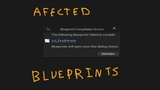
- Compilation-failure dialog with direct links to affected Blueprints and easy access to the Blueprint Compiler log.
- Flexible filters for excluded directories and Blueprint classes.
- Optional Level Blueprint support with cancellable discovery progress for larger map scans.
- Safe saving: the plugin never silently writes packages. Enable the save option to use Unreal Engine's selectable, source-control-aware checkout/save dialog.
- Failed compilations are never included in the plugin's save list.
- Editor-only C++ implementation with no runtime assets or gameplay dependencies.
Typical Workflow
1. Select problem Blueprints or a Content Browser folder and run the appropriate Easy Refresh All Nodes command.
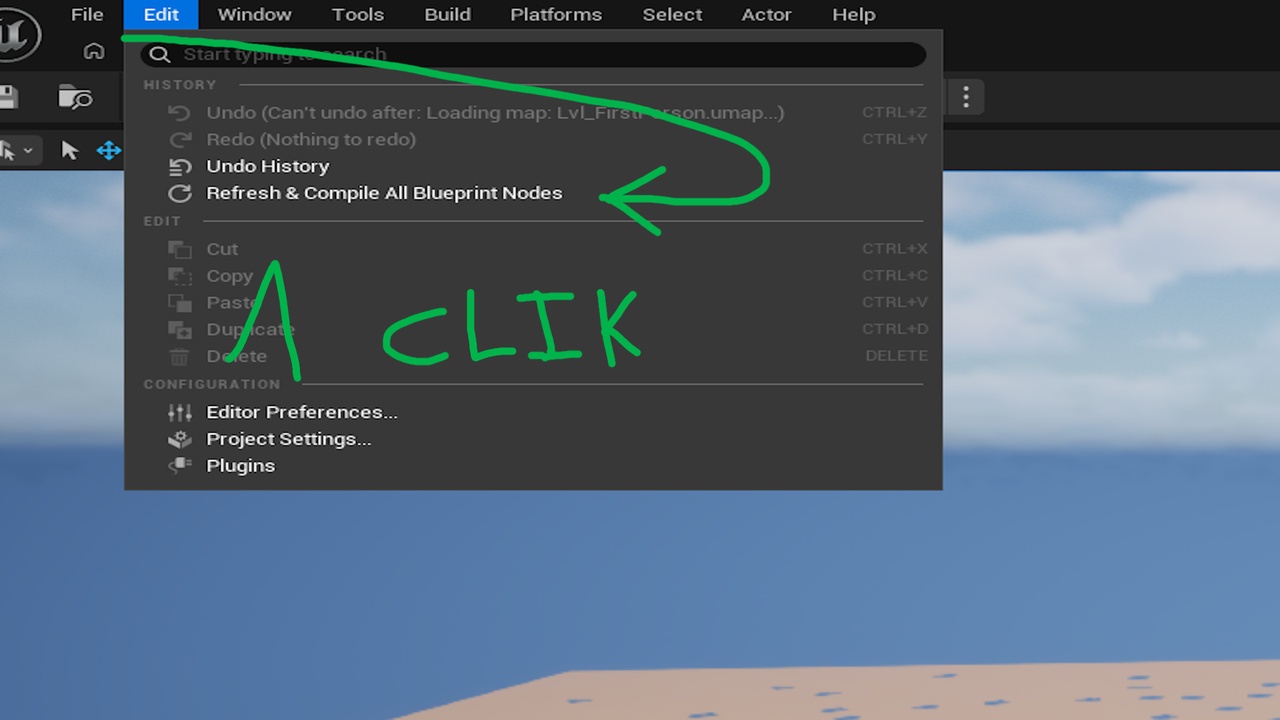
2. Before a build or migration, use Edit > Refresh All Blueprint Nodes to process every enabled content root.
3. Review warning and failure results, follow direct Blueprint links when corrections are needed, and rerun the batch after fixing errors.
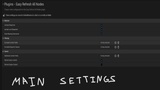
4. Configure compilation, save prompting, scan roots, Level Blueprint inclusion, and exclusion filters under Project Settings > Plugins > Easy Refresh All Nodes.
Safe Defaults
- /Game scanning: enabled.
- /Engine scanning: disabled.
- Blueprint compilation: enabled.
- Automatic saving: never used.
- Checkout/save prompt: disabled until you opt in.
- Level Blueprint scanning: disabled until you opt in because discovering level scripts requires loading map assets.
Easy Refresh All Nodes is designed for teams and solo developers who want faster Blueprint maintenance without giving up control over compilation results, source control, or saved changes.