Description
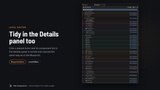
Tidy Components keeps the Components panel of the Blueprint editor, and the component list in the Level editor's Details panel, in order automatically.
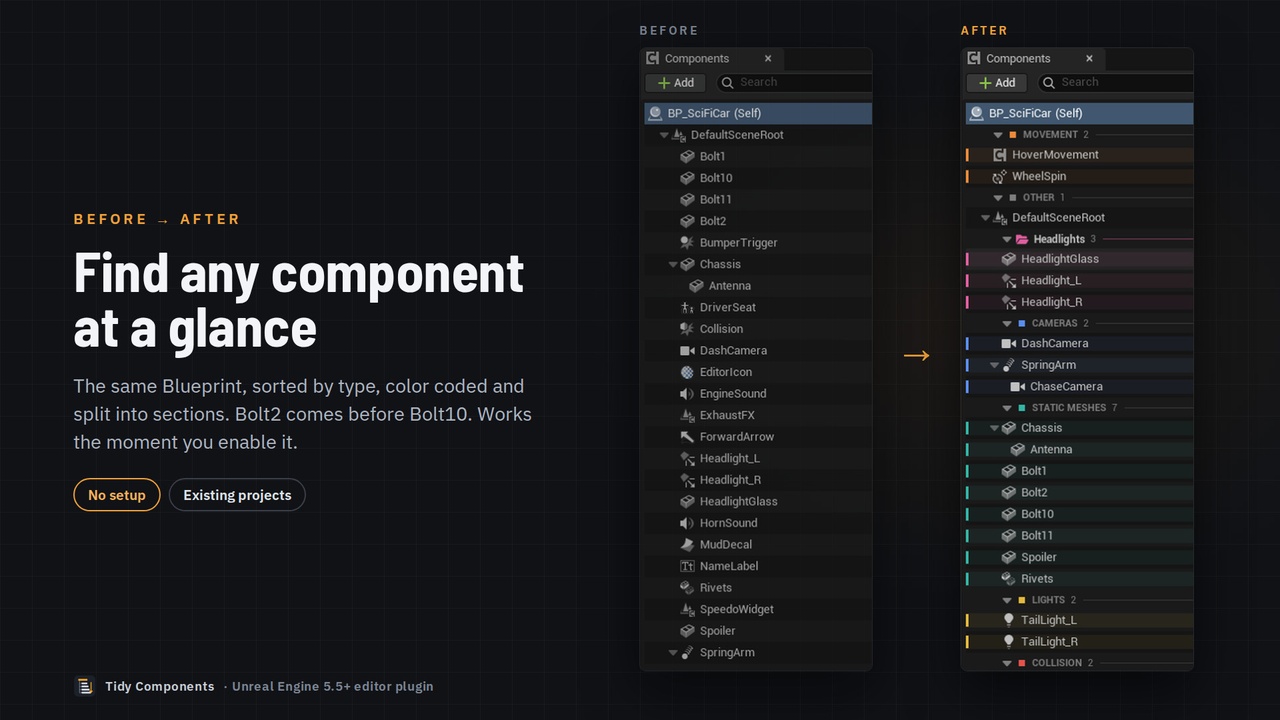
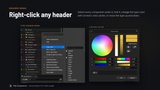
Unreal lists components in a hard-to-scan order that gets worse as an Actor grows. Tidy Components groups them by type (cameras, meshes, lights, collision, audio, effects and more), sorts each type in natural order (Mesh2 before Mesh10) and adds color-coded header rows you can fold, drag and right-click. It only changes how the list looks: your Blueprints, levels and game work exactly as before.
FEATURES
- Automatic sorting by component type, then natural name order, at every level of the hierarchy. Prefer one A–Z list? One click.
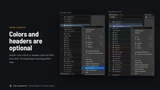
- A color bar for every type and group, and named header rows with counts. Turn colors or headers off with one click.
- Foldable headers, remembered per Blueprint and per placed Actor.
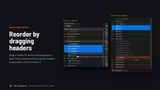
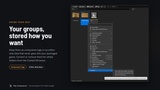
- Custom Groups: keep chosen components together under their own name and color, above or below the rest. Drag headers to reorder them, drop components on a header to add them.
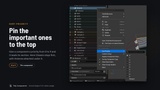
- Sort Priority: pin the components you use most to the top of their type.
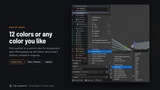
- Custom colors for groups and types: 12 presets or any color from the color picker.
- Your choice of storage: component tags, or editor-only data that never goes into your packaged game.
- Tidy Data tool: convert or remove groups for whole folders from the Content Browser.
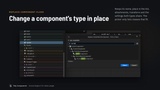
- Replace Component Class: change a component's class and keep its name, attachments, transform, tags and shared settings.
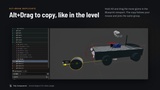
- Alt+Drag duplicate in the Blueprint viewport, like Alt+Drag for Actors in a level.
- Every change can be undone. Works in Blueprint-only and C++ projects, and on existing projects.
HOW TO START
Install it to your engine from your Fab Library, then in your project open Edit › Plugins, search "Tidy", tick Tidy Components and restart. Open any Blueprint and the list is already tidy. Right-click a component › Tidy Components for groups, priorities and more.
Editor-only plugin: no runtime code, nothing is added to your packaged game.
Supported: Unreal Engine 5.5, 5.6, 5.7 and 5.8 (Windows).
Documentation: https://atharvashewale2036.github.io/tidy-components/ (a PDF guide is also included in the plugin's Docs folder)
Support: [email protected]