Opis
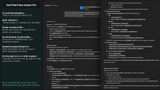
Blueprint FlowTrace – Execution Tree Exporter turns sprawling Blueprint graphs into clear, text-based execution trees.
Instead of scrolling through spaghetti, you get a compact, readable summary of what runs, in what order, and with which key values—ideal for code reviews, documentation, and AI-assisted refactoring.
This is an editor-only Unreal Engine plugin and the first tool in the FlowTrace suite of Blueprint utilities. Future updates will add new capabilities and support for upcoming Unreal Engine versions.
Key Features
Copy Entire Blueprint Hierarchy
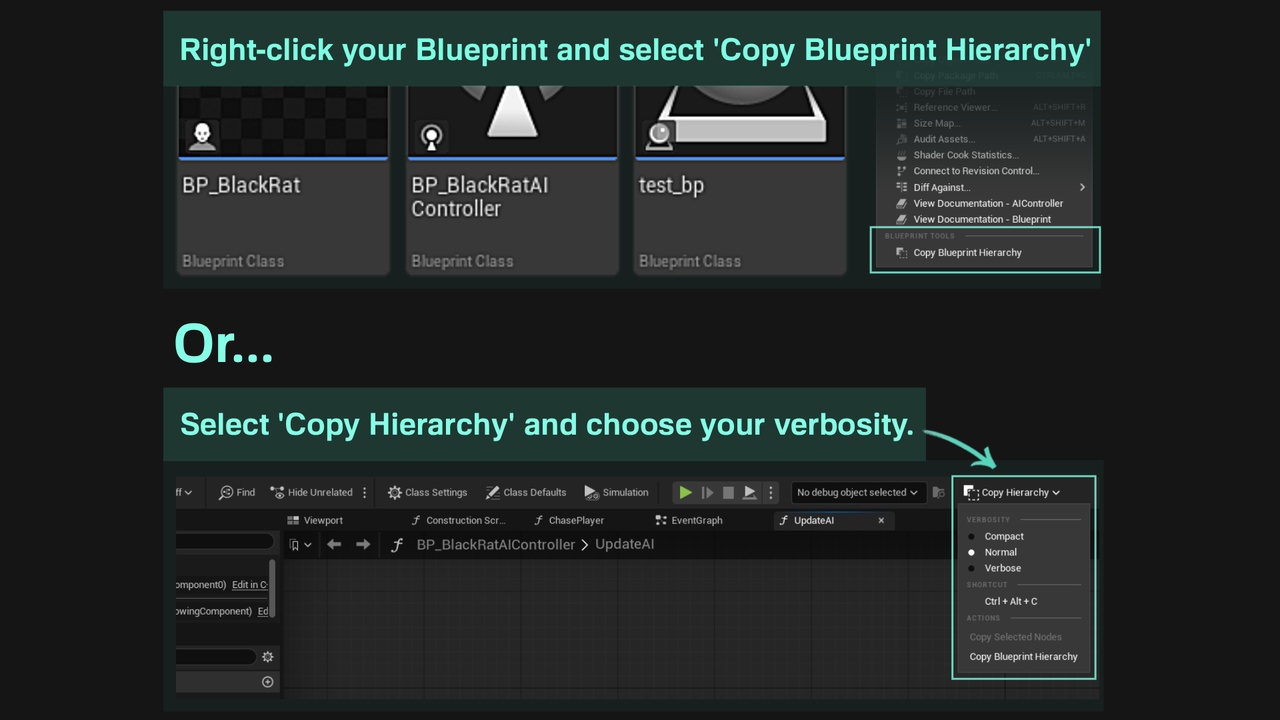
Export a full Blueprint—events, functions, and graphs—into one organized execution report, copied straight to your clipboard.
Copy Selected Nodes
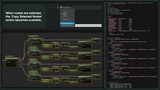
Focus on the area you are working on. Select any region of a graph and export only the relevant execution paths and variables.
Smart Copy Shortcut (Ctrl + Alt + C)
One shortcut that “does the right thing”: in an open Blueprint it copies the selected nodes (or, if nothing is selected, the entire Blueprint hierarchy); with a Blueprint asset selected in the Content Browser, it copies that asset’s hierarchy even if no editor is open.
Clipboard-first, zero-friction workflow
No new windows, no file management. Press the button, then paste into your editor, issue tracker, documentation, or AI chat.
First sentence.<br>Second sentence.
Readable ASCII Execution Trees
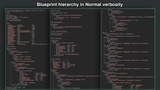
FlowTrace follows exec wires and prints an indented tree using └, ├, │, plus labeled edges like Then 0, True, and False, reflecting real execution flow instead of visual layout.
Three Detail Levels
Compact: structural overview.
Normal: recommended default; adds important variables, enums, and expressions.
Verbose: maximum detail for deep debugging and documentation.
Inline Logic Expressions
Key operations are printed as simple statements so you can understand behavior without chasing wires.
Globals, Locals, and Legend
Full exports include sections for global and local variables plus a legend explaining the notation—easy to share with teammates or AI tools.
Designed For
Developers maintaining large AI, ability or interaction Blueprints.
Teams that need review-friendly text summaries instead of screenshots.
Anyone who wants clean context for documentation or AI tools without re-explaining their Blueprint every time.