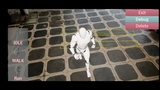
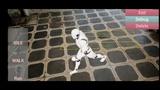
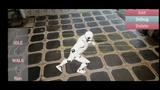
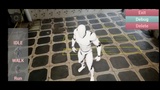
الوصف
Important Notice:
This asset has been merged into the CorePlus Plugin and will no longer be supported after Unreal Engine 5.5.
To access future updates and the latest version, please use the CorePlus Plugin: 🔗 CorePlus Plugin
More Details About Product: Link
Template: Link
Demo 01: Link
Demo 02: Link
Demo 03: Link
Discord Server: Link
Documentation: Link
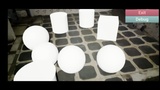
=> Template
Just change StaticMesh OR Skeleton Mesh.
Build and Run.
AR Experience is ready.
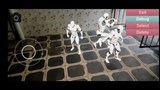
=> Demo 1
Name: Object Editing
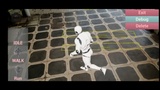
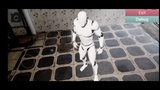
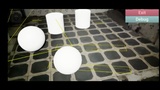
Demo 1 showcases how to spawn or remove objects into the real world. Change its rotate, scale, and play different animations if it’s skeleton mesh,
In the demo player can:
- spawn characters into the real world with touch on the screen,
- Remove it with the delete key on the screen,
- Rotate it with one finger swipe.
- Scale it with a two-finger pinch.
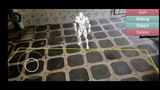
=> Demo 2
Name: Tracked Geometry Mesh
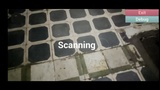
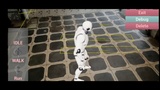
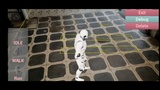
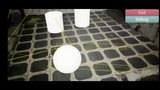
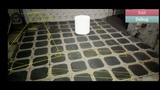
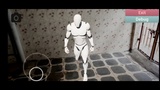
Domo 2 showcases how to create Mesh on top of tracked geometry, By default, there is no mesh geometry which means no collision, No collision means the character or objects can’t Interact with the world.
In the demo player can:
- spawn character into the real world with the touch on the screen,
- Control the character with a joystick.
- Spawn a new character When the previous character falls through the floor and gets destroyed.
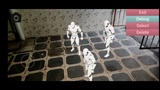
=> Demo 3
Name: Object Selection
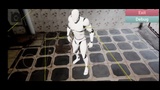
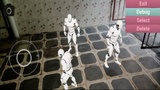
Demo 3 showcases how to spawn multiple objects, how to select them in the real world, and how to interact with them.
In the demo player can:
- Spawn multiple characters with touch.
- Select any spawned character with the select button.
- Remove selected characters with the delete button.
- Control the character with a joystick.