


Descrição
Control your music without leaving Unreal Engine.
Music Remote Player is a native C++ editor plugin that puts a full-featured music player directly inside the Unreal Editor.
Local Mode: Install, click the toolbar button, select Local. The plugin detects any running media player (Spotify, Apple Music, YouTube Music in your browser, ...) and controls it through Windows SMTC. No accounts or API keys required.
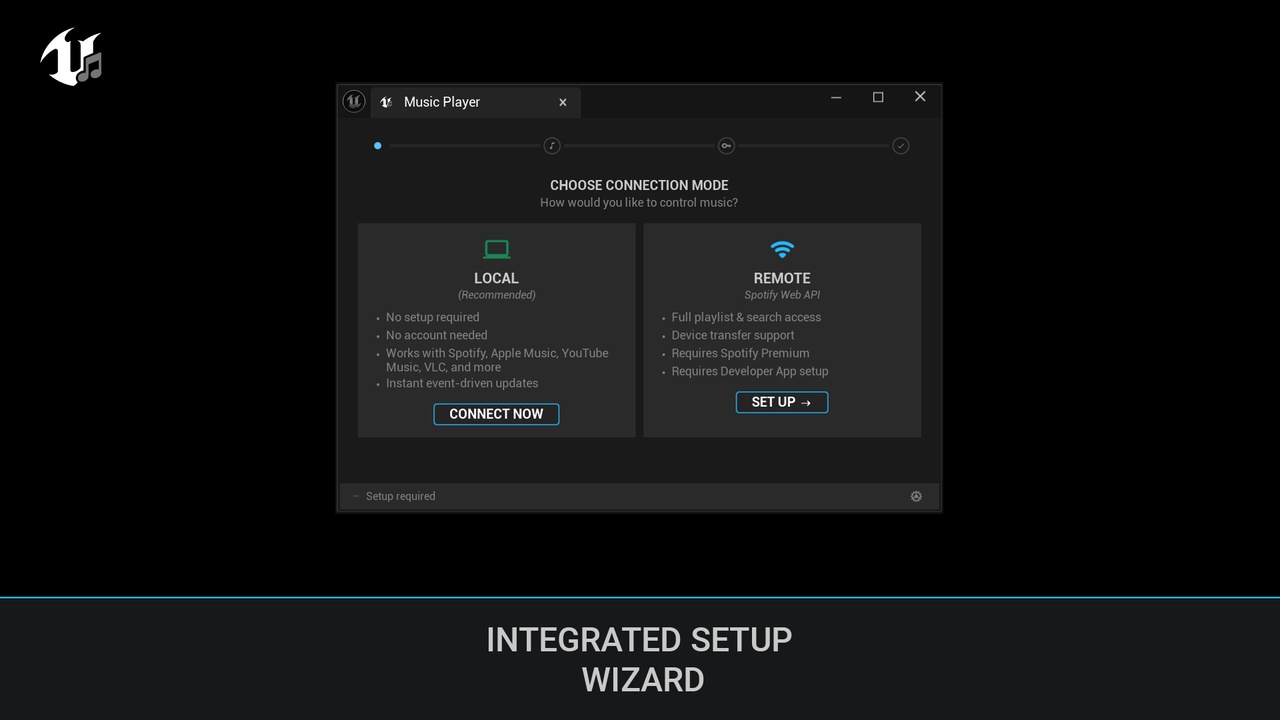
Remote Mode: Connects to the Spotify Web API via a guided setup wizard. It uses Spotify WebAPI to browse your playlists. Uses PKCE auth (no Client Secret needed). Reconnects silently on every editor launch.
Features
Auto-pause during Play In Editor and resumes when you stop.
Full playback control: play, pause, skip, seek, volume, shuffle, repeat.
Now playing display with album art, track info, and smooth progress slider.
Playlist browser with Owned/Followed sections, cover art, pagination, and real-time filter.
5 responsive layouts: Mini, Compact, Normal, Wide, Condensed - dock it anywhere.
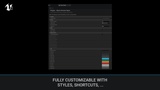
8 global keyboard shortcuts, fully customizable.
Toolbar button with inline transport controls (play/pause, next, prev, shuffle, repeat, browse).
12-color theme customization with live preview.
Per-app volume control via Windows Core Audio.
Setup wizard with animated step indicator.
Silent auto-reconnect with proactive token refresh.
All settings in Project Settings > Plugins > TP Music Remote.
Requirements
Unreal Engine 5.5+
Windows 10/11
Any media player that registers with Windows media controls.
Remote Mode (Spotify Web API):
Spotify Premium account.
Free Spotify Developer App (~3 min to create)
This plugin controls existing playback sessions. It does not stream, download, or store any audio content.
Disclaimer
This plugin is not affiliated with, endorsed by, or sponsored by Spotify AB. Spotify(R) is a registered trademark of Spotify AB. To use remote mode and access to user playlists each user must create their own Spotify Developer App. The plugin does not stream, download, or store audio content, it acts solely as a remote control. Use of the Spotify Web API is subject to the Spotify Developer Terms of Service.
The developer will endeavor to keep this plugin up to date, however third-party APIs and services may change at any time without notice and continued compatibility cannot be guaranteed.