Beschreibung
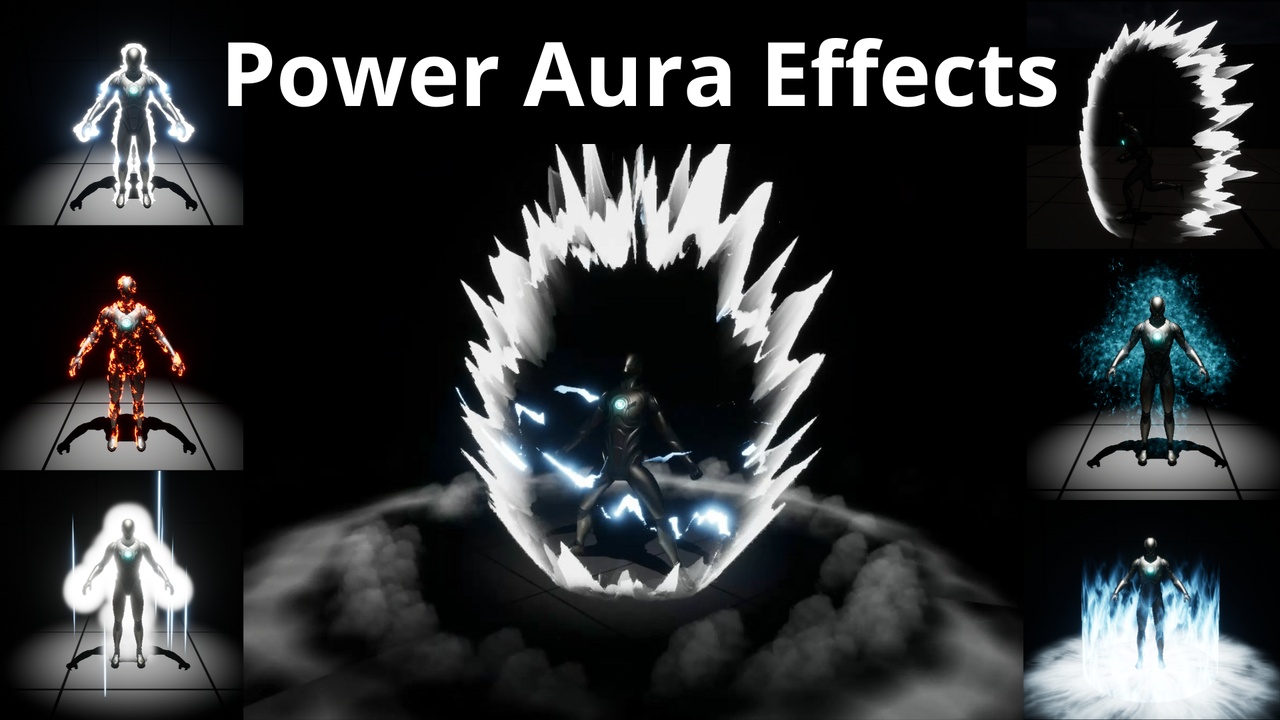
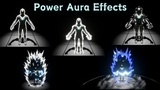
✨ Power Aura Effects Pack✨
🎥 Video Demo How to Apply Auras on Character
🎥 Video Animation Example (audio and animation assets are not included on product)
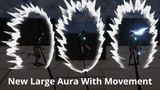
🌟⚡⚡ NEW AURA 🎥 New Aura With Movement Preview
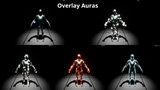
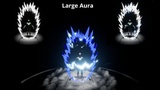
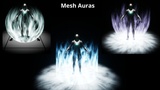
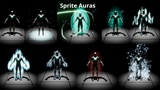
This product includes Auras organized in 4 types: "Overlay Auras" (Overlay materials), "Mesh Auras" (niagara with mainly using Mesh renderer), "Sprite Auras" (niagara with mainly using Sprite renderer), and "Large Auras".
🌟 What's Included:
🗺️ 1 Demo Map: Features 16 Overlay Auras, 3 Mesh Auras, 7 Large Aura templates, and 17 Sprite Auras.
In the Demo Map the controlled character receives the aura effect of the auras he gets close to. You can activate and deactivate aura effects on the controlled character pressing the 'F' key. The blueprint this character has that enables Aura effect on him is the BP_ThirdPersonCharacter.
Details of each aura type are described below.
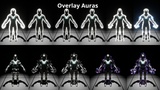
Overlay Auras
• 🎨7 base materials, 18 Material instances
Base materials expose some parameters that can control color, intensity, speed, and other values for some effect customization.
🔧 How to Use:
🛠️ Add material to the "Overlay Material" slot under the character mesh details
Mesh Auras
• 🎨2 materials, 3 meshes, 3 Niagara systems
These are Niagara systems with main component for the aura uses a mesh renderer
🔧 How to Use:
🛠️ Add Niagara System in a Niagara component linked to an actor
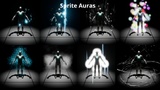
Sprite Auras
• 🎨 15 materials, 17 Niagara systems
These are Niagara systems with main component for the aura uses a sprite renderer
🔧 How to Use:
🛠️ Add Niagara System in a Niagara component linked to an actor
Large Aura
Composed of:
💫 1 Base Niagara System with user parameters to customize it
🖼️ 6 Niagara System Templates: Showcased in the video and demo level.
🌀 2 Static Meshes: One for the aura and one for the shockwave.
🔧 How to Use:
🛠️ Base System: Use NS_KiAura_Base to attach the effect in a Niagara System component linked to an actor.
📌 Positioning: Align the system's pivot point with the base of the aura.
Set user parameters to adjust effect appearance. You can Scale its size for better fit.
Some changes on the effects for the mesh emitters are provided with different material instances.
🌟 Mesh Renderer Emitters customization for the Large Aura
Check the video that exemplifies changing the materials using the user parameters
🌀 Aura effect (KiAura Emitter): Choose from 3 Material Instances for different internal aura effects:
🔳 MI_LargeAura_ZeroInternal: Internal aura is invisible.
🌟 MI_LargeAura_InternalSpikes: Regular pattern of moving points.
🌫️ MI_LargeAura_InternalPower: Low opacity internal aura.
⚡Lightning effect (LightningOnAura Emitter): Toggle spawn and select from 2 material instances:
⚡ MI_LightningBlinking: Random blinking lightning effects.
⚡ MI_LightningMoving: A single moving lightning ray.
🌟⚡⚡ NEW AURA ⚡⚡🌟
Large Aura with movement:
🌀New Aura has exposed parameters to change the offset of the aura mesh
🛠️1 blueprint BP_KiAuraMovementControl has 2 functions to help control the Aura effect with a default implementation
You can include this Bluepprint in a character, call the "PrepareMaterialInstance" function when the niagara asset is attached, then for every tick call "ProcessAuraMovement". It will offset the aura as the character moves, and if character is not moving it will activate a lightning effect.
Examples of using this Aura and calling the dependant blueprint can be checked on the Demo character Blueprint BP_ThirdPersonCharacter
Current limitation is that it only has one lightning effect included, a blinking lightning, as It was built different to the other Large Aura (using now material layer blend materials).
⚠️ Current Limitations:
🚫 No LODs configuration
🔧 Limited number of exposed parameters. Most niagara systems don't expose any parameter
📐 Aura shapes are fixed to the included meshes or textures used.
🔄 Fixed effect: Doesn't change with movement nor interact with environment.
💬 Feedback Welcome!