
Descripción
Kimodo Importer
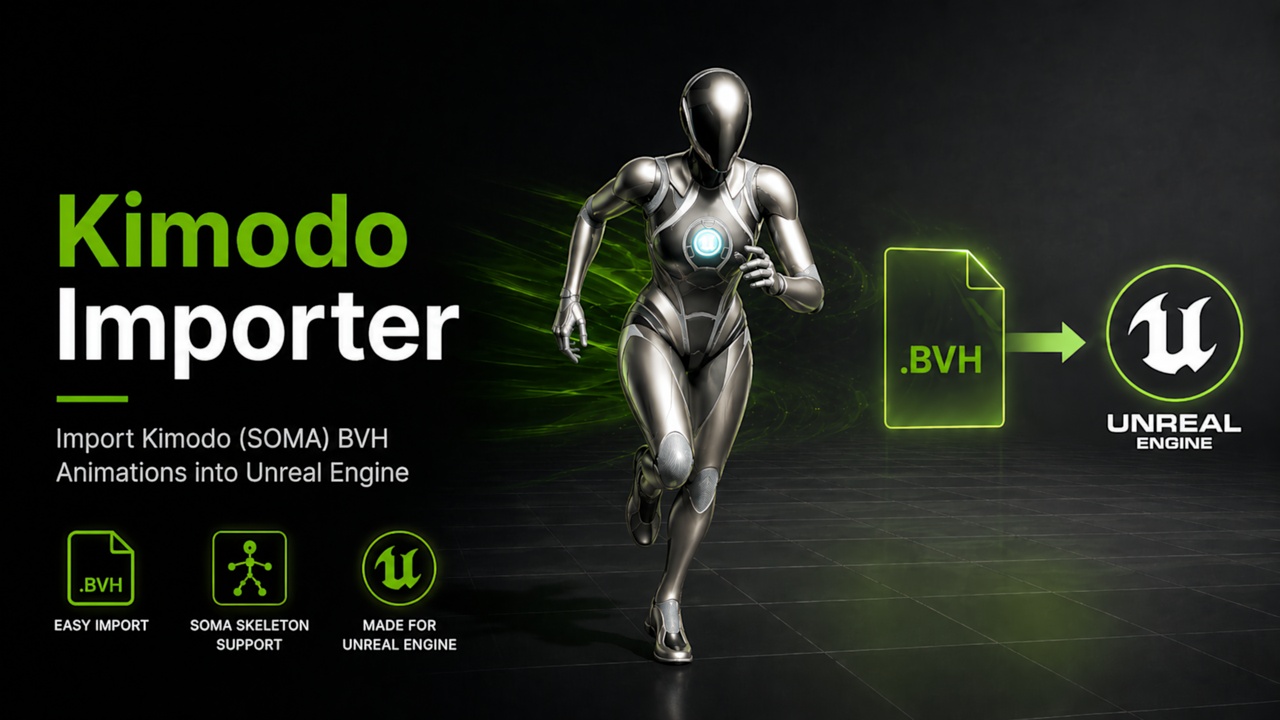
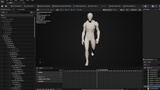
Kimodo Importer is an Unreal Engine Editor plugin designed to make NVIDIA Kimodo BVH animations usable inside Unreal Engine quickly and cleanly.
Kimodo can generate useful body motion from text prompts, but getting those BVH files into Unreal and onto a usable UE5 skeleton can be a slow manual process. Kimodo Importer solves this by importing a Kimodo BVH animation file, creating the animation inside Unreal Engine, and then allowing the user to retarget that motion onto the included UE5-compatible skeletal mesh using the supplied retargeting assets.
This plugin is intended for base animation generation, blocking, and early motion refinement.
It is not designed to replace hand-authored animation, mocap cleanup, or final polished character performance. Instead, it gives animators, developers, and technical artists a fast way to turn Kimodo-generated motion into usable Unreal Engine animation assets that can then be refined, layered, edited, or used as a starting point for gameplay and cinematic work.
Key Features
Import Kimodo BVH animations
Import BVH files generated from Kimodo’s SOMA human body skeleton directly into Unreal Engine.
Automatic animation creation
Convert imported Kimodo BVH motion into Unreal Engine animation assets ready for use in your project.
Included retargeting workflow
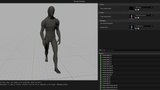
Retarget imported Kimodo animation onto the UE5 skeleton using the included Retargeting assets.
Designed to help move Kimodo motion onto the included UE5-compatible Kimodo skeleton.
Useful for blocking and iteration
Quickly generate motion ideas from text in Kimodo, import them into Unreal, and use them as base animation for prototyping, blocking, previs, gameplay testing, or further refinement.
What problem does it solve?
Kimodo is useful for creating prompt-based human body motion, but the raw output is not immediately convenient for Unreal Engine production workflows. Manually importing, configuring, and retargeting BVH animation can interrupt iteration and slow down experimentation.
Documentation:
https://help.zenblink.com/kimporter/
Support:
Important
Kimodo Importer DOES NOT include NVIDIA Kimodo.
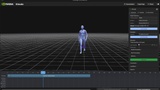
Kimodo is an external NVIDIA research/demo tool. Users must access Kimodo separately, generate or select an animation in Kimodo, and export that animation as a BVH file before using this plugin.
Kimodo Importer only imports BVH files that have already been exported from Kimodo. It does not install Kimodo, run Kimodo, generate Kimodo animations, or include NVIDIA model files.
Accessing Kimodo
Users can find NVIDIA Kimodo here:
https://github.com/nv-tlabs/kimodo
For full Kimodo installation, access, model, and generation instructions, refer to NVIDIA’s official Kimodo documentation. Kimodo Importer only requires the exported BVH file.
Full Kimodo Documentation: