
Description
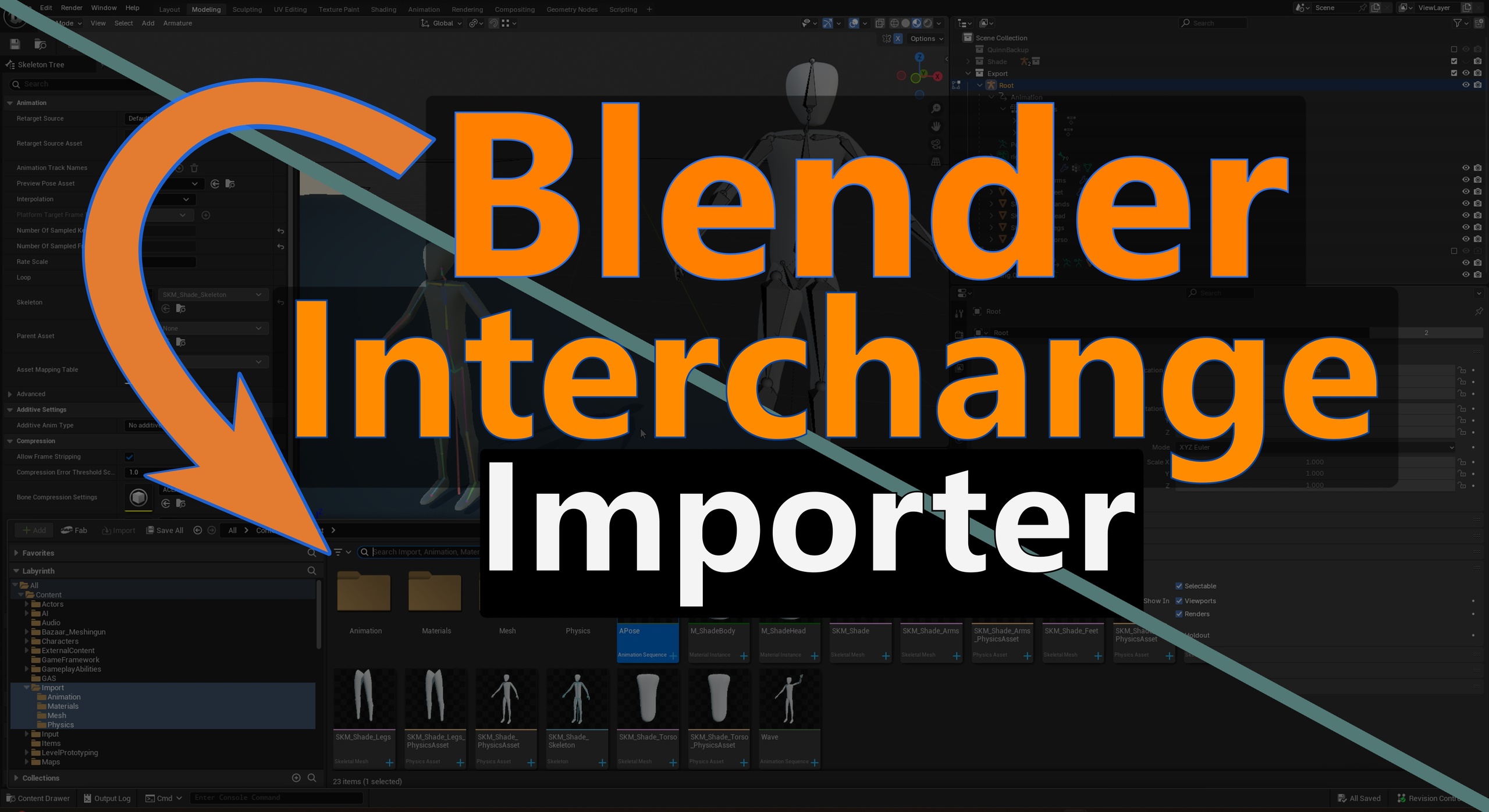
Blender Interchange Content Importer: get your assets from Blender to Unreal with ease.
Plugin Features
Tutorial Videos: https://www.youtube.com/playlist?list=PL0kjf1K05iOglm9Eh23nJTpWBN-ZnmFN2
Full Plugin Documentation Here
Check out our discord to get help or suggest new features!
Seamless Import
Drag and drop blend files in the content browser
Works without user setup but has room to customize
Adds ability to organize your assets into folders by type
Process a large variety of blend files, see our test library
Fully supports reimport to pull changes from blender with ease and iterate quickly
Supports latest version of Blender (4.3) and compatible with versions back to Blender 3.0
Import Meshes Authored in Blender
Blender scene to level instance import
Static meshes for geometry
Simple and Complex collision
LODs
Rigged meshes for characters
Shape keys for mesh deformation
Materials* and Textures
*We support 3 different formats: GLTF, USD, and FBX and materials imported into unreal will mirror what is possible with those formats. We recommend that materials be authored in unreal to get the best results.
Import Animations from Blender
Animated characters and other rigged mesh animations
Animated static meshes. Converted to skeletal animations automatically on import
Facial Animations and other morph target animations
Fast and Easy Import to Unreal
You can now get your assets from Blender to Unreal with ease.
With this plugin, what you see in Blender is what you get in Unreal. You don't have to struggle through complex import workflows to get good results. And it will save you hours of time.
With this tool, .blend files can be dropped directly into the content browser. Assets are created automatically in Unreal.
The Blender Interchange Origin Story
Our studio was struggling to get content from Blender with existing options. Importing was taking up our time in frustrating ways.
Import was error prone, as anyone who's imported by hand could tell you. Every asset type involves multiple steps to import with different nuances, and when things go wrong you have to search on the internet for solutions that might not exist.
We went to the Marketplace looking for a quick fix, but there wasn't any at the time.
Making tools for Blender is not often a priority compared to other 3D software like 3DS Max and Maya since it has not been considered "industry standard" until recently. Thus, there are limited options when looking for solutions. Some tools to link Blender and Unreal exist but are out of date or require a significant time investment to learn how to use. Most people don't want to become pipeline experts, they just want to make their game.
We tried existing solutions, and we weren't satisfied.
That's when we decided to make this plugin.
What is Interchange? A New Way to Import in Unreal
This plugin is based on the Interchange Framework which is made by Epic Games.
This is the newest import framework in Unreal Engine and is poised to be the standard going forward. It is relatively new but already offers more features and extensibility than Unreal's previous framework, providing a better user experience.
Benefits of the Interchange Framework
Pipelines for saving import presets: Consistently import content without remembering every checkbox
Scripting hooks for easily customizing your pipeline.
Create more assets
Create less assets
Modify the assets as they are created to save time and ensure consistency
This framework is growing more powerful with each release with features like in-game file import on the horizon
Plugin Disclaimer
This plugin requires the following engine plugins to function - they ship with then engine and will be auto-enabled with this plugin.
Interchange
InterchangeOpenUSD
USDCore
VariantManagerContent
HairStrands
Support
If you experience any issue at all feel free to reach out to us. We will guide you to a solution and incorporate any bug fixes in a timely manner.
Check out our discord: https://discord.gg/fc2HYwJS
You can also email us at our support email: [email protected]
Check out our wiki showing off how to use the plugin