




Opis
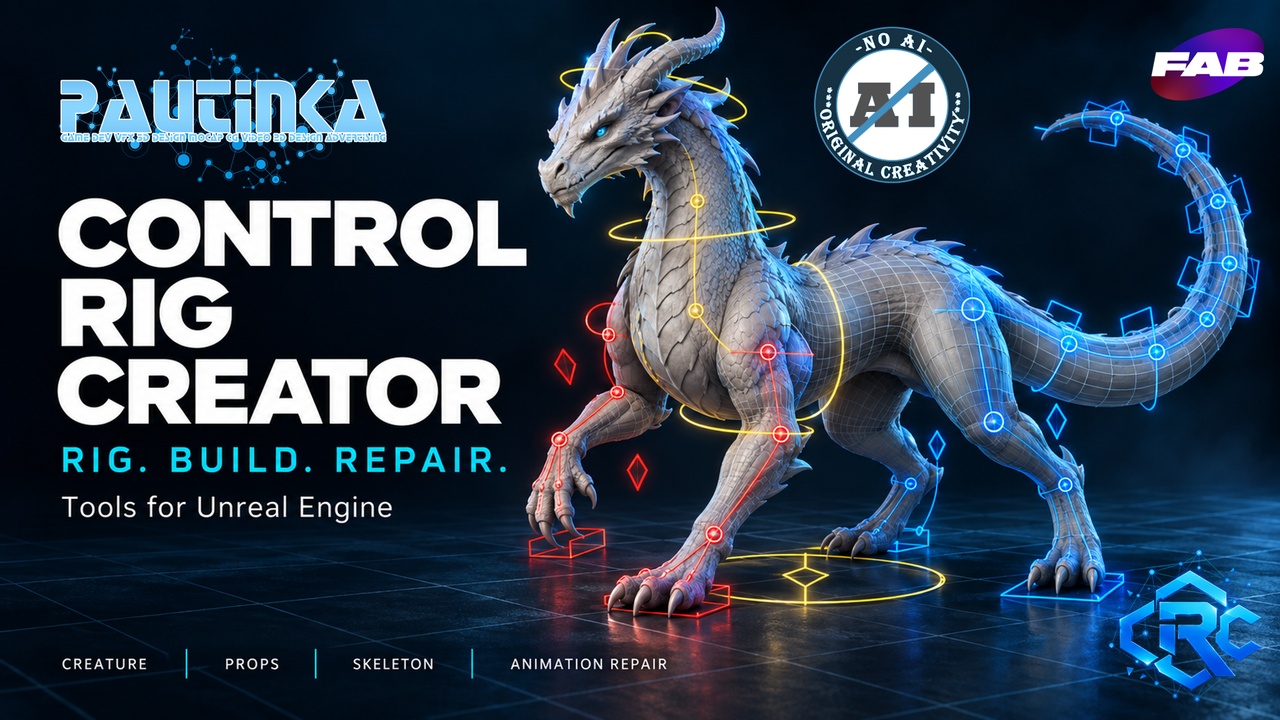
Control Rig Creator brings character rigging, mechanical props, rigid skeleton creation, and animation processing into one Unreal Engine editor toolkit.
Turn a Skeletal Mesh into an editable Control Rig, build a moving prop from Static Mesh parts, or reshape an existing animation with a reusable sequence of operations. Four dedicated workspaces guide you from source asset to editable result, with visual previews and settings you can refine for your project.
CREATURE — FROM MESH TO CONTROL RIG
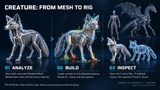
Analyze your Skeletal Mesh, review the detected bone roles, and generate controls for its existing anatomy. Work with limbs, fingers, tails, wings, facial bones, and other connected chains.
• IK and FK controls with pose-matching actions.
• Chain targets for supported connected bone chains.
• Eye aiming and jaw controls for mapped bones.
• Optional Morph Board with named sliders for existing Morph Targets.
• Color-coded controls with editable shapes, sizes, and placement.
• Optional Physics Asset generation with fitted collision bodies and editable constraints.
The role dictionary helps interpret different naming conventions, while manual assignments give you control over ambiguous or custom skeletons.
PROPS — GIVE MECHANISMS THEIR CONTROLS
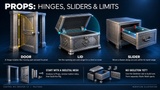
Create controls for mechanical Skeletal Meshes, including doors, lids, drawers, and other articulated objects. Use defined movement axes and ranges to build a rig that follows the intended mechanism.
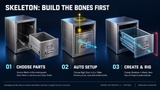
SKELETON — BUILD THE BONES FIRST
Turn Static Mesh parts into a rigidly bound Skeletal Mesh and Skeleton directly in the editor.
Start with Rigid, Door, Lid, or Slider presets, then adjust parts, pivots, axes, and movement limits. Preview the movement before creating assets, and continue into Props to add controls and optional Physics.
ANIMATION REPAIR — REWORK THE MOTION
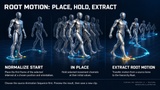
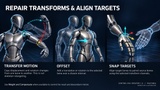
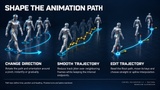
Process Animation Sequences with 24 operations covering root motion, transforms, trajectories, timing, poses, and curves.
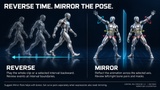
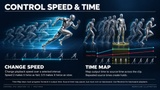
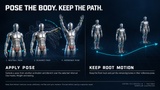
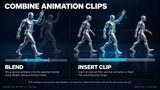
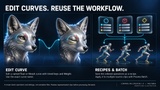
Reverse or mirror motion, trim and repeat intervals, insert holds, change speed, shape a trajectory, blend compatible clips, capture poses, and edit float or morph curves.
Arrange operations in order, compare the preview with the original, save reusable recipes, and apply them to a batch of animations. Save Result creates a new Animation Sequence.
EDITABLE RESULTS, FAMILIAR UNREAL WORKFLOWS
Generated Control Rig Blueprints remain editable in Unreal’s Control Rig Editor. Refine their controls, inspect the graph, adjust Physics Assets, and use Forwards and Backwards Solve with Unreal’s Sequencer baking tools.
The plugin interface supports: English, German, French, Italian, Spanish, Simplified Chinese, and Russian.
Spend less time assembling repetitive setup and more time shaping the performance.
Documentation: Link
Support: Site
Discord: Join