説明
Advanced Game Logging (GLS) – In-Game Log Viewer for Shipping Builds (UE5 Plugin)
Everything works fine in PIE.
You package the build… and suddenly things start breaking for no reason.
No Output Log.
No console.
Nothing useful on device.
Now you're stuck doing things like:
• Connecting ADB
• Pulling logs manually
• Asking QA “what exactly happened?”
• Adding random print strings and rebuilding again and half the time… you’re just guessing
GLS basically gets rid of that whole mess.
What GLS Does
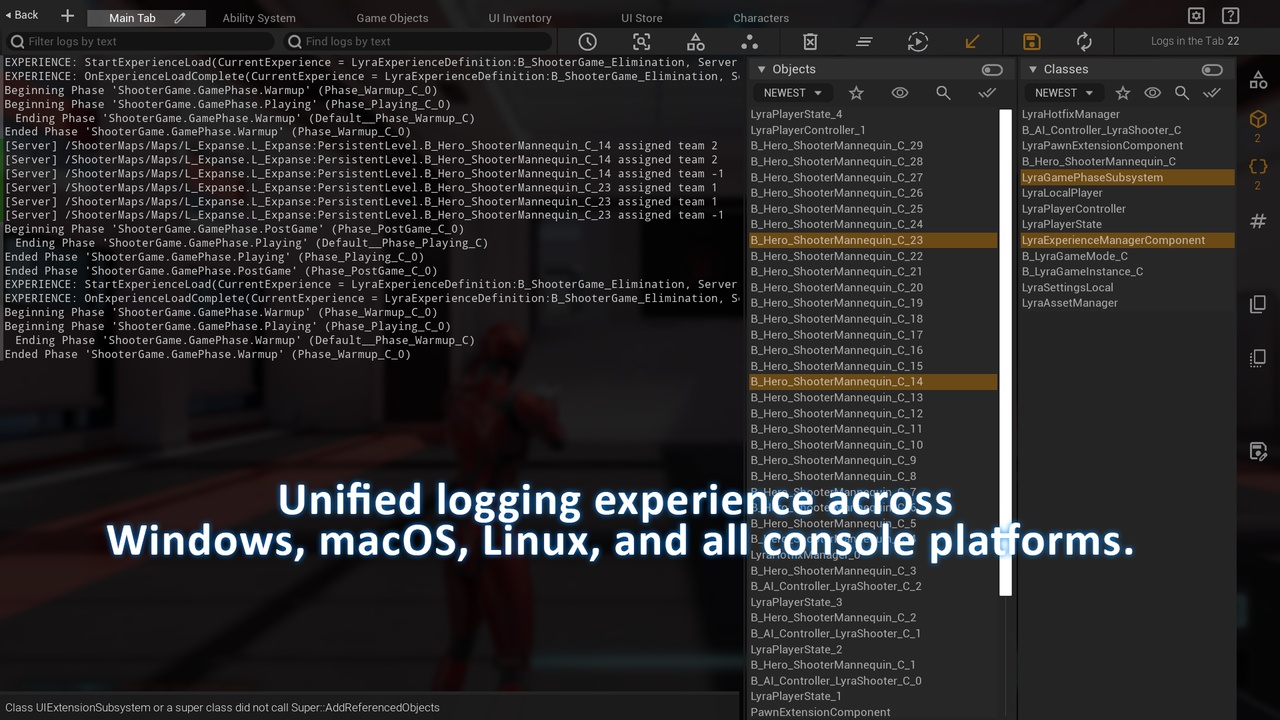
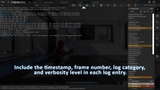
GLS gives you a real-time log viewer directly inside your running game.
No external tools.
No PC connection.
No switching windows.
Just press ALT + SHIFT + G and instantly see your logs – even in Shipping builds.
Built for Real Debugging Scenarios
• Bugs that only appear in packaged builds
• Mobile & VR debugging without cables
• QA testing without developer dependency
• Multiplayer debugging with isolated logs
• Tracking runtime state, flags, and edge cases
If you've ever said:
“It works in editor but breaks in build” – this is for you.
Why Developers Use GLS
Because traditional logging breaks exactly where debugging becomes hardest:
• Packaged builds
• Real devices
• Multiplayer sessions
GLS restores runtime visibility, where it actually matters.
Who It’s For
• Unreal Engine developers
• Mobile / VR / console teams
• QA testers
• Teams debugging Shipping builds
Key Features
On-device logs — view logs directly inside the game on phone, VR headset, or console without any PC connection
Shipping build support — debug Shipping builds in real time without ADB, console commands, or external tools
In-game overlay — open logs instantly during gameplay or PIE without switching windows
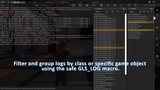
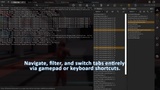
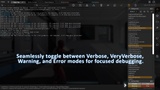
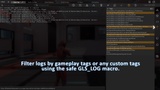
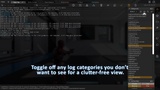
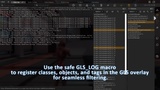
Smart filtering — isolate logs by category, verbosity, class, object, function, tags, network role, or PIE instance
GLS_LOG macros — structured C++ logging with tags and context, available in Shipping builds
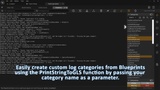
PrintStringToGLS — Blueprint-friendly logging with custom colors, fully Shipping-compatible
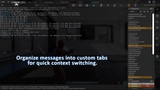
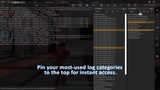
Custom Named Tabs — save separate views for AI, UI, networking, gameplay, and more
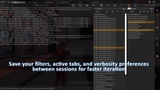
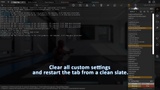
Persistent UI — filters, tab layouts, and sizes are saved between sessions
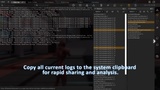
Session Log Files — automatic log files with configurable formats, available even in Shipping builds
Multiplayer-ready — isolate logs per client, role, PIE instance, or controller
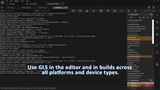
Cross-platform — works on PC, mobile, consoles, and VR/AR
Zero setup — works in Development, Test, and Shipping
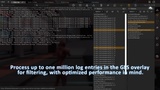
Optimized and production-ready — proven in large UE5 projects with heavy logging
Per-object isolation — quickly focus on logs from a specific actor or object during gameplay
Actively used in the development of a large-scale Unreal Engine project with heavy runtime logging.
Useful Links
Documentation, FAQ, Changelog
Forum, Dev Blog, YouTube
Free Demo Plugin, Example Builds (Windows, Android, Linux)