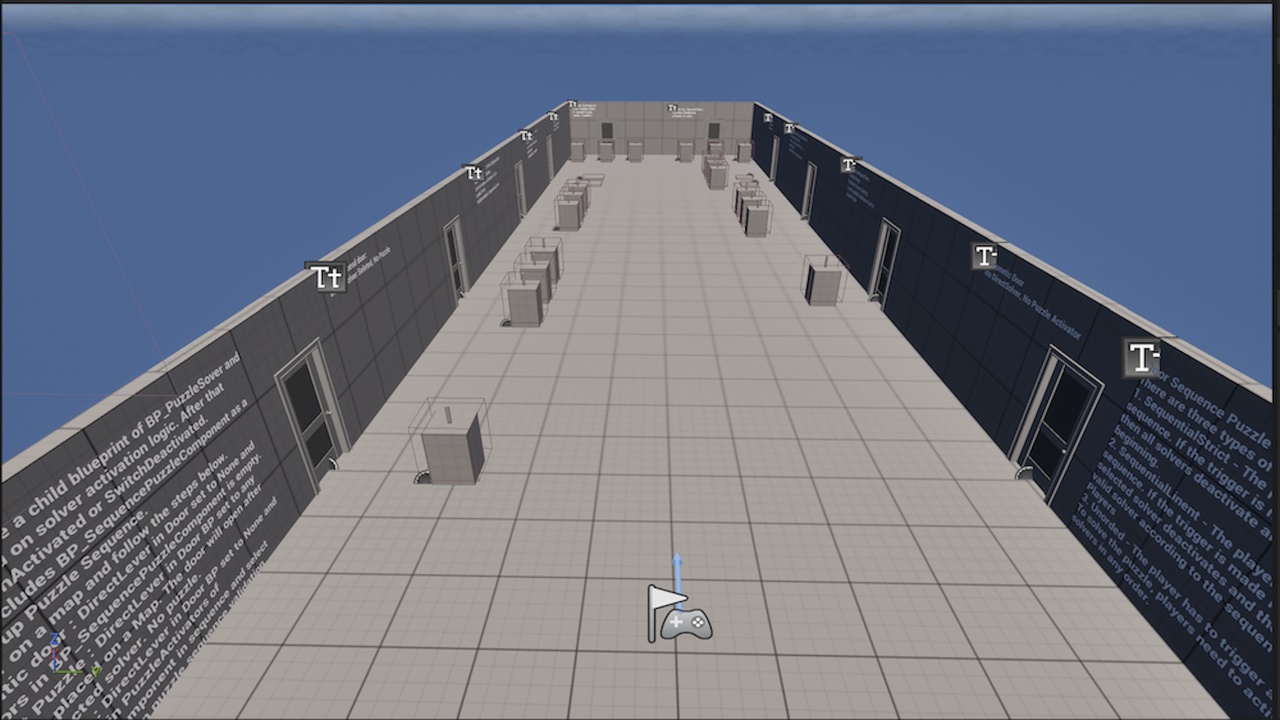
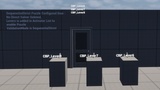
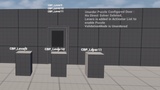
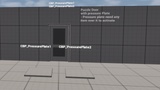
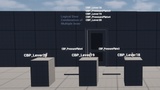
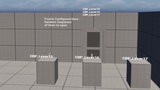
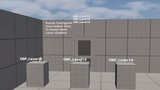
Beschreibung
Door Sequence Puzzle Setup Instructions
This setup defines how a puzzle-based door system behaves, depending on how players interact with a series of puzzle solvers (triggers). The system supports multiple sequence validation modes, allowing for flexible gameplay design.
Demo - https://youtu.be/Bica7GWbdC4
Puzzle Sequence Validation Modes
There are three types of sequence validation modes that define how players must interact with puzzle solvers to unlock the door:
1. SequentialStrict
Objective: Activate solvers in an exact predefined order.
Failure Condition: If a player activates a solver out of order:
All previously activated solvers deactivate.
The player must restart the sequence from the beginning.
2. SequentialLinent
Objective: Activate solvers in a defined order.
Failure Condition: If a player activates a solver out of order:
Only the incorrect solver deactivates.
The player must continue from the next valid solver in the sequence without restarting the whole puzzle.
3. Unordered
Objective: Activate all solvers, in any order.
No penalty for triggering out of sequence.
Puzzle is solved once all solvers are activated.
Developer Setup Guide
To implement the Door Sequence Puzzle system correctly, follow these steps:
1. Solver Setup
Every solver must be a child blueprint of BP_PuzzleSolver.
Each solver should:
Manage its internal activation logic.
Update the bIsActivated flag accordingly.
Dispatch events:
SwitchActivated when activated.
SwitchDeactivated when deactivated.
2. Door Setup
Use the BP_SequencePuzzleComponent inside the Door Blueprint to manage sequence behavior.
3. Door Behavior Configuration
Depending on your desired gameplay setup, configure the Door Blueprint and solvers as follows:
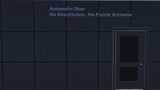
3.1 - Automatic Door (No puzzle logic):
DirectLever in Door BP: Set to None.
PuzzleActivators in BP_SequencePuzzleComponent: Leave empty.
Door will open automatically.
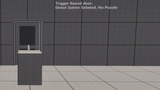
3.2 - Single Solver (No sequence logic):
DirectLever in Door BP: Assign any BP_PuzzleSolver placed in the level.
The Door will open when the assigned solver is activated.
No sequence or puzzle validation is applied.
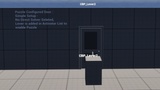
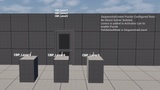
3.3 - Puzzle with Sequence Validation:
DirectLever in Door BP: Set to None.
PuzzleActivators in BP_SequencePuzzleComponent: Add multiple BP_PuzzleSolver instances in desired sequence order.
ValidationMode: Choose one of the following:
SequentialStrict
SequentialLinent
Unordered
The Door will open only when the sequence is solved based on the selected validation mode.
Puzzle Solver (combination or Single)-
Lever
Pressure Plate