Description
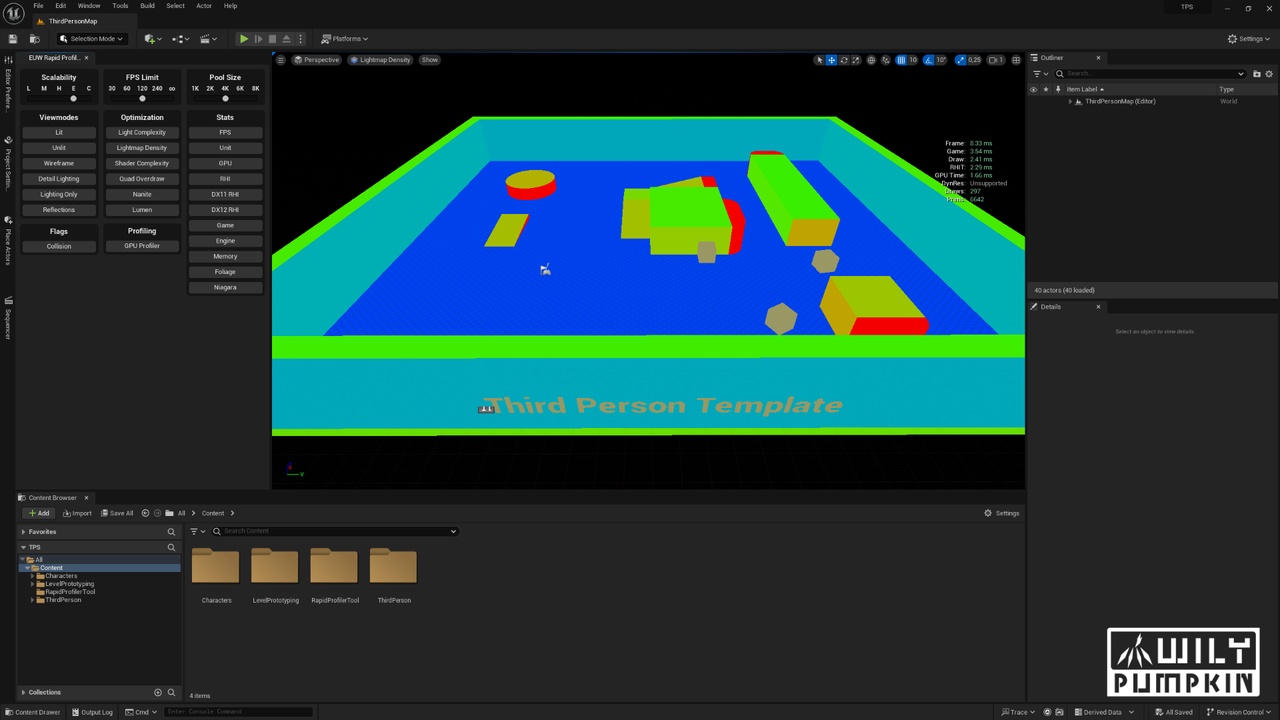
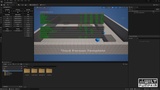
Simply right click the Editor Utility Widget asset provided by the pack and run. You'll have one of the most comprehensive and tightly packed UI shortcuts to profiling tools provided by Unreal Engine 5.
You don't need to memorize stat commands or even access the command line in order to access many of frequently used profiling tools in Unreal Engine.
Most importantly, this tool can work in both Editor and Play In Editor mode. You can just activate the mouse with shift+1, jump to mouse and run any of the profiling modes or visualization via provided shortcuts.
The settings that require many clicks to access like Editor Scalability Settings can also be accessed in one click too! Since this is not a plugin, it is very easy to extend even for non C++ programmers.
Shortcuts to following settings, profiling tools and views;
Scalability
FPS Limit
Pool Size
View Modes
Optimization Related Views
Stats Commands
Flags
GPU Profiler Window
Toggle for Screen Messages [new with v1.1]
Toggle for Control Rig Debug View [new with v1.1]
Documentation: Link
Current Version: 1.1
Support
To ask questions, report bugs, request features or just to say hi;
Please reach us via: [email protected]