Opis
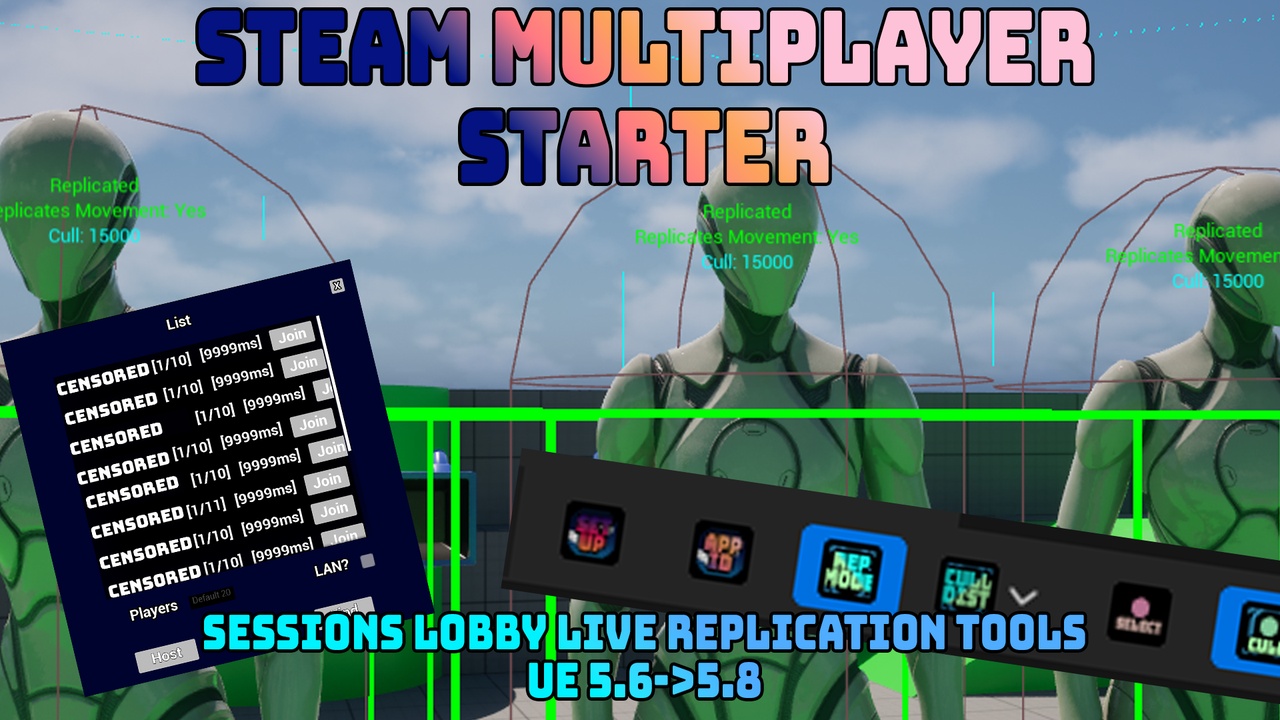
Steam Multiplayer Starter gets Steam multiplayer working in your Unreal project, and includes editor tools you'll actually keep using.
Enable the plugin, click one button to write the Steam config, and you have a working network menu, lobby, and host/find/join/leave session flow out of the box. Works in both Blueprint and C++ projects.
One-click setup
- An editor toolbar button writes the SteamSockets multiplayer config into your project's DefaultEngine.ini
- Source-control aware: if the file is read-only, it offers to check it out (Perforce) or make it writable before writing.
- Set your Steam App ID from the editor (replaces the 480 test value).
Ready-made session flow
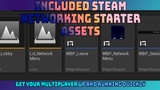
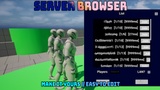
- Network menu, server browser, and lobby widgets: use as-is or restyle.
- Host / find / join / leave built on Steam lobbies + SteamSockets.
- Modern transport (SteamSockets), not the legacy path.
Replication Mode: a live editor visualizer (bonus tool)
Toggle it on and see, right in the editor viewport, every Blueprint actor's replication setup at a glance:
- Color-coded box per actor (replicated / not).
- A stacked label showing Replicated, Replicates Movement, and net cull distance (or "Always Relevant").
- Optional net cull-radius spheres (the actual replication relevancy distance).
- Distance-cull presets to reduce clutter, and a "Selected Only" focus mode.
- Updates live as you move, add, remove, or reconfigure actors.
Notes
-Requires Steam running. Uses Steam's shared test App ID (480) until you set your own.
-Two-minute per-project setup (default map + cook list), see included docs.
-Enabled engine plugins (required for Steam networking): OnlineSubsystem, OnlineSubsystemUtils, OnlineSubsystemSteam, SteamSockets.