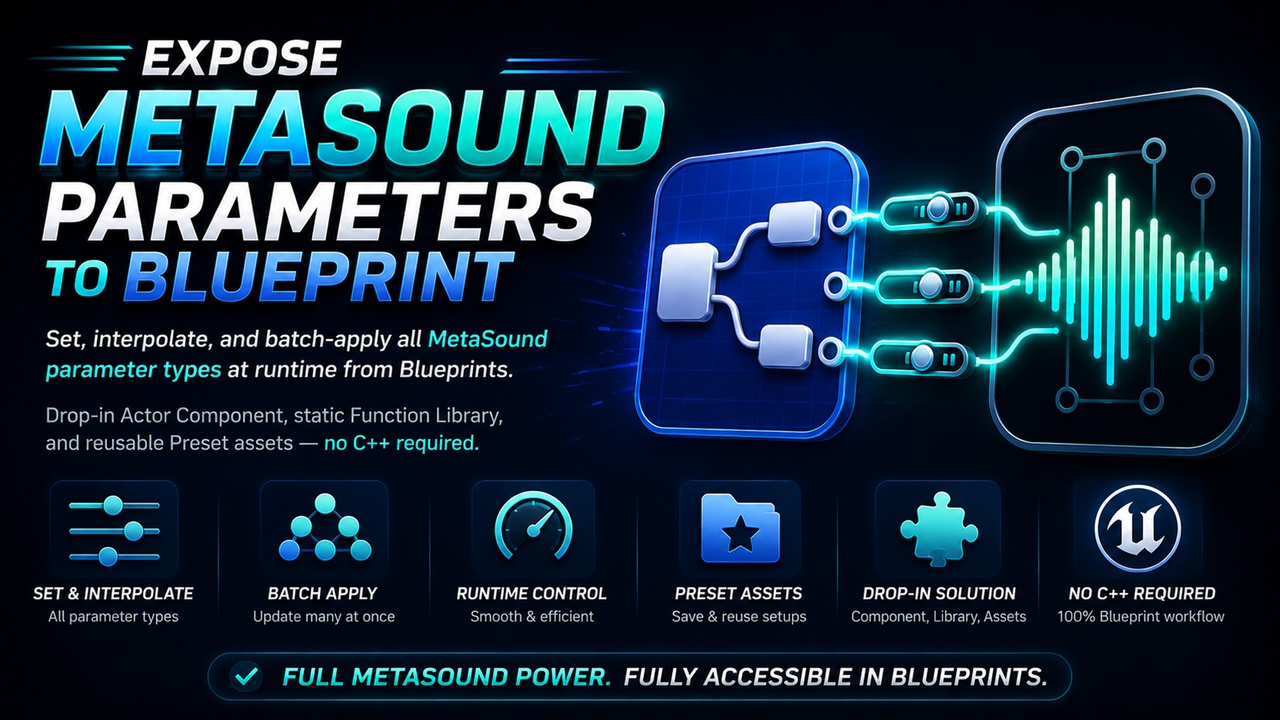




Описание
Set, interpolate, and batch-apply all MetaSound parameter types at runtime from Blueprints. Featuring a drop-in Actor Component, static Function Library, and reusable Preset assets — no C++ required.
MetaSound is one of Unreal Engine's most powerful audio tools, but driving it reactively from gameplay is surprisingly painful. There is no single place in the docs that explains how to push parameters at runtime, function names are scattered, Trigger inputs confuse most developers, and there is no built-in way to smoothly fade a music intensity float or switch between audio states with one call.
Expose MetaSound Parameters To Blueprint solves all of that with two major tools that cover every single use case.
🛠️ Key Features🔹 Actor Component (UMetaSoundParameterComponent)Add this component to any Actor. It automatically finds the AudioComponent on the same Actor so there is nothing to wire up by default.
Get/Set Parameters: Use Set functions to push any parameter type, and read the last-set value back with the Get Cached functions.
Event-Driven: Bind to OnParameterSet to react to any change instantly.
Smart Interpolation System: Call InterpolateFloat with a target value, duration, and curve shape.
💡 Performance Optimized: The component ticks itself only when an interpolation is active and stops its own tick when all interpolations finish — zero wasted performance.
Advanced Control: Run as many simultaneous interpolations as you need on different parameters, cancel individual ones, or cancel all at once. OnInterpolationComplete fires for each one when it reaches its target.
Provides static Blueprint nodes that take an AudioComponent reference and a parameter name.
Zero Setup: No component to add.
Perfect for One-Shots: Ideal for quick parameter pushes from an existing Blueprint that already has an AudioComponent reference.
Create a Preset Data Asset in the Content Browser, fill its parameter array in the Details panel, and apply the entire bundle to any AudioComponent in one single Blueprint node.
State Management: Perfect for switching between named audio states (e.g., Combat, Ambient, Cinematic) without duplicating parameter-setting logic across your Blueprints.
Parameter TypeCommon Use CasesFloatDrive music intensity, distance attenuation, pitch shiftIntegerSwitch between layers, select variations, set hit countBoolToggle states, enable/disable effectsTriggerFire one-shot events (footstep, impact, beat sync)WaveSwap the sound asset playing inside a running MetaSound
👥 Who Is This For?Any project using MetaSound for adaptive music or reactive SFX. Whether you are crossfading stems based on player health, driving environmental audio from gameplay states, triggering beat-synced effects, or just want a clean Blueprint API instead of raw UAudioComponent calls — this plugin covers the full workflow.
🚀 Getting Started & IntegrationEnable the plugin in your Unreal Engine project.
For the Component: Add MetaSoundParameterComponent to your Actor, and call SetFloat, SetBool, FireTrigger, etc., from any Blueprint event.
For the Library: Call any library node (e.g., Set MetaSound Float Parameter) in Blueprint and pass your AudioComponent reference.
⚠️ Note: Parameter names in Blueprint must match the Input node names in your MetaSound asset exactly. Requires the MetaSound plugin enabled in your project (included in Unreal Engine 5 by default).