Описание
| Playable DEMO:
__________________________________________________
| Video:_________________________________________________
| Documentation:__________________________________________________
| Email:_____________________________________________________________________________
Mark- Use texture or material to create UI Brush.You can use dynamic material to create dynamic mark .
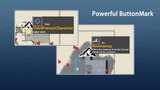
- BurtonMark.In big map,once your mouse stays on the ButtonMark,you can see the datils and distance.
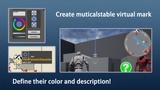
- Player VirtualMark.Players can add their mark on big map.these marks will be shared in multiplayer game,and a VirtualMark actor will be paced in the scenes.
- Visual Distance.If you want,mark can only be seen when player is close enough.
- Text.You can add some text on mark UI.
- In multiplayer game,mark visibility can be shared with group numbers.
_____________________________________________________________________________
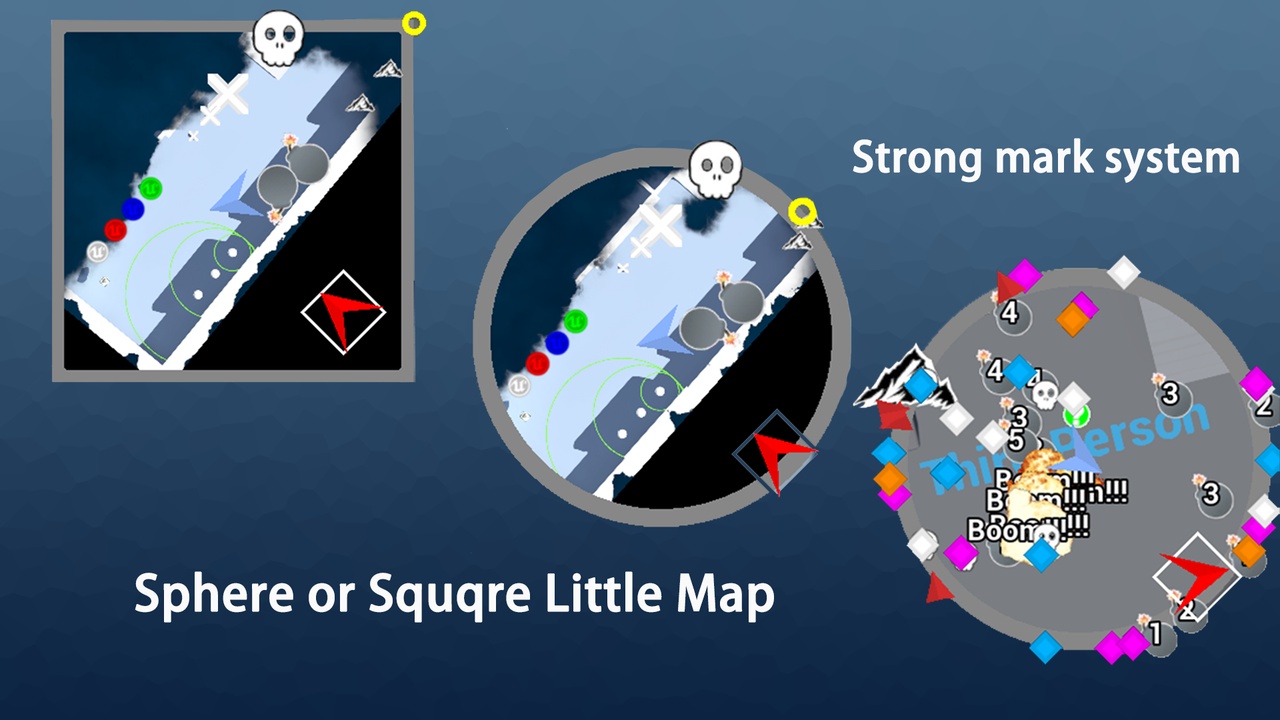
Map- Sphere or Square little map.And mark out of little map's range will be held on the edged (you can disable it in specific mark).
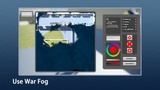
- War Fog.Multiplayer support.Use fog noise or texture to blend fog.
- Little map can scale with speed.
- Big map can be scaled and dragged with mouse.
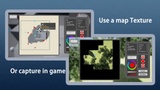
- Use static map or capture in game(If your science is created dynamically,it will be useful).Big map will be divided into pieces of tiles and capture will only be made when you go to a different area.
- You can use different maps in different area.For example,when you go into a building,map can change to a indoor map.
_____________________________________________________________________________