
الوصف
RetroVHS is a post-process material pack that reproduces VHS camcorder picture degradation. Place the BP_RetroVHS_Rig actor in a level to apply it. The look is controlled through material instance parameters and post-process volume settings. No plugins, C++ or third-party assets are used.
Effects
- Fisheye: equidistant-projection lens distortion
- Band noise: tape noise in horizontal bands, updated at a video frame rate
- Chroma noise: random RGB noise
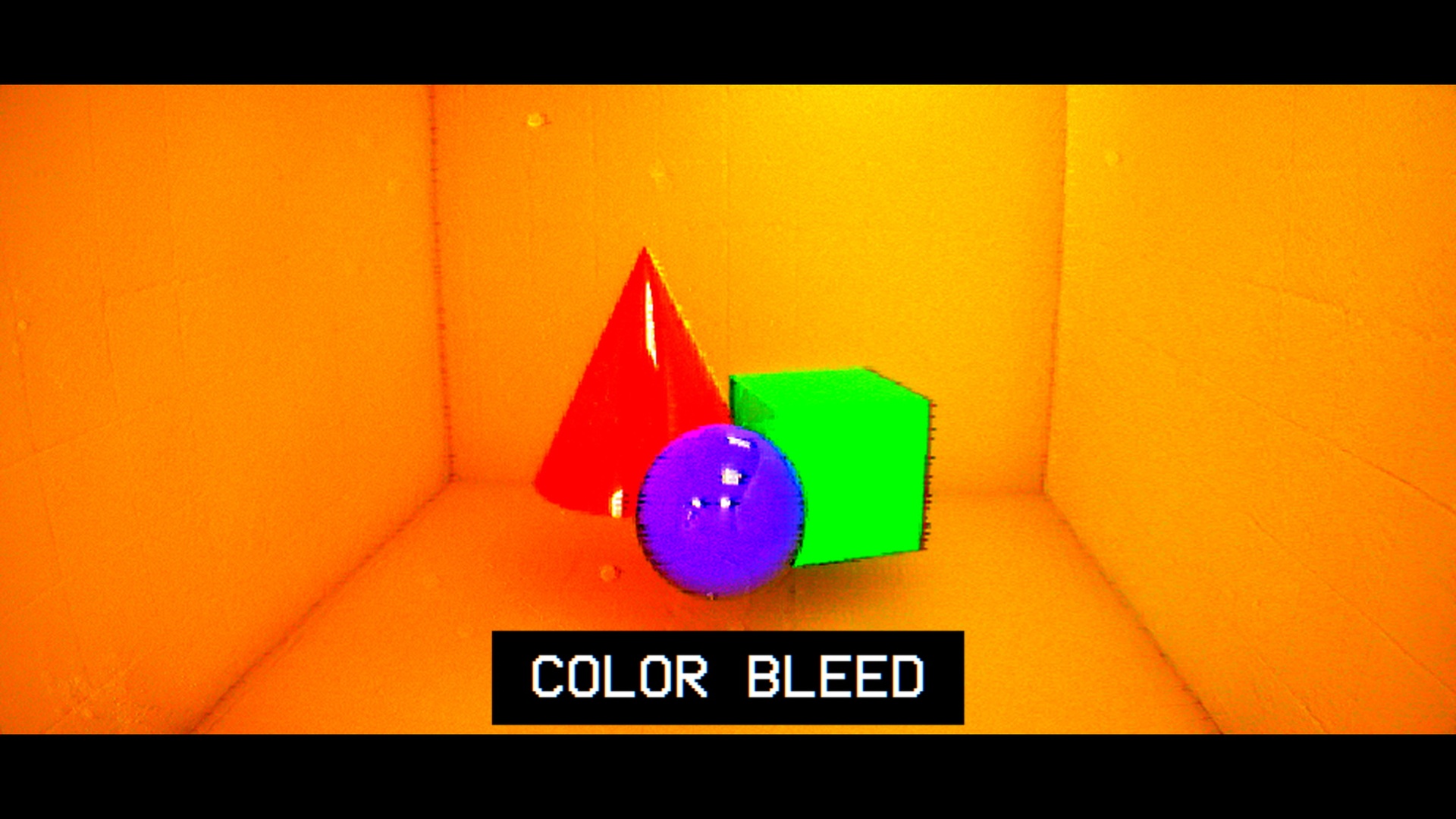
- Colour bleed: horizontal colour bleeding
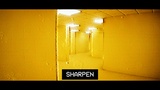
- Aperture sharpening: unsharp mask on the luminance component
- LUT: four NTSC-style colour LUTs (Neutral, Subtle, Standard, Worn). Default: Standard
Setup
1. Add to project on Fab, or copy Content/RetroVHS into your project's Content folder.
2. Place BP_RetroVHS_Rig in the level. Adjust the MI_RetroVHS parameters and the rig's post-process settings (LUT, exposure, bloom) as needed.
Documentation
https://leopardswissroll.github.io/RetroVHS-Docs/ (English, 한국어, 日本語, 中文)
Maps
L_RetroVHS_Overview: every asset laid out. Five effect plates (Reference, Fisheye, Chroma noise, Color bleed, Sharpen) and four LUT plates.
L_RetroVHS_Showcase: demo interior (24 x 24 m) with one rig on the Standard LUT. Lumen required.
Also included: M_BackRoom, the world-aligned tri-planar material used by the showcase (tiling in centimetres, tint, roughness and metallic boost, emissive, optional grid mask).
Number of Blueprints: 1
Number of Materials: 16 (3 master materials + 13 material instances)
Number of Material Instances: 13
Number of Textures: 7 (256x256 noise, four 256x16 LUTs, 1024x1024 ceiling mask, 4x4 ORM)
Number of Maps: 2 (overview, demo)
Texture Resolutions: 256x256, 256x16, 1024x1024, 4x4
Supported Development Platforms: Windows: Yes. Mac: untested
Supported Target Build Platforms: Windows: Yes
Documentation Link: https://leopardswissroll.github.io/RetroVHS-Docs/
Important/Additional Notes:
- Post-process material at Scene Color After Tonemapping. The G-buffer is not used.
- Exposure values on the rig are in EV100 and assume r.DefaultFeature.AutoExposure.ExtendDefaultLuminanceRange=True (the UE5 default). If your project has it off, re-set the rig's Exposure Min / Max.
- Do not lower the blendable Weight of the post-process material to adjust strength. Use MI_RetroVHS.BlendWeight.
- The showcase map is lit by emissive panels only and requires Lumen.
- Engine content referenced: BasicShapes, the material preview mesh, the default text font and material, T_ScreenDirt02_w.