
Description
An autonomous AI agent that lives inside the Unreal Engine 5 editor. Describe what you want to build — Blueprints, C++ classes, levels, UI, input systems — and it creates everything directly in the editor. No copy-pasting from ChatGPT. No tab-switching. The AI operates the editor itself.
Tell it to create a health system, set up Enhanced Input, build a weapon Blueprint, design a level, or scaffold a C++ framework. It reads your project, writes code, creates Blueprints, compiles, tests, and fixes its own errors — all without leaving the editor.
How It WorksYou type a request in the built-in chat panel. The AI analyzes your project, decides what tools to use, and executes a plan step by step. It can call 31 built-in tools — reading and writing files, creating Blueprints, running Python scripts with full import unreal access, compiling, querying the engine reflection system, and more. When something fails, it reads the error, figures out the fix, and retries automatically.
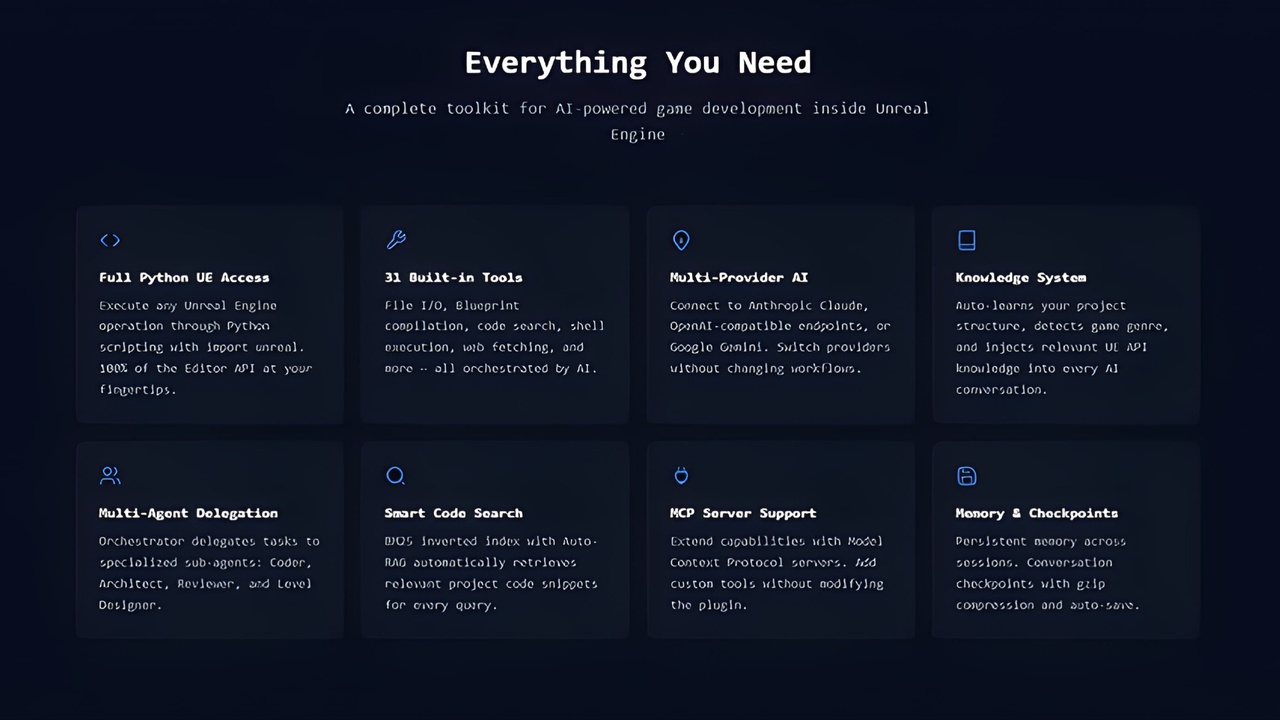
Key Features31 Built-in Tools — file I/O, Blueprint compilation, Python scripting, shell commands, git operations, viewport capture, code search, and more
Full Python Access — execute_python with import unreal gives the AI complete access to the entire UE Editor API
Multi-Agent System — Orchestrator, Coder, Architect, Reviewer, Level Designer agents with task delegation up to 3 levels deep
Any AI Provider — Claude, GPT, Gemini, OpenRouter, Ollama, LM Studio, or any OpenAI-compatible endpoint
Knowledge System — 30+ built-in knowledge modules covering UE5 APIs, auto-injected based on context
Self-Healing — detects compile errors and fixes them automatically, up to 5 retries
Approval System — review every action with diff previews before it executes, or run fully autonomous
MCP Support — extend with custom tools via Model Context Protocol servers
Project Scanner — automatically analyzes your classes, plugins, assets, and project structure at startup
BM25 Code Search — indexes your codebase for retrieval-augmented generation
Complete gameplay systems (health, inventory, combat, scoring)
C++ class frameworks with UCLASS, UPROPERTY, UFUNCTIONS
Blueprint actors, components, widgets, and game modes
Enhanced Input setup with input actions and mapping contexts
GAS abilities, gameplay effects, and attribute sets
Materials, material instances, and material functions
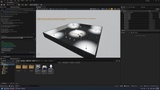
Levels with placed actors, lighting, and collision
UMG widgets and HUD layouts
AI behavior with behavior trees or state machines
Any combination of the above in a single request
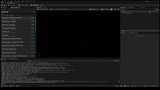
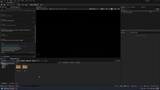
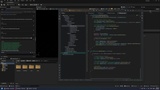
Full-featured Slate chat panel built into the editor. Markdown rendering with syntax-highlighted code blocks. Streaming responses. Conversation history, task board, TODO list sidebar, token usage bar.
@file — include file contents in your message
@folder — include directory listings
@problems — include compiler errors
@gitchanges — include your current git diff
@screenshot — send a viewport capture as an image
File System — read, write, edit files, apply patches, search by name or content
Editor — compile Blueprints, query UE reflection API, capture viewport, Live Coding, Hot Reload
Shell — execute Python scripts, run shell commands, git operations
Agent — task completion, follow-up questions, delegate to sub-agents, TODO tracking, persistent memory
Search — BM25 code search with automatic retrieval
Web — fetch documentation from URLs
MCP — extend with custom tools via Model Context Protocol servers
Use the AI model you prefer. API keys are read from environment variables and never stored in project files.
Anthropic Claude (Claude 4, Claude 3.5 Sonnet)
OpenAI (GPT-4, GPT-4o, o1, o3)
Google Gemini (Gemini 2.5 Pro, Flash)
OpenRouter, Ollama, LM Studio, Mistral, Groq, xAI
Any OpenAI-compatible endpoint
Platform: Win64 (Editor Only)
Engine Version: 5.7
Module Type: Editor
C++ Classes: 65+
Lines of Code: 25,000+
Dependencies: None (uses built-in UE HTTP module)
Optional Plugins: Python Editor Script Plugin, Enhanced Input, Gameplay Abilities