
説明
Electric Pro – Technical Info
Guide
https://drive.google.com/file/d/1haWItBKPy6sa9QYQtHgQ-4RMc1jwx2Ss/view?usp=sharing
Video Link - Demo
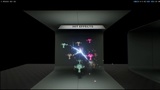
The effects will work when you select Simulate or Play in the editor.
((Pro Electric will continue to evolve through ongoing development, with future improvements and new features shaped by user feedback and real production needs.))
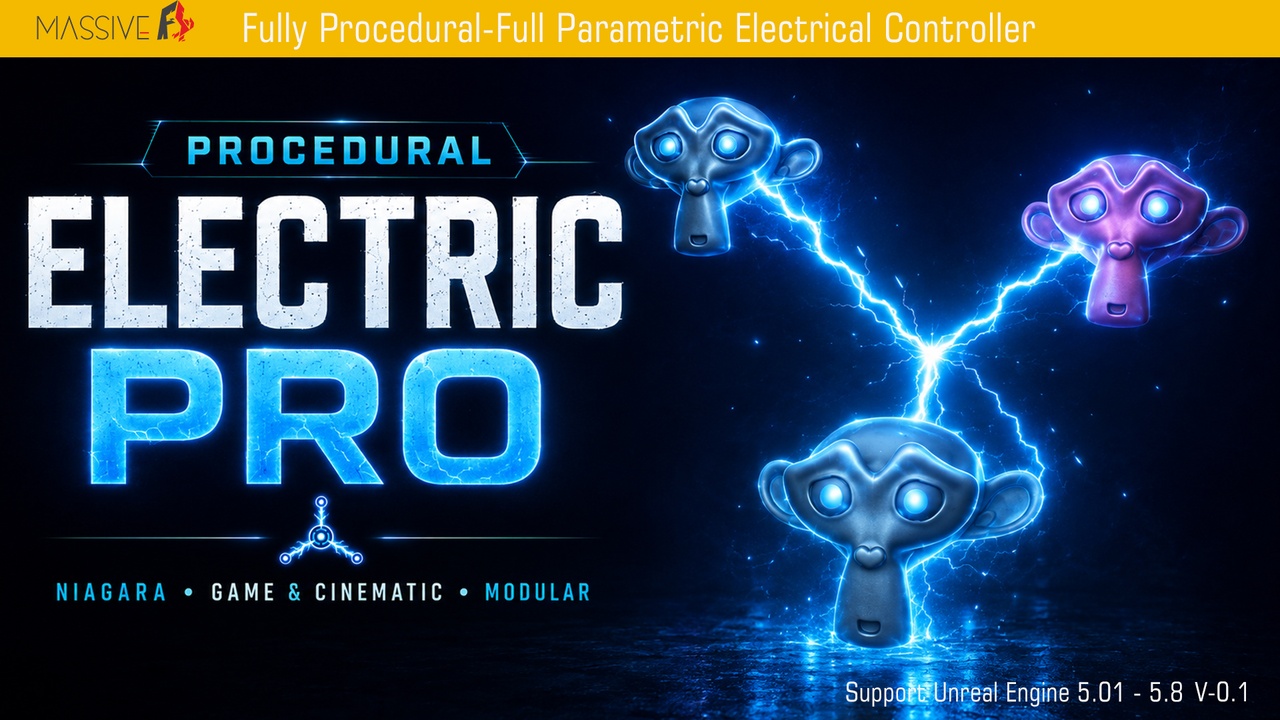
Pro Electric – Procedural Blueprint & Niagara Electric FX System
Build directed, randomized, branching, and surface-crawling electricity with one artist-friendly Blueprint and Niagara toolkit.
Short Description
Create controllable procedural electricity with Blueprint and Niagara. Automatically detect collision targets, use single or multiple sources, define manual connections, randomize target counts, add adjustable arc branches, and grow electricity across selected mesh surfaces—without gameplay C++.
Main electrical modes
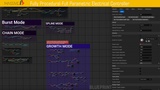
Disable-
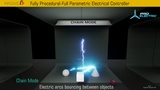
Chain Mode-
Random Mode-
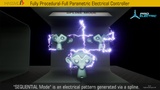
Spline Mode-
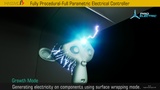
Growth Mode-
Full Description
Pro Electric is a flexible procedural electric arc system created with Blueprint and Niagara for Unreal Engine 5. It is designed for artists and developers who need fast, controllable electricity effects without building a custom C++ framework.
The included controller can automatically discover collision-enabled scene components and generate electric arcs toward every valid target or a randomized subset. For art-directed shots, start and target positions can also be assigned manually. Single Source and Multiple Source workflows make the system suitable for anything from a focused energy emitter to a large electrical field with several independently positioned source points.
Main arcs can generate up to three secondary branches. Branch length, placement along the main arc, random direction, and optional target snapping can be configured independently. This makes it possible to create both controlled machine discharges and more chaotic lightning patterns.
Surface Growth mode allows electricity to crawl across selected collision-enabled scene components. The trace-based growth system creates connected arc segments that follow mesh surfaces, supports optional component-tag filtering, and can split into multiple active growth tips for denser, more organic results.
Pro Electric includes dedicated Niagara systems for main arcs, branches, surface growth, sparks, source pulses, hit smoke, and supporting effects. Exposed Blueprint settings and visual debugging tools make setup, testing, and customization practical inside the editor.
Key Features
- Blueprint and Niagara workflow; no gameplay C++ implementation is required.
- Automatic target discovery using collision queries and line traces.
- Generate arcs toward every valid target or a configurable randomized subset.
- Adjustable minimum and maximum random target counts.
- Single Source workflow for one-to-many electric discharges.
- Multiple Source workflow with viewport-positioned source points.
- Manual start and target assignment for precisely directed arcs.
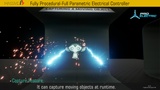
- Support for moving runtime targets through updated world positions.
- Up to three configurable secondary branches per main arc.
- Adjustable branch length and randomized placement along the main arc.
- Optional branch-to-target snapping behavior.
- Surface Growth mode for electricity that crawls across selected meshes and collision components.
- Optional Component Tag filtering for Surface Growth surfaces.
- Multi-tip Surface Growth branching for denser procedural patterns.
- Configurable growth step length, trace depth, surface offset, interval, and maximum steps.
- Runtime start, stop, refresh interval, lifetime, and update controls.
- Debug visualization for candidate points, traces, surface hits, growth directions, and generated paths.
- Separate Niagara systems for arcs, growth, branches, sparks, pulses, and hit effects.
- Included demonstration map for setup and feature testing.
- Suitable for real-time gameplay, cinematics, environmental effects, and rapid prototyping.
Recommended Uses
- Electrical hazards and traps
- Tesla coils and energy emitters
- Sci-fi machinery and power systems
- Magic, lightning, and supernatural abilities
- Energy connections between gameplay objects
- Environmental surface-crawling electricity
- Cinematic electrical discharges
- Interactive installations and visualization
Technical Details
| Asset Type | Count |
|---|---:|
| Blueprints | 2 |
| Enumerations | 4 |
| Structures | 2 |
| Maps | 1 |
| Niagara Systems | 7 |
| Niagara Emitters | 4 |
| Niagara Modules | 1 |
| Master Materials | 7 |
| Material Instances | 5 |
| Static Meshes | 5 |
| Textures | 3 |
## Included Niagara Systems
- `NE_PE_Arc_Growth`
- `NE_PE_Arc_Master`
- `NE_PE_Arc_Sparks`
- `NE_PE_ArcBranch`
- `NE_PE_Growth_Sparks`
- `NE_PE_HitSmoke`
- `NE_PE_SourceSparks_Pulse`
## Important Setup Notes
- Automatic targeting and Surface Growth require collision with query support on the intended scene components.
- The controller trace channel must be allowed by the target components.
- Component Tags and Actor Tags are different. Surface filtering uses Component Tags when the component-tag option is enabled.
- Complex collision can provide more accurate surface following; simple collision can be used for lower-cost or stylized results.
- Supported Unreal Engine versions should match the versions selected and tested in the Fab listing.
Ekstra Not:
Static meshes have nanite properties.