الوصف
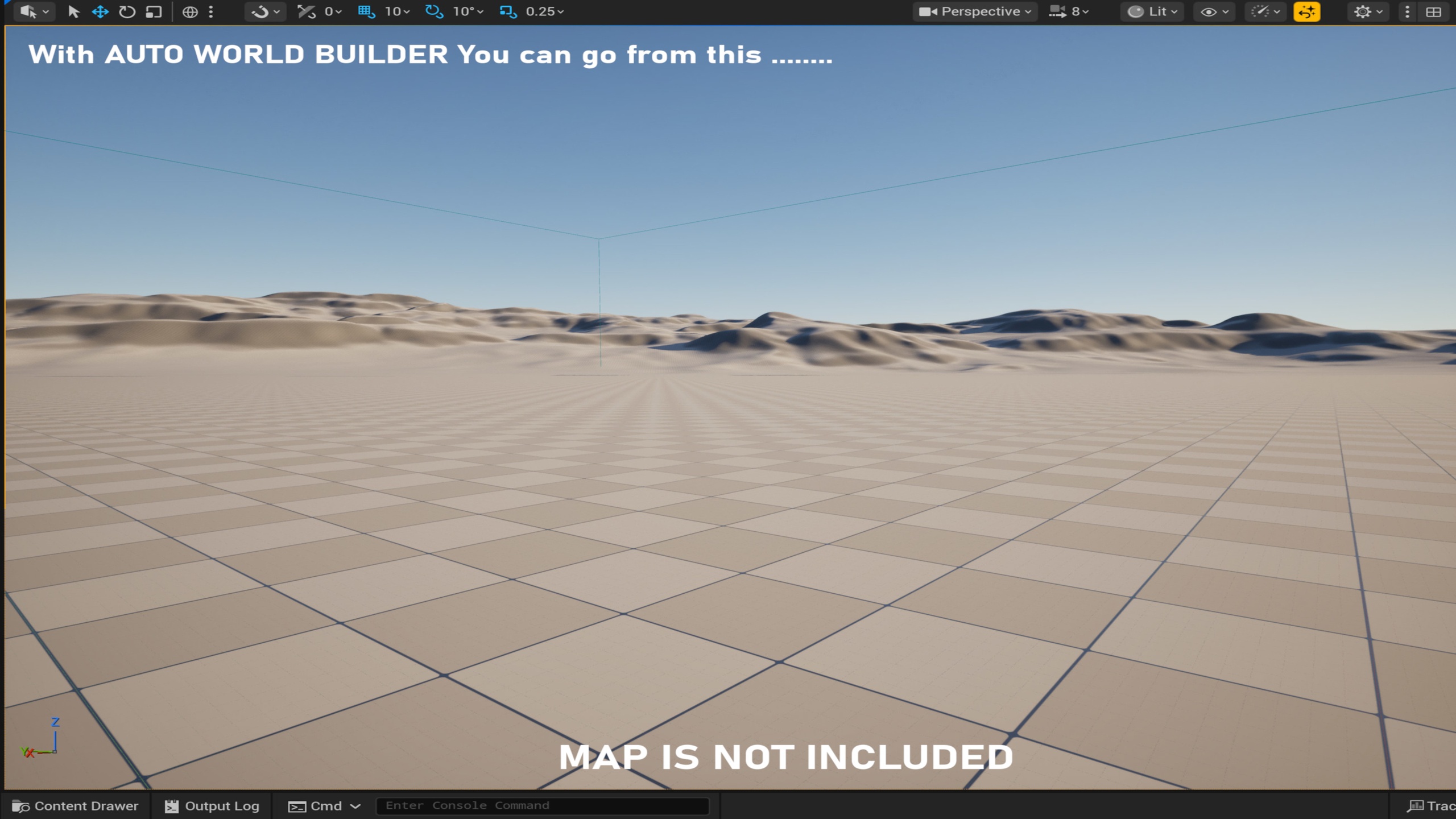
Transform empty scenes into rich, cinematic environments in minutes with just a few clicks.
Auto World Builder is the complete scene dressing solution that automatically adds atmosphere, props, decals, clutter, debris, and environmental storytelling to your Unreal Engine levels. Stop spending hours manually placing objects. Start creating in minutes.
FEATURES
11 themes included:
Default
Snow
Desert
Ruins
Industrial
ModernCity
AbandonedCity
WarAftermath
Horror
Caves
Alien
UPDATE V1.1
4 new themes has bean added :
Jungle / Tropical
Cyberpunk / Neon City
Volcanic Wasteland
Autumn Forest
Smart Placement System
Automatic ground detection - Traces to find terrain, landscapes, or any collision surface
Slope alignment - Objects rotate to match ground angle automatically
Collision avoidance - Prevents objects from overlapping
Random rotation - Natural variation for organic results
Full Atmosphere Control
Post Process Volume - Theme-based color grading, contrast, bloom, vignette
Exponential Height Fog - Automatic density and color per theme
Volumetric Clouds - Adjustable height, density, and albedo
Particle Emitters - Snow, dust, smoke, mist effects
Smart Content Generation
Vegetation - Trees, bushes, plants
Props - Furniture, vehicles, urban elements
Clutter - Small debris, rocks, trash, bones
Decals - Stains, cracks, graffiti, blood, footprints
VFX - Particle systems for atmosphere
Editor Tools
Dockable Editor Panel - Easy access to all controls
Area Volume System - Box-based generation zones
Global Density Slider - Master control over spawn frequency
Custom Theme Assets - Create and save your own themes
Clear Area Function - Remove generated content instantly
HOW IT WORKS
Step 1: Create Area Volume
Click "Create Volume" to spawn a blue bounding box. Scale and position it over your terrain.
Step 2: Select or Create a Theme
Choose from 11 built-in themes or create your own custom theme asset.
Step 3: Add your assets
Add props, VFX, decals, ground material (lakes ect.)
Step 4: Adjust Density
Use the global density slider to control overall spawn frequency.
Step 5: Generate
Click "Generate World" and watch your scene transform instantly.
That's it. Your environment is ready in under 2 minutes.
PERFECT FOR
Open world games
Game environments
City builders
Post-apocalyptic scenes
Cinematic cutscenes
Game jams and prototypes
Virtual production
Architectural visualization
TUTORIAL & DEMOS
Video Tutorial
Complete walkthrough showing every feature of this tool
Playable Demos
Demo 1: Horror Gothic Forest
Hunted Forest
Experience a fully realized Horror Gothic Forest created entirely with Auto World Builder. Features dense trees, sounds, emitters and oppressive fog.
Demo 2: Modern City
Modern Citty
Important Note for Blueprint-Only Projects:
This is a C++ powered tool designed for maximum performance. Your project must be a C++ project. If you are using a Blueprint-only project, simply go to Tools > New C++ Class, add an empty class (like a "None" or "Actor" class), and restart the editor (see Documentation) . This allows your final game executable to work properly.
LINKS
Documentation : AWB_Manual