






الوصف
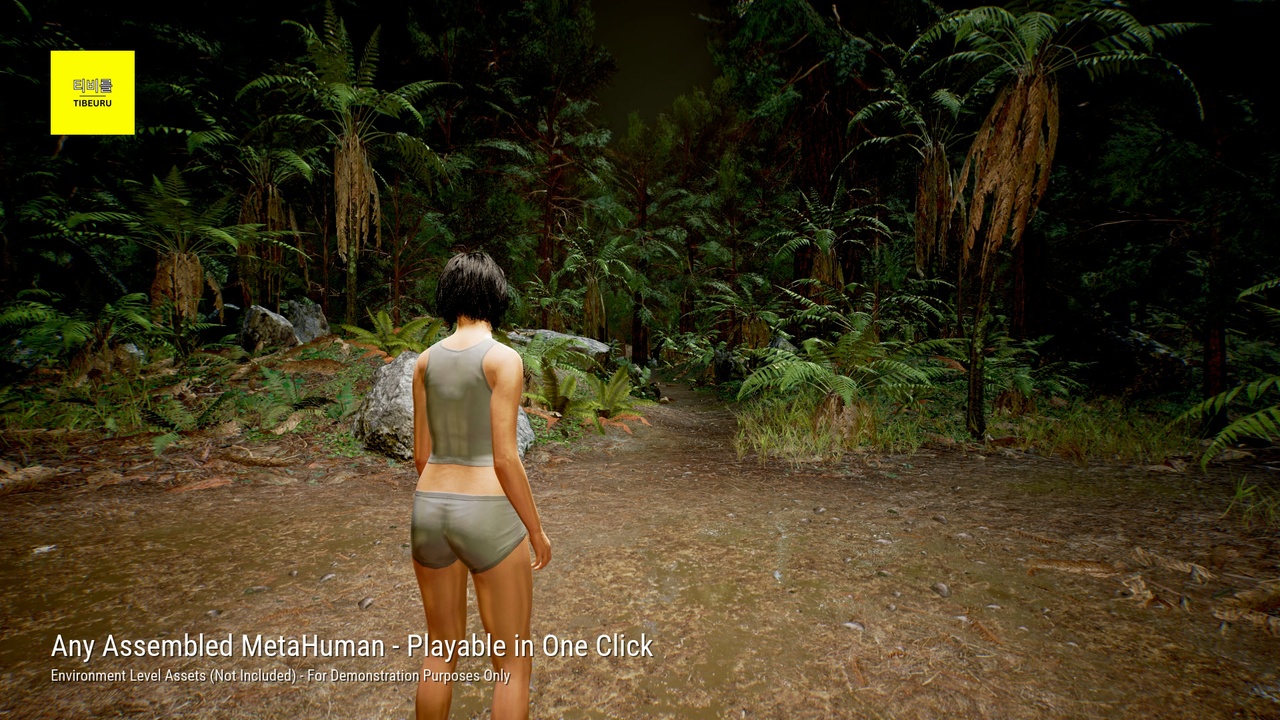
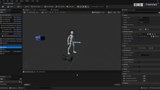
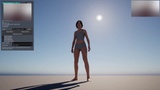
Turn any assembled MetaHuman into a playable third-person character in one click. Right-click the MetaHuman Blueprint in the Content Browser, choose Make Playable, and the plugin generates the pawn, game mode, retarget assets and a ready-to-play test level. Your MetaHuman Blueprint is never edited, so MetaHuman Creator updates keep working.
🎥 Watch the Demo: https://youtu.be/ib4diy9OPe0
LOCOMOTION, TWO WAYS
Stock - a third-person character driven by the UE mannequin animations. Uses the mannequin content the Third Person, First Person and Top Down templates include, or point it at your own mesh and locomotion AnimBP in Project Settings.
Game Animation Sample - the MetaHuman rides Epic's free sample character: Motion Matching walk, run, sprint, crouch, pivot, jump and traversal, on either the CharacterMovement or the Mover pawn. The plugin prepares your project for the sample for you.
SLIDE
The sample only slides on its Mover pawn. MetaHuman Playable adds a physics-driven slide to the CharacterMovement pawn too: sprint, tap crouch, and the MetaHuman slides and stands back up, with entry, loop and exit clips and a blocked-slide check.
FACE MIRROR
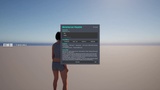
Drive the MetaHuman's face while the game runs, from a webcam, an iPhone (Live Link Face in ARKit or MetaHuman Animator mode) or any Live Link face source - no external app for the webcam path. In-game control panel on F8 with a device picker, on-screen camera feed, and a privacy blur for the camera view. Sources are detected and handed over automatically, including when you switch the phone app's mode.
NO FLOATING HEAD
The body owns the head. The generated retarget AnimBP carries a neck/head chain the face drives, so the head follows the body through locomotion and camera moves instead of detaching - on every MetaHuman, with no per-character AnimBP surgery. A guided 15-second calibration maps your capture device's head axes.
IN-GAME MENU
Tab opens a Slate menu (no UMG assets): switch between every playable MetaHuman in the project, respawn, reach the Face Mirror controls, and read the controls and setup help.
BLUEPRINT AND CONSOLE
No C++ required. Four components you drag onto an actor - Embody, Face Mirror, Menu and Slide - expose 38 Blueprint-callable functions, 34 pure getters, 5 events and 72 editable properties, alongside a static Blueprint function library and a project settings page. Two example Blueprints ship in the plugin's own content (MetaHuman Playable Content > Examples): a playable pawn with the Menu and Face Mirror already on it, and a matching game mode. Every Face Mirror action is also a console command, and Make Playable is exposed to Python and Blueprint editor utilities. The full C++ source is included to read and extend, not to make the plugin work.
REQUIREMENTS - NOT INCLUDED
Apart from the two example Blueprints, the plugin ships no content and redistributes no Epic assets.
Stock mode needs the UE mannequin content (/Game/Characters/Mannequins), present in projects made from the Third Person, First Person or Top Down templates - or add it with Content Browser > Add > Add Feature or Content Pack > Third Person. This is a runtime requirement, not editor-only.
The Game Animation Sample modes need Epic's free Game Animation Sample, installed by you from Fab. It is built on engine plugins Epic ships as Experimental (Mover, Locomotor, Curve Expression, Gameplay Interactions, Gameplay Cameras) or Beta (Network Prediction, Motion Warping, Animation Locomotion Library); Make Playable enables them for you, and Epic may change Experimental plugins between engine versions. Stock mode and the Face Mirror do not use them.
A MetaHuman assembled in your project. MetaHuman assets are not included.
iPhone face input needs Epic's free Live Link Face app on the device, on the same network.
CREDITS
MetaHuman Playable started from other people's tutorials. The runtime webcam-to-MetaHuman face work grew out of xlipdev's videos on YouTube, and the fix for the floating head came from Unreal-X-Tutorials' "Metahuman Floating Head Fix". Neither channel is affiliated with Tibeuru and neither has endorsed this plugin. Links and detail: docs.tibeuru.com/metahuman-playable/credits
Documentation: https://docs.tibeuru.com/metahuman-playable
REQUIRED PLUGINS
Every plugin this product needs ships with Unreal Engine 5.8 and is enabled for you automatically on install: Enhanced Input, IK Rig, Editor Scripting Utilities, Live Link, MetaHuman Live Link, MetaHuman Core Tech and Capture Manager Core. Apple ARKit Face Support is optional, used only for the iPhone ARKit face path. No third-party or marketplace plugins are required.