Descrição
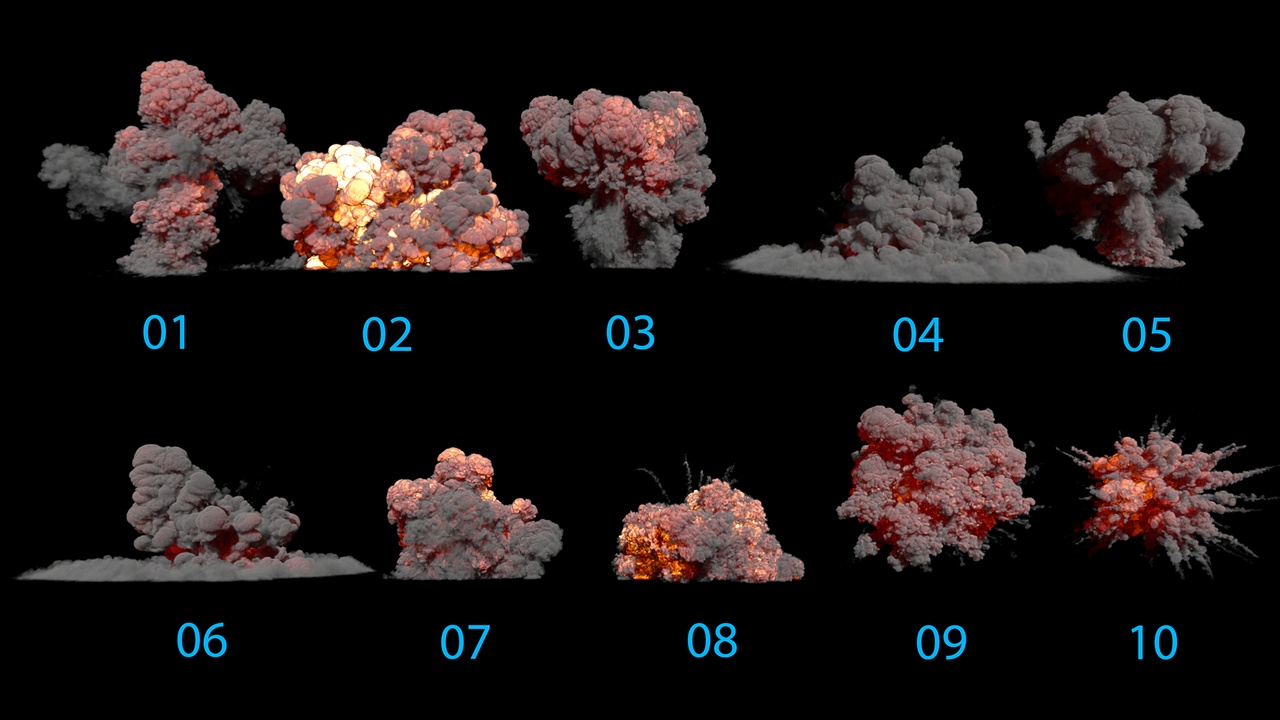
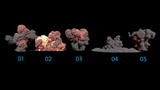
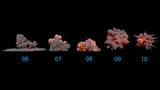
The asset includes 10 Explosion VDB.
All effects are created using sparse volume texture.
Just drag and drop the blueprints in the level to use .
To make the VDB run with the pathtracing enable, type the console command: r.PathTracing.HeterogeneousVolumes 1
MAIN FEATURES:
10 VDB Explosion effects with the customizable material settings
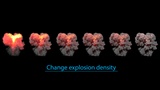
Density Control
Emission Temperature Control
Emission Strength Control
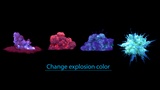
Emission Color Control
Smoke or Albedo color control
Scattering control
Frame rate control
IMPORTANT NOTE ! If the VDB is flickering then it means the VDB is taking longer to load. This can happen if there are multiple VDBs or other heavy resources in the scene. In that case increasing the Streaming Mip Bias from 0 to 1+ could help. 0 value means the highest quality but slower performance where 6 means the lowest quality but highest performance. This setting can be found inside the Heterogeneous Volume component in the Blueprint -> Sparse Volume Texture streaming category -> then in Advanced settings.
Support Email: [email protected]