설명
Showcase - Documentation - Playable Demos
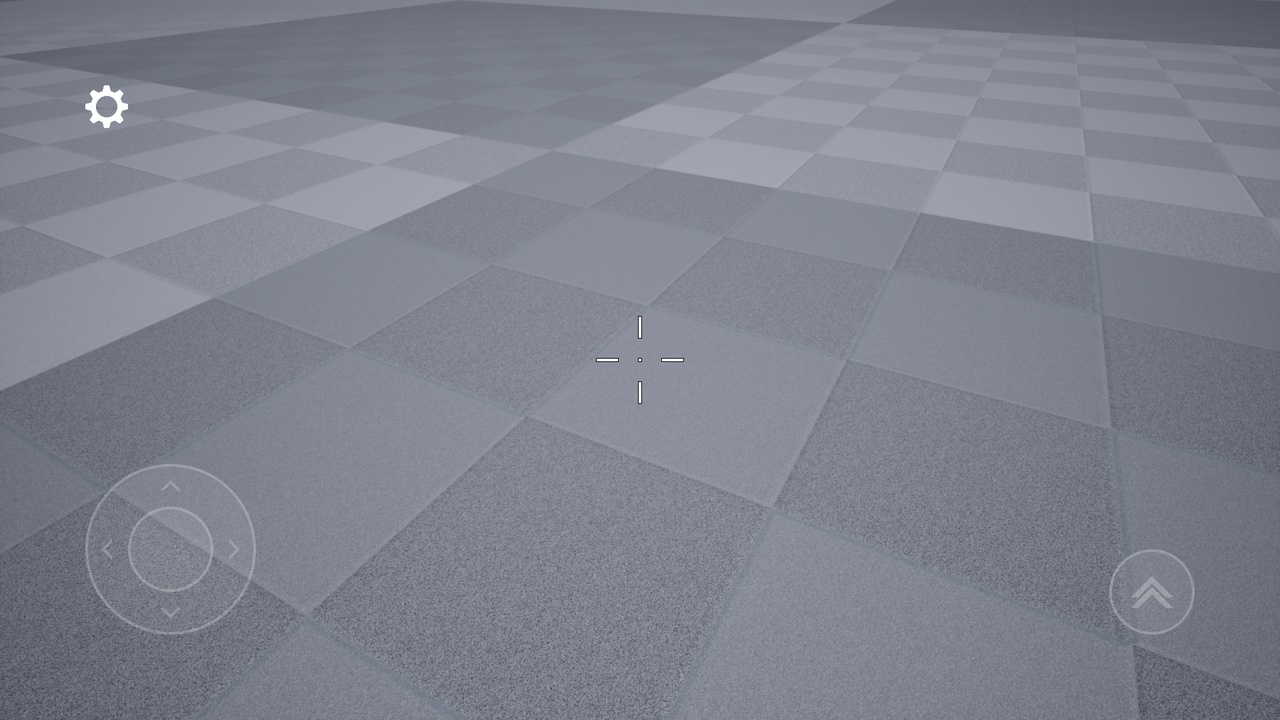
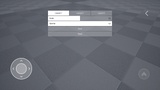
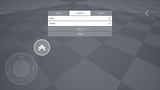
This package brings a comprehensive control customization system, as seen in professional mobile titles, directly to your project. Beyond simply moving buttons, it allows players to switch between different control schemes (Joystick + Swipe or Dual Swipe). Entirely Blueprint-based, this system is designed to elevate the user experience (UX) of any mobile project.
Highlighted Features
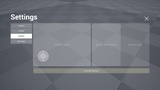
Advanced Layout Editor: Enables players to move buttons via drag-and-drop and modify their Scale and Opacity in real-time.
Control Schema System:
Scheme 1: Classic setup; Virtual Joystick on the left, Swipe Look on the right.
Scheme 2: Modern setup; Left half of the screen for Swipe Movement, right half for Swipe Look.
Lock in Viewport: An intelligent constraint system that prevents UI elements from being dragged outside the screen boundaries.
Multi-Slot Saving: Allows players to create, save, and switch between multiple custom layouts.
Package Content
WBP_CustomizeButtons: The main editor interface featuring advanced drag-and-drop and editing logic.
WBP_VirtualJoystick: A customizable, high-precision virtual joystick.
WBP_VirtualButton: A dynamic button structure that can be used for any in-game action.
WBP_SwipeLook
An optimized touch area specifically for camera control.
WBP_SwipeMovement: A touch-based movement area that serves as an alternative to the joystick.
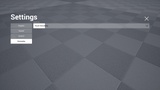
WBP_Settings: A ready-to-use menu for schema selection and entering the layout editor mode.
Technical Details
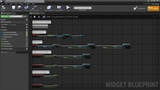
100% Blueprints: Easy to integrate and customize without writing a single line of code.
Flexible Logic: Automated coordinate calculations that adapt to various screen sizes.
Plug-and-Play: Designed for quick integration with your existing character blueprints.
Updates
1.0.1
Fixed a bug where the virtual joystick did not work correctly when the interaction size changed.
Reduced the joystick padding for Scheme 1 from 54 to 32 in Settings > Control.
Cleaned up the logic of GetSchemeBorderBrushColor_1 and GetSchemeBorderBrushColor_2 in WBP_Settings.
1.0.2
Renamed the folder in the Content directory from CustomizeButtonsSystem to CustomizableTouchInterfaceSystem.
Fixed issues with the Virtual Joystick when changing the Interaction Size.
Fixed an issue where the Virtual Joystick was selected as the first index in the Customize Buttons menu, even when it was disabled and Scheme 1 was active.