

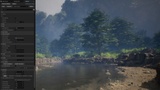
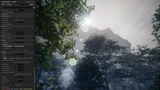
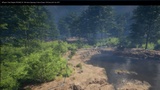
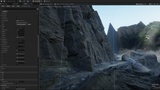
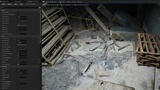
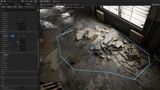
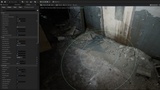
Description
V1.4.7
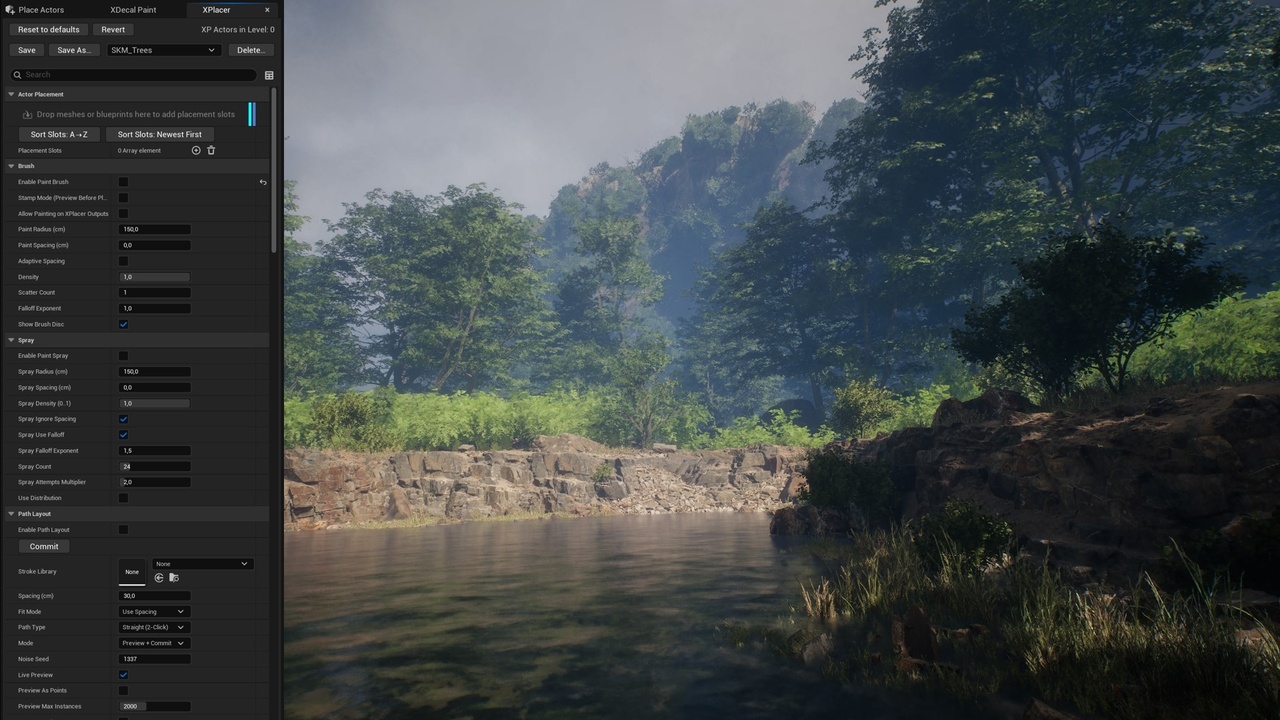
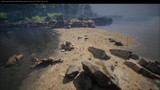
🧱XPlacer is an editor-only Unreal Engine toolkit for procedural actor composition at production scale. It combines Brush, Spray, Path Layout, Region Fill, and Sampler workflows in one unified system, with shared filtering, slot-based weighted spawning, and shortcut-driven viewport control.
Built for environment artists and level designers, XPlacer helps you compose, scatter, align, and optimize Static Mesh and Blueprint placement quickly, predictably, and non-destructively. Build and save collections setups to load and use at any point in your worldbuilding workflow.
Place assets directly in the viewport using multiple workflows:
Brush\Stamp – continuous paint strokes with controlled spacing or singular stamping with real time preview and shortcuts for quick rotation
Spray – one-click burst distribution
Path Layout – Draw spline or two-click A→B placement with live preview
Region Fill – draw regions, preview live, then commit with live preview
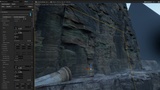
Sampler – sample from existing geometry (auto or manual) with live preview to distribute across any mesh (similar to PCG workflow)
All tools share a unified filter system (Height, Slope, Edge, Object Filtering), ensuring consistent results across workflows.
⚙️ Key Features
Drop zone row - Drop actors in dedicated drop zone to add decal slots” with an import-style icon. Select as many decals as you want in your content browser and drop them in the drop zone and they will be sorted out in material slots automatically
Save your settings as named presets and load them anytime from the preset list
Deterministic placement — stable, repeatable results with no randomness drift
Live viewport previews before commit
Mesh count control with gating — counters restrict placement both globally and per stroke, giving you precise control over density and total output
Advanced object filtering — avoid or restrict placement to specific actors or tags with proximity falloffs
Global eraser for fast cleanup directly in the viewport
Per-slot control — rotation, scale, weighting, offsets, sink values and limits
Grouping & tagging for clean Outliner organization and specific actor placement
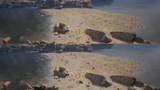
Non-destructive Optimization system with visualization — Optimize in place or optimize duplicate. Instantly see raw vs optimized outputs (instancing / collapsing).
🚀 Fast, Focused Workflow
XPlacer is designed for experienced users and production environments:
Tool switching via keyboard shortcuts
UI focus modes to reduce visual noise and surface only what matters
Viewport-driven interaction with minimal panel hopping
Clear separation between preview and commit
🎯 Why XPlacer?
XPlacer is built for environment artists and studios who need speed with predictability.
It lets you move from blockout to detailed environments faster, while keeping full control over placement logic, density, and results — no guesswork, no cleanup chaos.
If you value deterministic tools, strong visual feedback, and production-safe workflows, XPlacer is designed to scale from quick layout passes to final-quality environment dressing.
OVERVIEW VIDEO and HELP PDF:
XP Full Features Overview Video
NEW Drag & Drop feature Video
From Bare Rocks to Full Vegetation in Less than 3 Minutes Video
XPLACER_HELP_PDF
Join the discord channel for any Extile product assistance and general UE tips:
Other Products:
X-DECALPAINTER
Paint decals like foliage, with spray, paths, and region fill for total control!
X-DECAL
Tri-planar Decal Projection (with mesh selecting-not including in Extile Plus bonus version)
Advanced non-repetitive tiling material
Search & locate actors around you
Base non-repetitive tiling material
Landscape non-repetitive tiling material
Procedural generated material shapes
Non-repetitive environment toolset
Non-repetitive prop materials