



Descripción
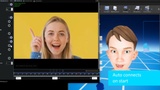
FaceMocap plugin connects Unreal Engine with Faceware Live Server or Faceware Studio.
Video using Faceware Live Server: https://www.youtube.com/watch?v=Lc8B4cjnsyU&
Video using Faceware Studio: https://www.youtube.com/watch?v=m7lSFC0Arq0&
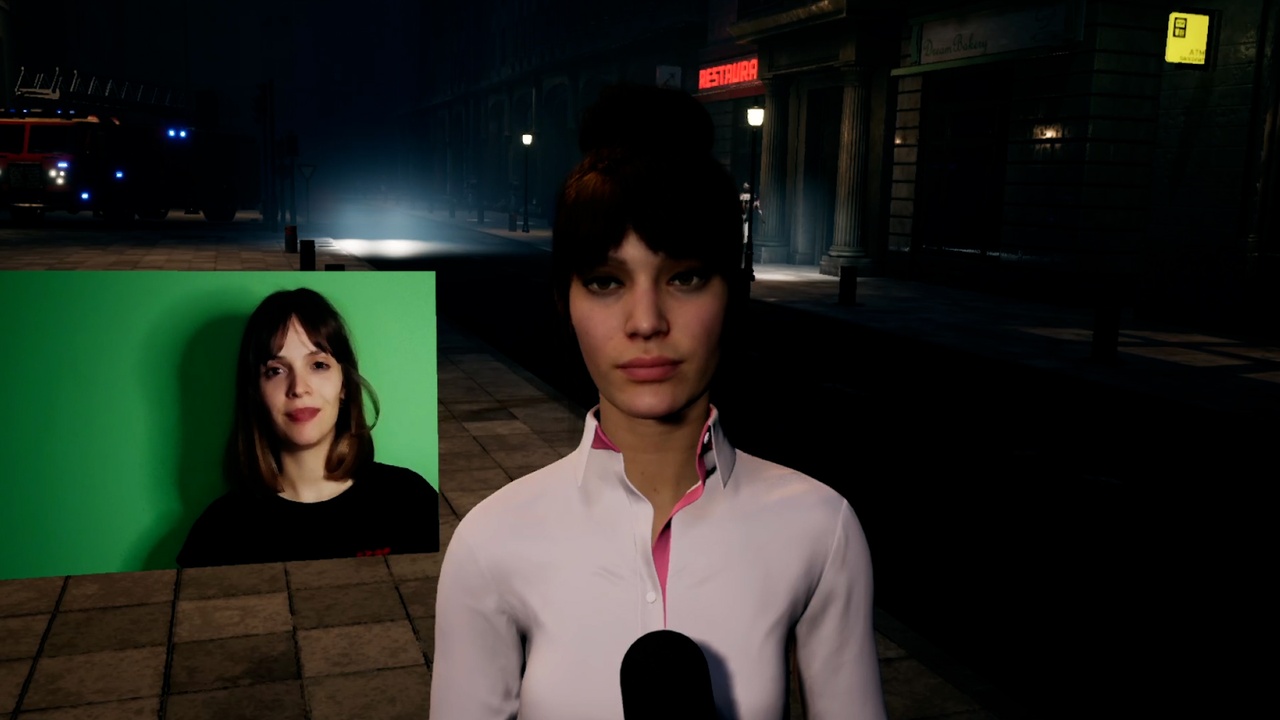
Video showcase using metahumans, Argentinian news reporter:https://www.youtube.com/watch?v=dQcVip3M0Os
Tutorial to easy setup metahumans with this plugin:https://www.youtube.com/watch?v=EjUtnhfwvIE
***before buying make sure to check faceware livelink feature, this plugin was an early alternative
UPDATES
*july 2021 (metahumans)
- plugin now supports arkit schema (BlendShape names using the arkit names)
- added curve asset to control arkit values (its useful to smooth or exaggerate BlendShape values)
- metahumans use arkit schema, by making a few modifications to the "metahuman animation blueprint" its now possible to use this plugin to animate those characters(download the metahuman example project with the animation blueprint code from the links below)
Features:
- Receives live BlendShape values from "Faceware Studio" or "Faceware Live Server"
- Supports faceware "arkit schema" and "legacy schema"
- Works at runtime (editor) and in packaged games (windows platform)
- Its possible to record facial animations using the ue4 editor take recorder
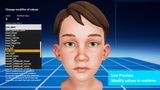
- Mocap value modifiers (multiplier, offset, limits, curve) per BlendShape value using blueprint code
- Network connection to Faceware allows you to choose IP address/port on a local or remote machine running the Faceware software
Blendshape modifiers:
-Multiplier (to exaggerate movement)
-Offset (to make movement start at certain value)
-Limits Max/Min (to avoid unnatural moves)
-Curve asset (curve to control values) only for arkit blendshapes
Join the discord channel https://discord.gg/kSfqw3tU
Try it yourself (executable for windows pc using the kid face):
https://motion.mx/ue4/FaceMocapResources/FaceMocapDemoForLiveServer.zip
(this demo requires Faceware running in the same pc, you can download a trial from faceware site)
The example provided is a good template to start with,
follow it to setup your own character with the FaceMocap plugin and Faceware.