

الوصف
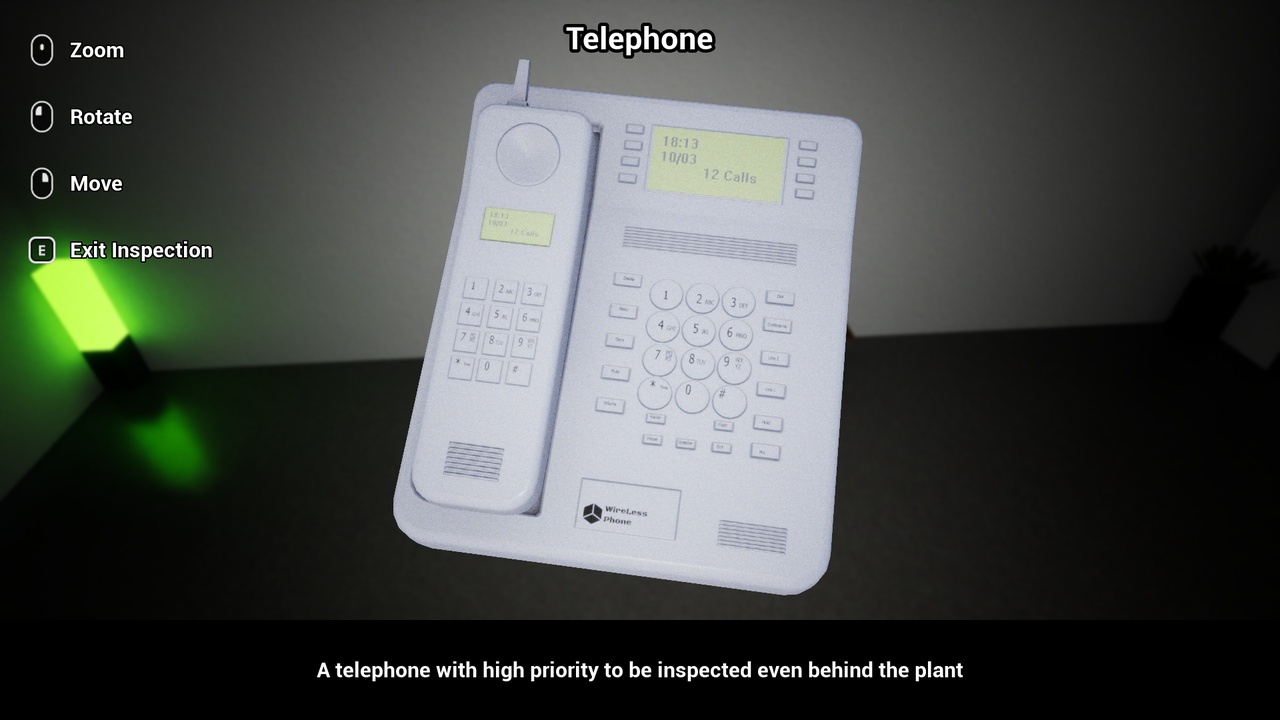
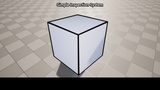
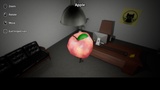
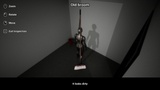
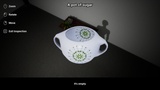
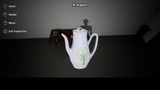
Simple Inspect System by Catsprout allows you to add a Inspectable Component to any actor with Static or Skeletal Mesh to be able to inspect it in 3D with complete control in the position and rotation of the object being inspected.
Its a perfect system to use in Horror, Adventure, Puzzle and any other type of game that require to
You can make any Static or Skeletal Mesh inspectable with a nice and very easy to use 3D inspection system, being able to rotate it, move it in the screen, it also features a highlight of the objects able to be inspect. The highlight is fully customizable and its also able to disable it in all objects and individuall as well.
The SIS (Simple Inspect System) is very easy to setup and use it, with just two actor components, one for you character and one for any actor you wish to inspect you can start to use it.
How to use:
- (Only for Unreal Engine 5.0) Enable the Plugin "Enhanced Input" and in your project settings change Input/Default Classes to use ‘EnhancedPlayerInput’ and ‘EnhancedInputComponent’.
- Add the Inspector Component to your character blueprint.
- Add the controls of the inspector to your character manually or copy it from the Third Person Character from the Demo Folder.
- Add the Inspectable Component to any actor that you wish to be able to inspect (They need to have at least one Static or Skeletal Mesh that is going to be inspected in 3D).
Obs:
To work properly in Unreal Engine 5.0 you must enable the "Enhanced Input" Plugin and in your project settings change Input/Default Classes to use ‘EnhancedPlayerInput’ and ‘EnhancedInputComponent’. In newer versions of Unreal this plugin is already enabled by default, this step is only necessary for Unreal Engine 5.0.
For detailed informations check the Documentation.
Disclaimer:
This tool includes some controller prompts from Free Controller Prompts:
http://www.kittehface.com/2020/03/free-controller-prompts.html