الوصف
Arrows Time Stone Component
About:
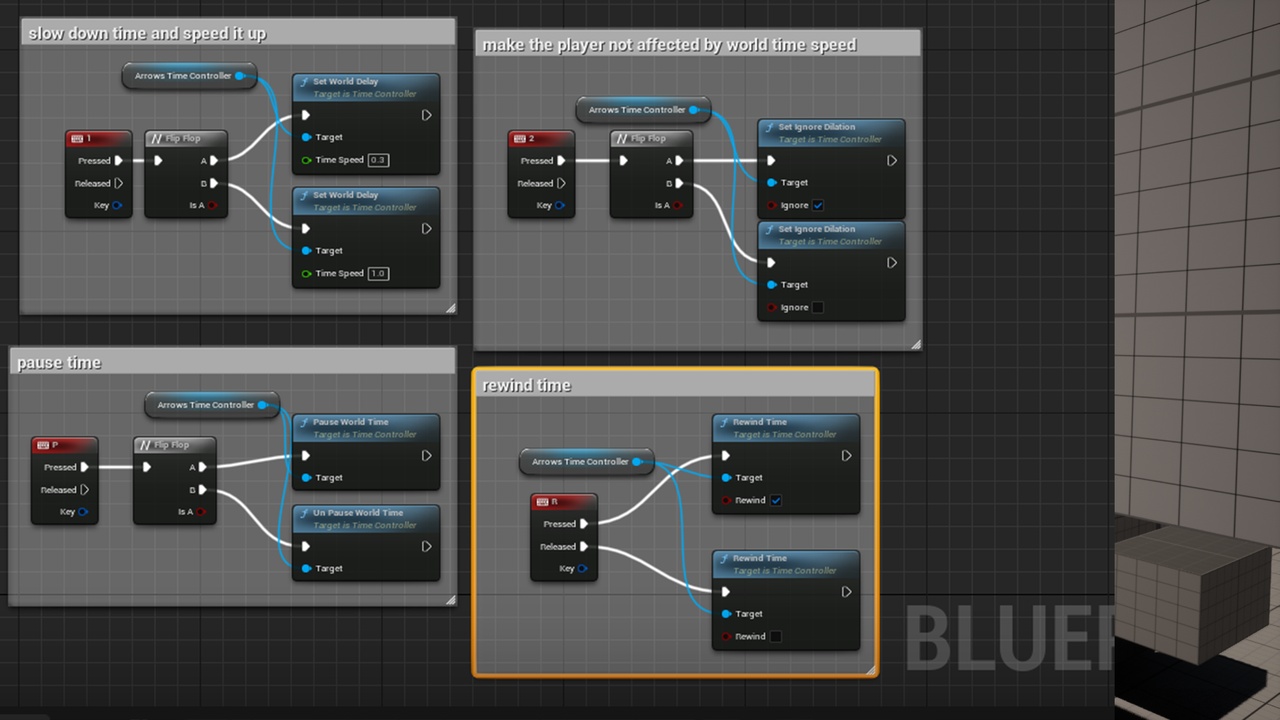
this component provide many time controlling features , control time flow speed, pause time , rewind time and flash back
docs : [https://youtu.be/Ar9A71DF858]
demo : [https://drive.google.com/file/d/1-n4063uAKv4MGxJhw68YaeufKMdvWoEk/view?usp=sharing]
Sample Project:[https://drive.google.com/file/d/1lGsrsKL4CtJVXQ5YRqFX5ewC7YlVy5fU/view?usp=sharing]
in the sample project delete the Plugins folder and since it has the 5.1.1 version , and install the plugin from the marketplace to get the correct version and open it normally.
I will be glad to answer all your questions here in : Discord Support Server [https://discord.gg/nXJk4z3sQf] .
Time Flow Control:
here you can set time dilation to slow or speedup the time flow.
and you can define some actors to ignore this time dilation by ticking the ignore time dilation Boolean.
Pause And Un-Pause Time:
here you can pause the time so that all moving objects stops moving , even simulated objects,
and you can define some actors to ignore time pause by ticking the ignore Boolean in the component Details.
Rewind Time:
here you can rewind time and set the time buffer to how much seconds in the past the character can go back.
Flash Back:
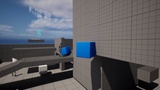
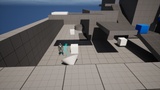
this is a feature that provides a ghost character that is spawned post rewinding time , and it will redo all the player's actions.
like braid game you can solve puzzles with your ghost , by playing in the present and the past at the same time.
when the flash ghost is created it clones the component owner current state like attachments and variables values
and so on, and if you want some attachments to be considered as gameplay attachments meaning they shouldn't be cloned but rather swapped between you in the present and you in the past (the flash ghost like braid when you pickup a key then this key wont be cloned but the ghost will take it when it is constructed and do what you did with the key in the past] then just add "GamePlay" as an actor tag , you can set the attachment tag in the component details to what ever you want and use it as a tag to ignore cloning attachments.
you have some events to hook extra logics to like [On Ghost Constructed] here you get a reference to the ghost that is created for the owner , and you can do more stuff with.
you can set the ghost collision presets as you want so you can have them step on triggers and do all sort of stuff.