




Description
Super Heroes Trailer: Here.
Super Heroes Overview: Here.
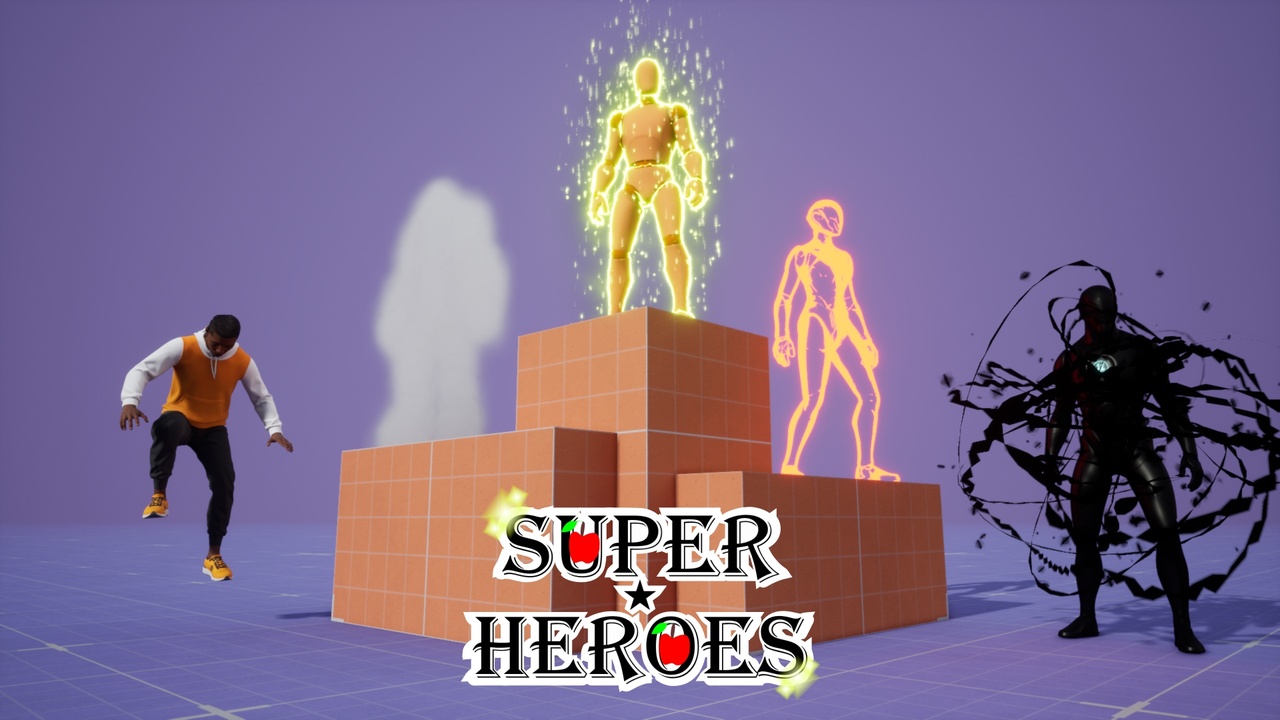
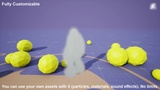
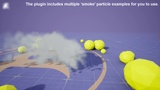
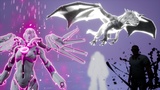
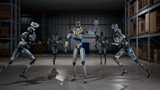
The Super Heroes plugin adds skill sets that can be used by characters and actors in C++ or Blueprint projects.
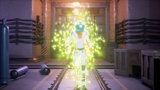
The Skill Sets are: Aura, Camouflage, Dark, Gravity, Smoke and Timer.
You can add the skills to your blueprint by using the 'actor component' of each skill set.
The actor components holds the 'skills and abilities' to your actor/character blueprint. It means that you choose the skill set behavior.
The Super Heroes plugin gives the skills to your project, however, you decide what to do with them.
The creative part and when things should happen is all yours (no inputs added).
Skill Sets:
The system automatically knows what to do. They detect the meshes and then the transition starts.
Each Skill Set has its own: actor component, blueprint interface, function library and message log system.
Note: The Aura, Gravity and Timer skill sets have the ability to affect any actor/character/component that is simulating physics (including skeletal meshes).
Actor Components:
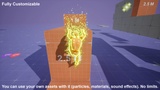
All actor components of this plugin have customizable values. It allows you to control the behavior of each skill set per 'Actor/Character'.
You can change or update the values using the 'Details' tab, functions during runtime or using the 'Config' file (See Documentation).
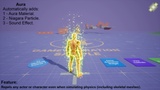
Aura Skill Set:
Adds 'aura' to the 'owner' of the actor component (actor or character). Use 'Set Owner Aura' function.
When 'aura' is visible, the actor can use 'Aura Force' (Feature that repels actors and characters. Use 'Aura Force Affects Actor' function to add them to the list to be affected).
The 'Transition Time' value controls the duration of the transition (for the materials and sound effects).
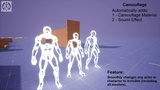
Camouflage Skill Set:
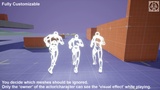
Changes the 'Invisibility' for the 'owner' of the actor component and for other actors. Use 'Set Owner Invisibility' function and for other actors use 'Set Actor Invisibility' function.
The 'Camouflage' material effect is only 'visible' for the 'player' that 'possess' the character.
The 'Transition Time' value controls the duration of the transition (for the materials and sound effects).
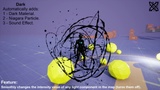
Dark Skill Set:
Adds 'Darkness' to the owner of the actor component. Use 'Set Owner as Dark' function.
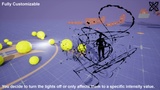
When 'Dark' is visible, the actor component allows you to use 'Darkness' to affect the 'Local Lights', 'World Lights', 'Sun' (directional lights) and the 'World' (all lights). When darkness is applied to 'lights', they will have 'zero' light intensity (unless you change the value of 'Minimum Light Intensity').
The 'Transition Time' value controls the duration of the transition (for the materials and sound effects).
The 'Transition Time for Lights' value controls the duration of the transition for the 'Lights'.
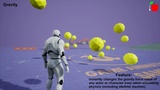
Gravity Skill Set:
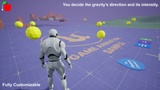
Allows to change/update the gravity force value of any actor or character (and the world gravity too).
You can use 'default values' (Zero, Low, High) or custom values when applying new gravity force.
Use 'Set Owner Gravity Force' function (for the owner of the actor component) or 'Set Actor Gravity Force' function for other actors.
Use 'Set Custom Gravity Force for Owner' function or 'Set Custom Gravity Force for Actor' function.
No transition is used. The values are applied instantly.
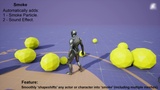
Smoke Skill Set:
It turns any actor or character into 'smoke' (needs to be the 'owner' of the actor component).
When 'smoke' is visible, the actor can use 'Smoke Collision' (Feature that allows your character to 'overlap' other actors and characters).
Use 'Set Owner as Smoke' function. You can enable or disable 'Smoke Collision' individually by using the 'Set Collision as Smoke' function.
The 'Transition Time' value controls the duration of the transition (for the materials and sound effects).
Timer Skill Set:
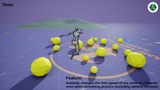
Allows to change/update the time speed value of any actor or character (and for the world too).
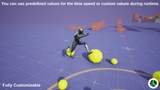
You can use 'default values' (Stop, Slow, Fast) or custom values when applying new gravity force.
Use 'Set Owner Time Speed' function (for the owner of the actor component) or 'Set Actor Time Speed' function for other actors.
Use 'Set Custom Time Speed for Owner' function or 'Set Custom Time Speed for Actor' function.
No transition is used. The values are applied instantly.
Functions:
There are different types and variations of the same functions. Each one with a different usage purpose (read documentation).
All 'action' functions are listed in the 'tutorials' (advanced documents).
Replication System (for Online Multiplayer):
I created a custom system that performs some checks before replicating.
So, you can choose only the server to ask for replication... or just the client (even both). All 'Set' and 'Action' functions have this feature.
Independently of who is calling the function, the internal system manages to replicate the changes to everyone.
Making things easier for 'new Unreal Engine users'.
Note: See advanced documents for more information (tutorial).
Tutorials:
Video tutorials and PDF documents included ('download the additional files' to access them).
Demo Maps:
The plugin has:
Demonstration map for Windows.
Demonstration map for Android.
Important/Additional Notes:
Read the 'Important Notes' in the documentation before purchasing.
Read all documents and watch all video tutorials after purchasing.